Online booking system for salons, clinics & service businesses
Let your clients book appointments via WhatsApp,
Telegram, Instagram & website— 24/7 without calls
Telegram, Instagram & website— 24/7 without calls

Over 15,000 companies use Mavibot
Powerful tools for business growth
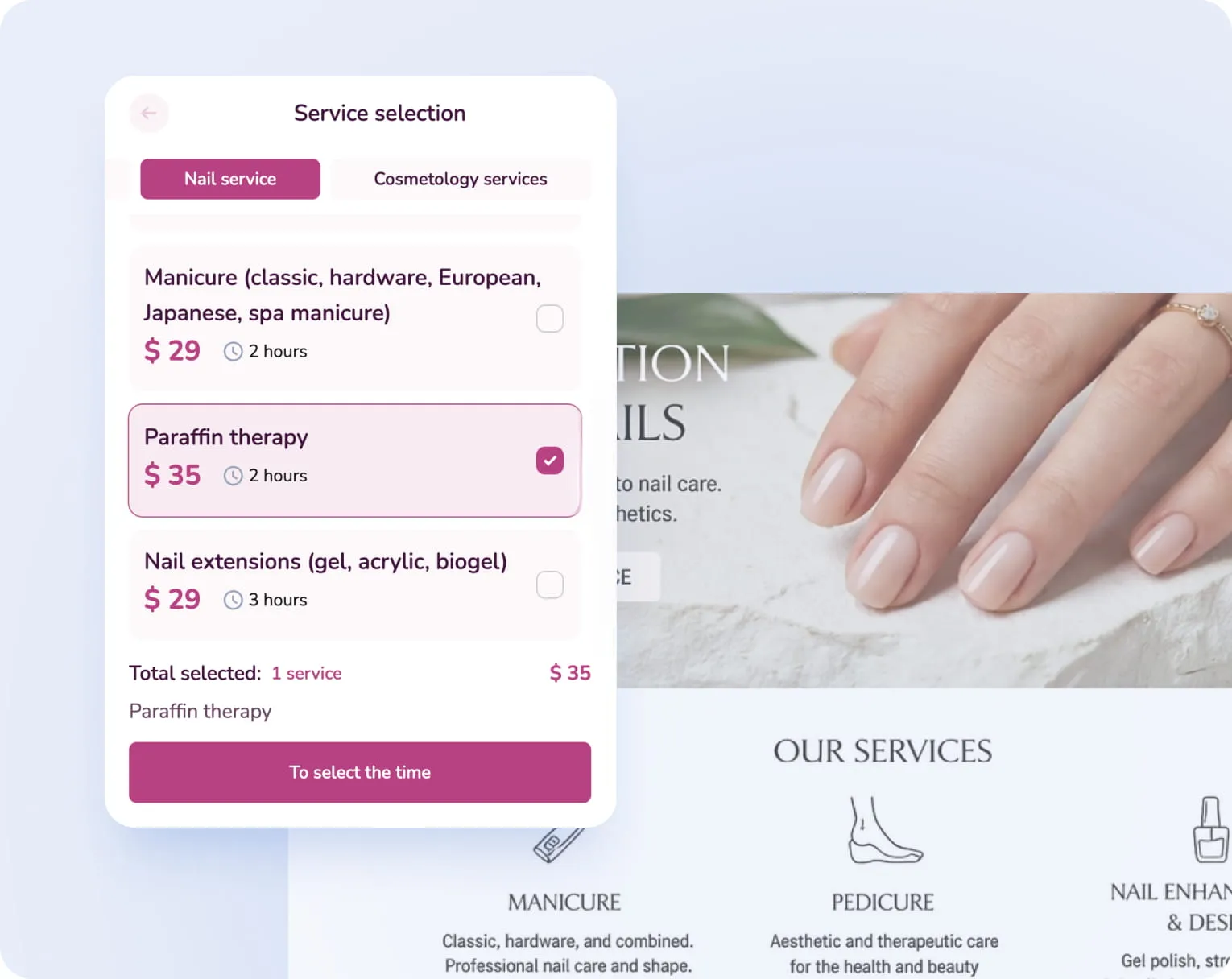
Self-service Booking
Let customers schedule appointments without calls or manual
coordination
coordination
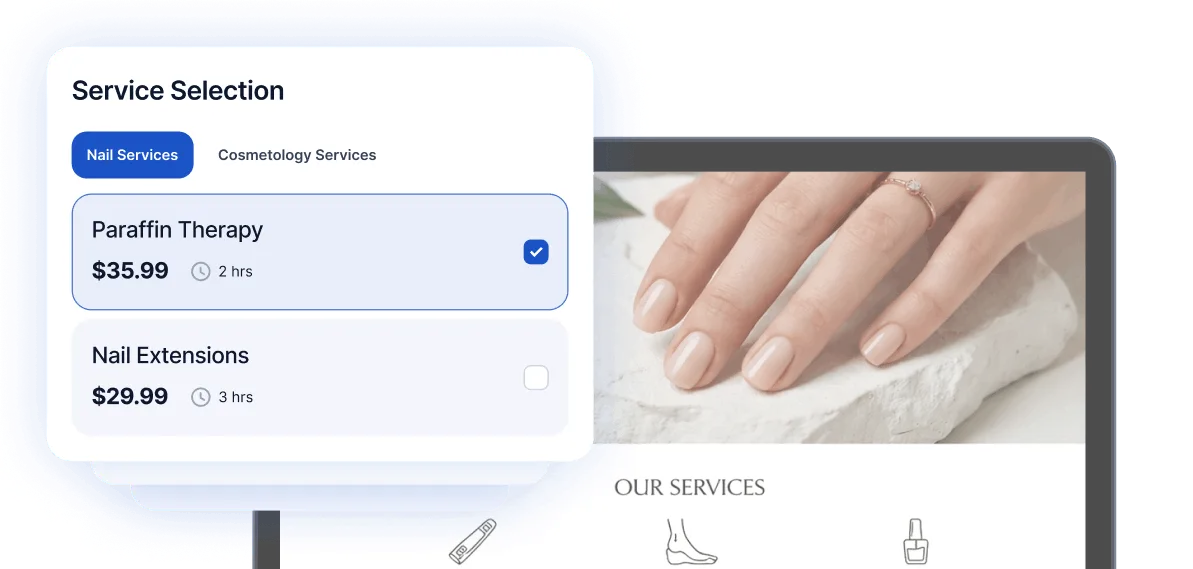
Multi-channel Booking
Let customers book appointments directly from your website, Instagram, Facebook, and WhatsApp
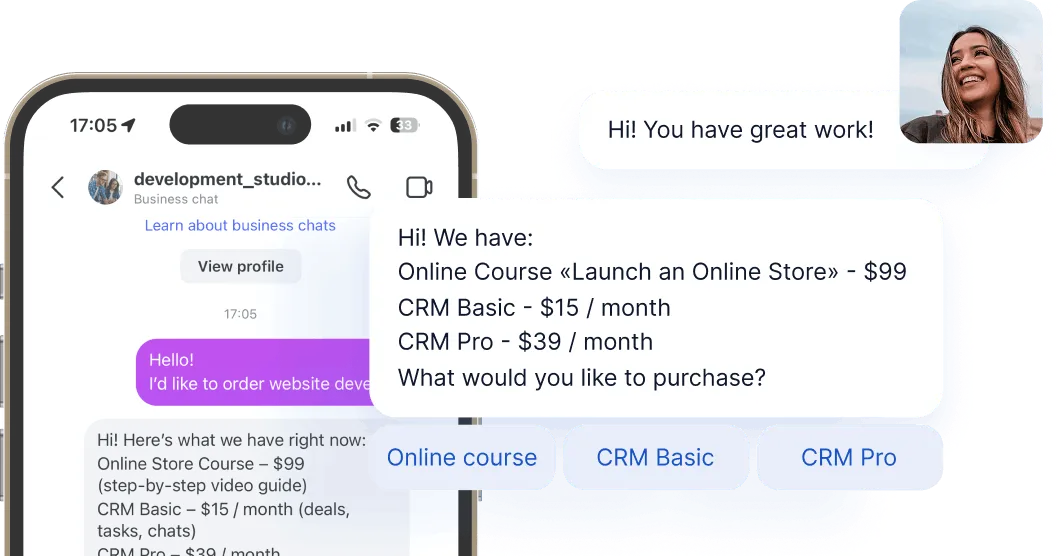
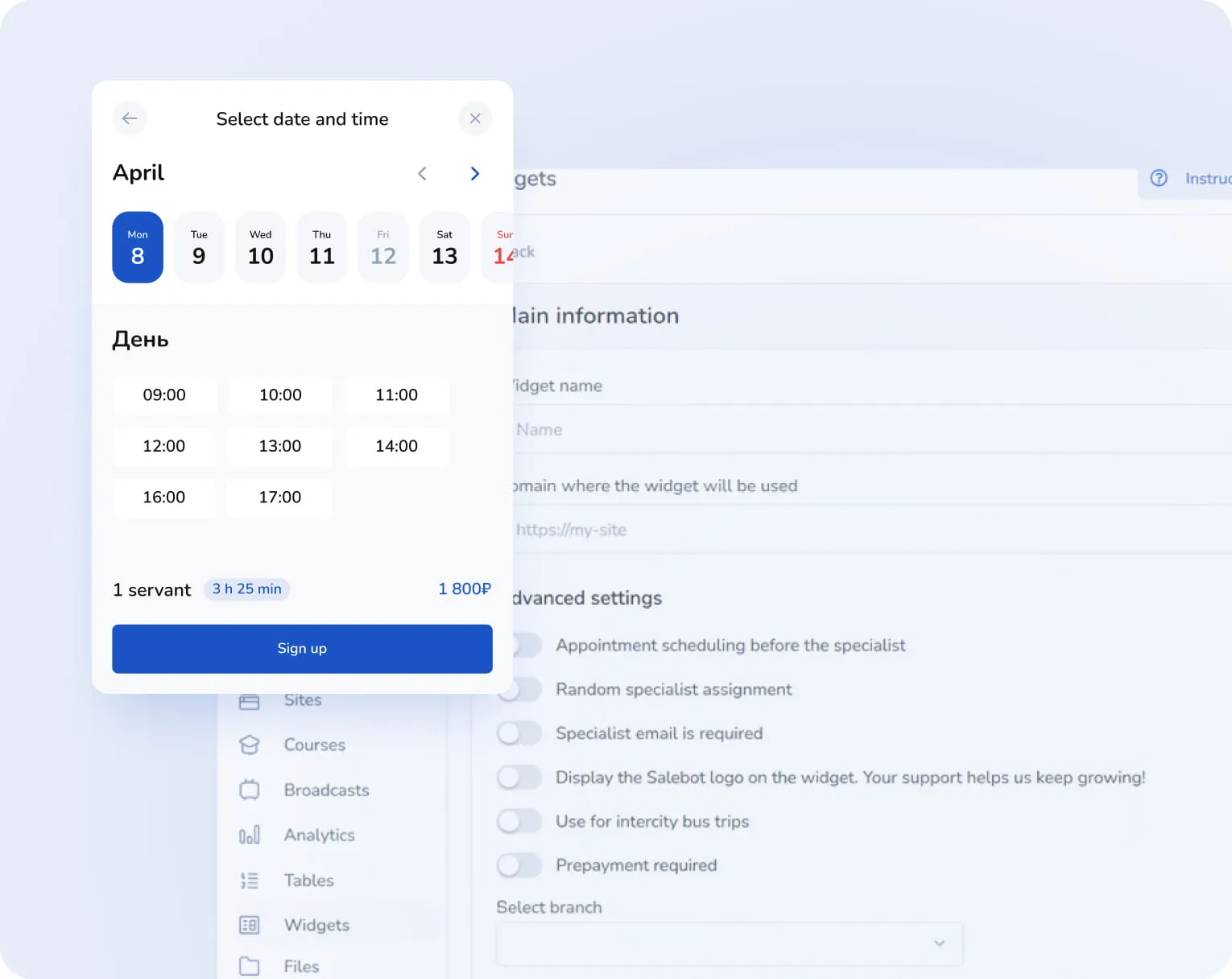
Time buffers & scheduling rules
Set buffers, working hours, and booking limits automatically
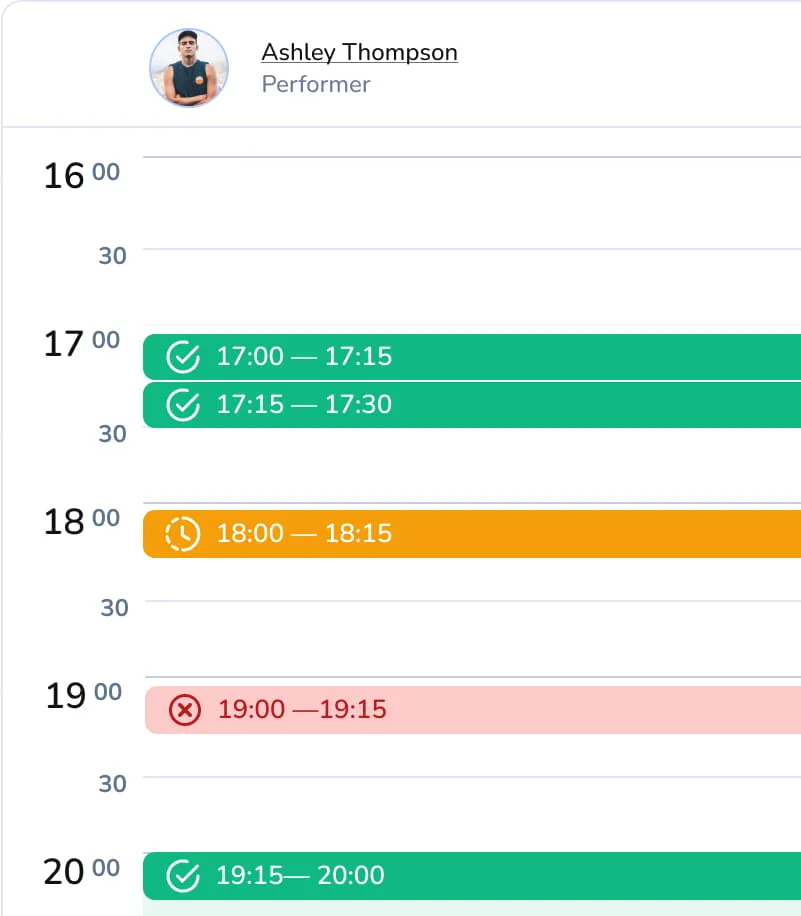
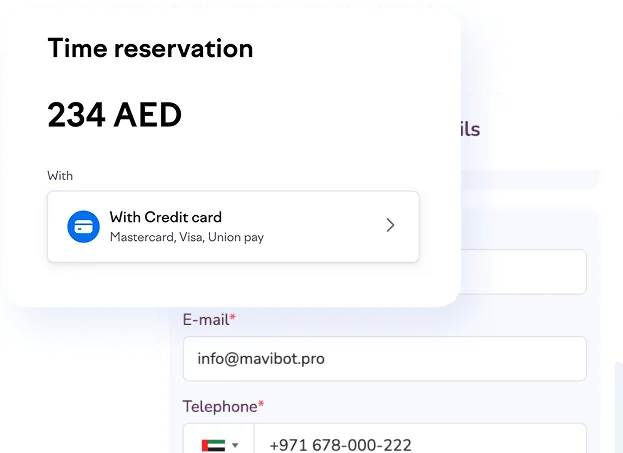
Payments that Secure Every Booking
Collect payments or deposits upfront and reduce no-shows automatically
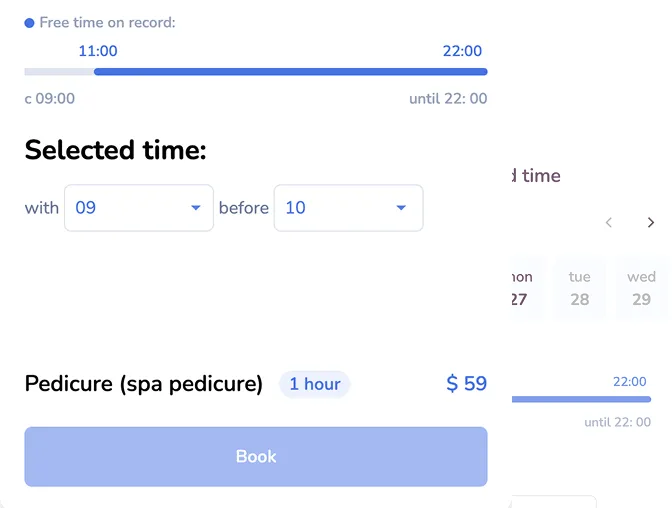
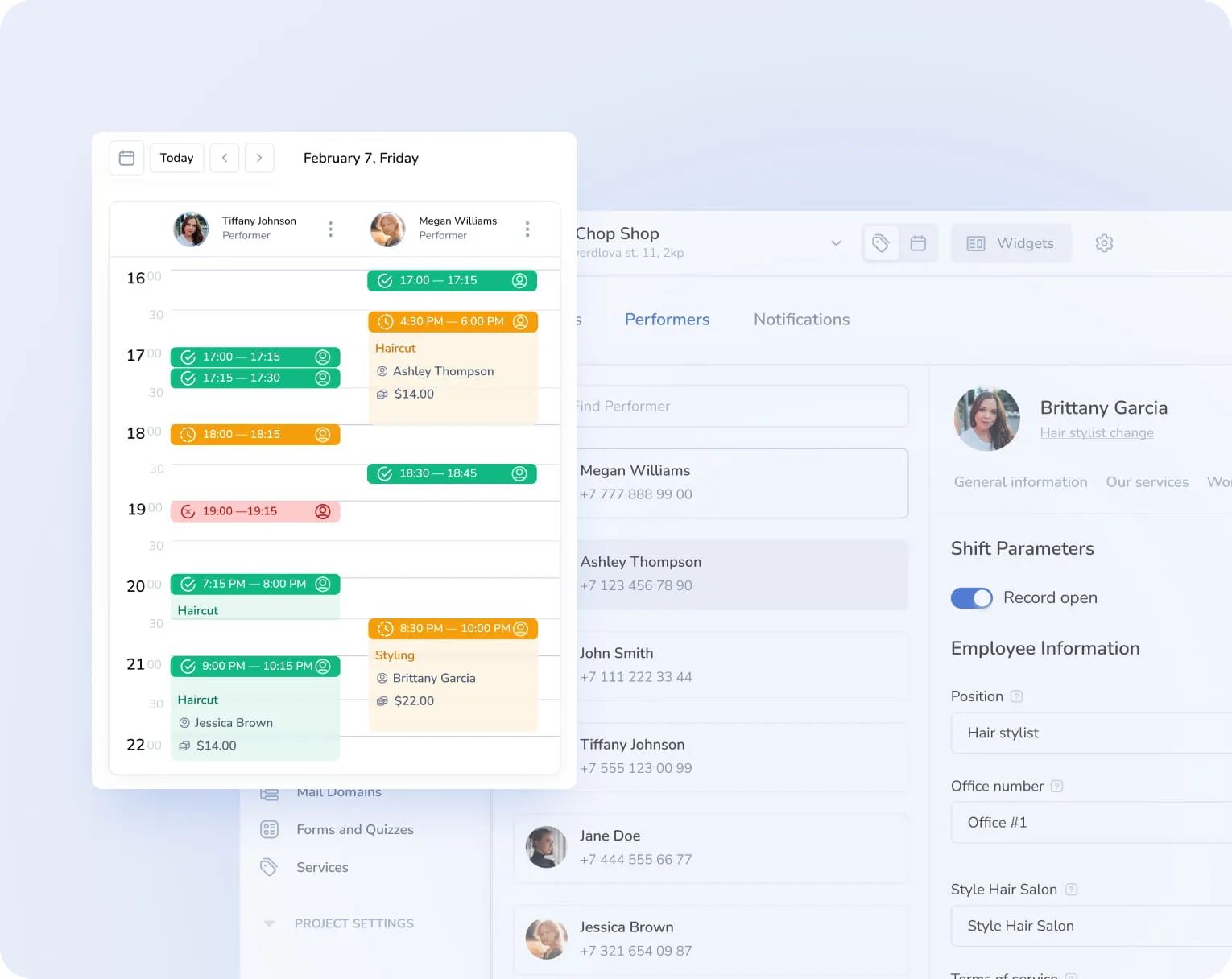
Real-time availability
Always show up-to-date time slots so customers can book instantly
Automated Booking
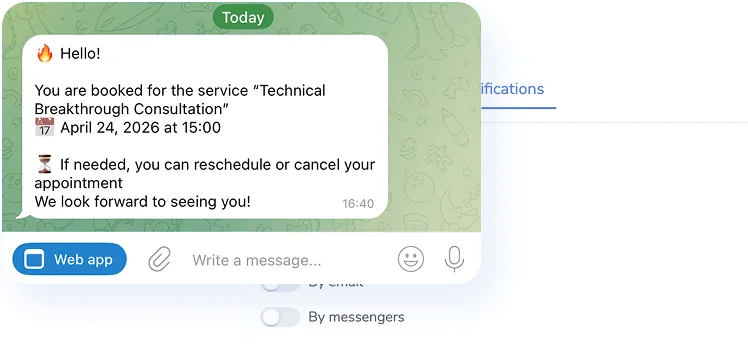
Notifications
Reduce no-shows with automatic email and messenger notifications
We help at every step
Perfect for your business


Simplify. Automate. Improve.
Why businesses trust Mavibot?
Works with all messengers
Instagram, WhatsApp, Telegram, Facebook Messenger, email, website live chat — and any other channel your audience uses

Tailored approach
Customizable for any business goal without complex integrations or technical skills.
Launch without developers
You can build a booking widget without any coding or technical skills
Multi-channel marketing
Grow your audience on Telegram, Instagram DMs, Discord, TikTok and Facebook using only Mavibot
End-to-end (E2E) analytics
Track sales, leads, and conversion data to optimize marketing and automate business processes
Who is Mavibot for?
We automate businesses of any size – from startups to large enterprises
Free plan. No credit card.
Step by step
How to set up an Online Booking Widget?
Sign up for MaviBot
Sign up for Mavibot and start your first project
#1
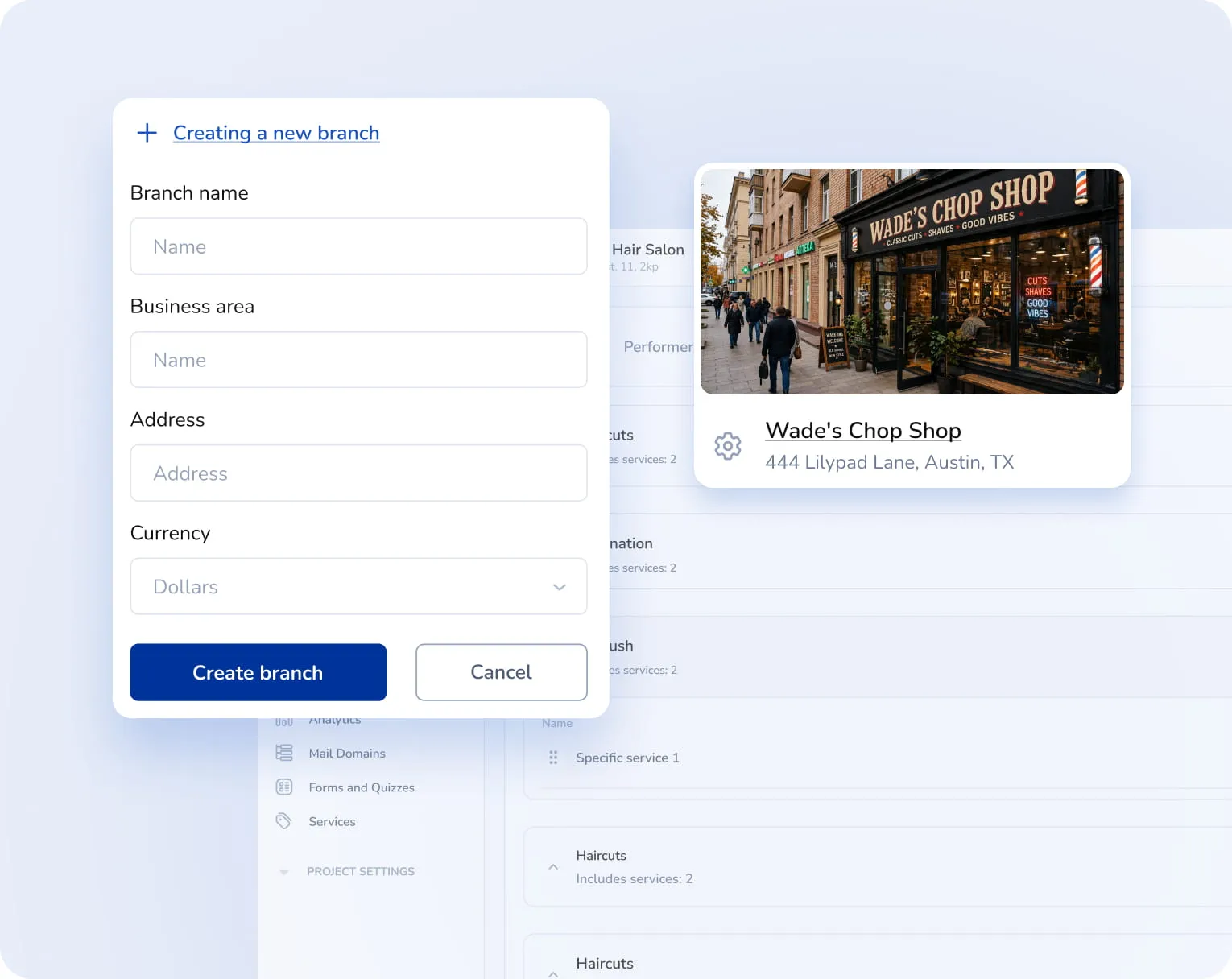
Create services
Сreate your services, and set their duration and prices.
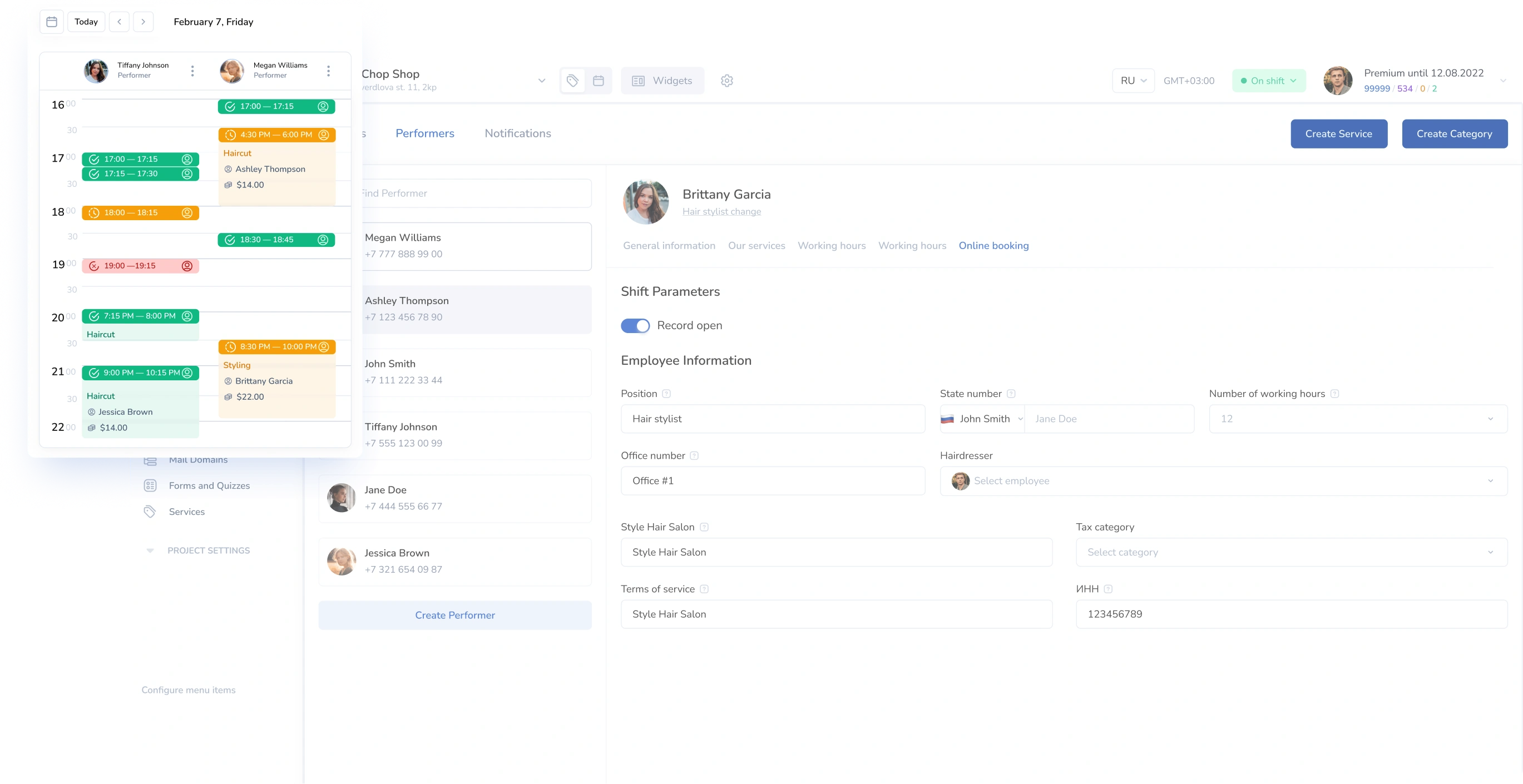
Add working hours for your team.
Add working hours for your team.
#2
Customize widget
Design the widget to match your brand and style, and upload your logo.
#3
Add widget to site
Place the booking widget on your website — and let customers book appointments themselves.
#4
What People Say about Us
Mavibot customer reviews




4.97
Business owners trust MaviBot
Maria Kosenkova
Travel Agency AnexTour
Ekaterina
Marketer at Pixelquest
Evgeniya Ishchenko
Head of Marketing Department
Vadim Emoldinov
Head of Interactive Marketing, Chizhov Studio
4.97
Business owners trust MaviBot
No hidden fees or additional charges
A subscription that saves you money
Mavibot Plans comparison
- Pricing
- Free
- Business
- Mavibot AI
- The number of employees222
- Number of messages per day5010001000
- Online-chat
- Builder
- Mavibot CRM
- Website builder
- Analytics
- 6
- Webinars
- Broadcasts
- Calculator
- Working with API requests
- Working on Google Tables
- Payments in the chatbot
- Integrations with payment systems (except Prodamus)
- Integrations with services for information business (Bizon365, Getcourse, Prodamus, etc.)
Free
$ 0
Quick free start with no investment
Features
Email-campaings up to 50 mailings per day
LMS platform for up to 10 students
Connect any messenger
Build 1 website or online store
Sales and payments via chatbot
Business
$ 39
/ month
For experts and online schools
Features
Everything from the Free plan
Up to 10,000 messages per day
Up to 1,000 emails per day
LMS platform for up to 1,000 students
Unlimited webinar platform
Mavibot AI
$ 79
/ month
For any business and companies
Features
Everything from the Business plan
AI assistant for customer communication
AI-powered sales funnel generation
AI communication in 14 languages
Connect AI to any chats and channels
Additional options
+1000 messages
per day
$ 4.90
+1000 email
per day
$ 9.90
+2 GB
file storage
$ 1.90
+100 students
in project
$ 9.90
Additional messenger
$ 9.90
Additional employee
$ 9.90
One service for all your needs.
Change the way you run
your business today
Set up online booking. Accept clients without phone calls.
Your entire schedule in one system.
FAQ
Answers to your questions
How does online booking work in Mavibot?
The client selects a service, date, and time using a convenient widget or through the chatbot. The system automatically checks available slots and confirms the booking. All information is immediately added to the calendar.
Is it possible to set up online booking in messengers?
Yes, online booking works great in Telegram, VKontakte, and MAX. The client can book directly in a conversation with the bot, without having to go to the website.
Can I accept prepayment for a service when booking online?
Yes, you can accept prepayment or full payment through payment services immediately upon booking. All payment information is saved in the conversation with the client.
Is online booking suitable for beauty salons and clinics?
Yes, the system is suitable for beauty salons, medical centers, service companies, car repair shops, fitness clubs, and any services with scheduled appointments.
Can online booking be embedded on a website?
The online booking widget can be placed on a website so clients can choose a service, time, and book an appointment without calling or messaging.
Is online booking free?
Yes, you can test all the main online booking features in Mavibot for free. Create widgets, customize your schedule, accept appointments, and see how it works. Once you like it and your booking volume increases, you can easily upgrade to a paid plan.