Live chat for your website turn visitors into customers
An AI assistant answers 24/7 and resolves customer requests.Bookings, leads, sales — any workflow without extra headcount.
Over 15,000 businesses use Mavibot
Powerful tools to boost your e-commerce
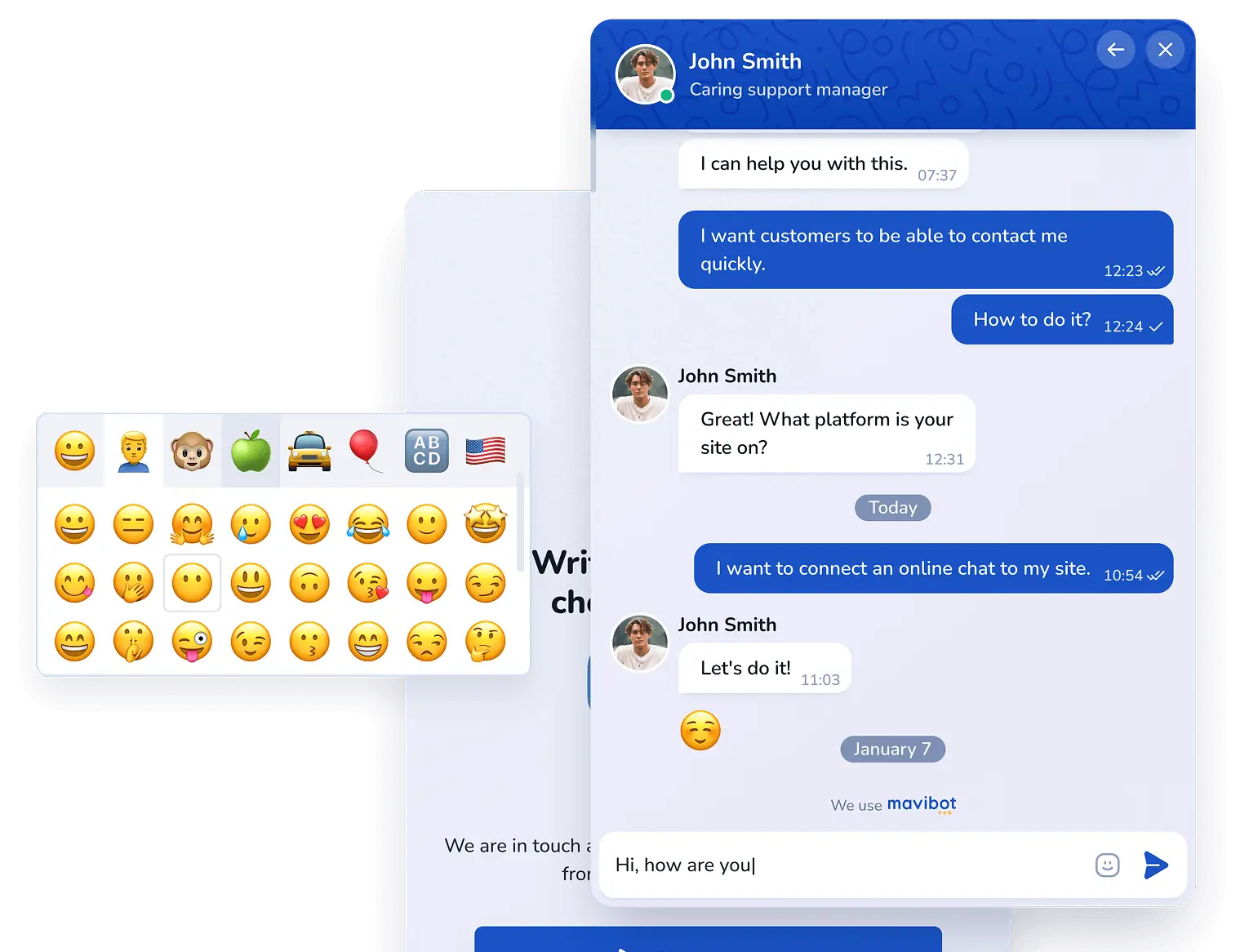
Fast support with an AI-powered
Live Chat
Live Chat
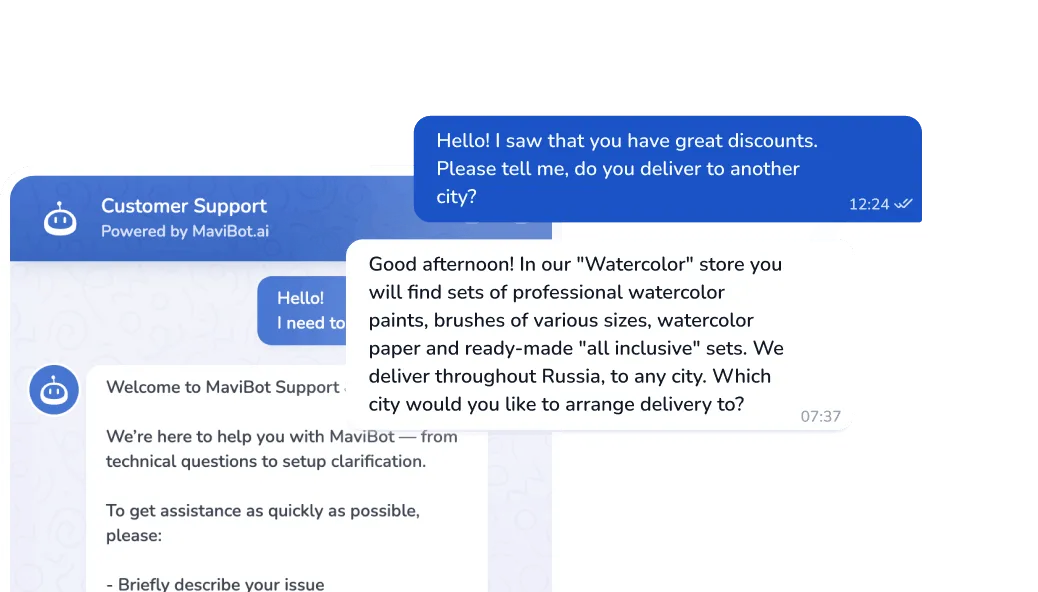
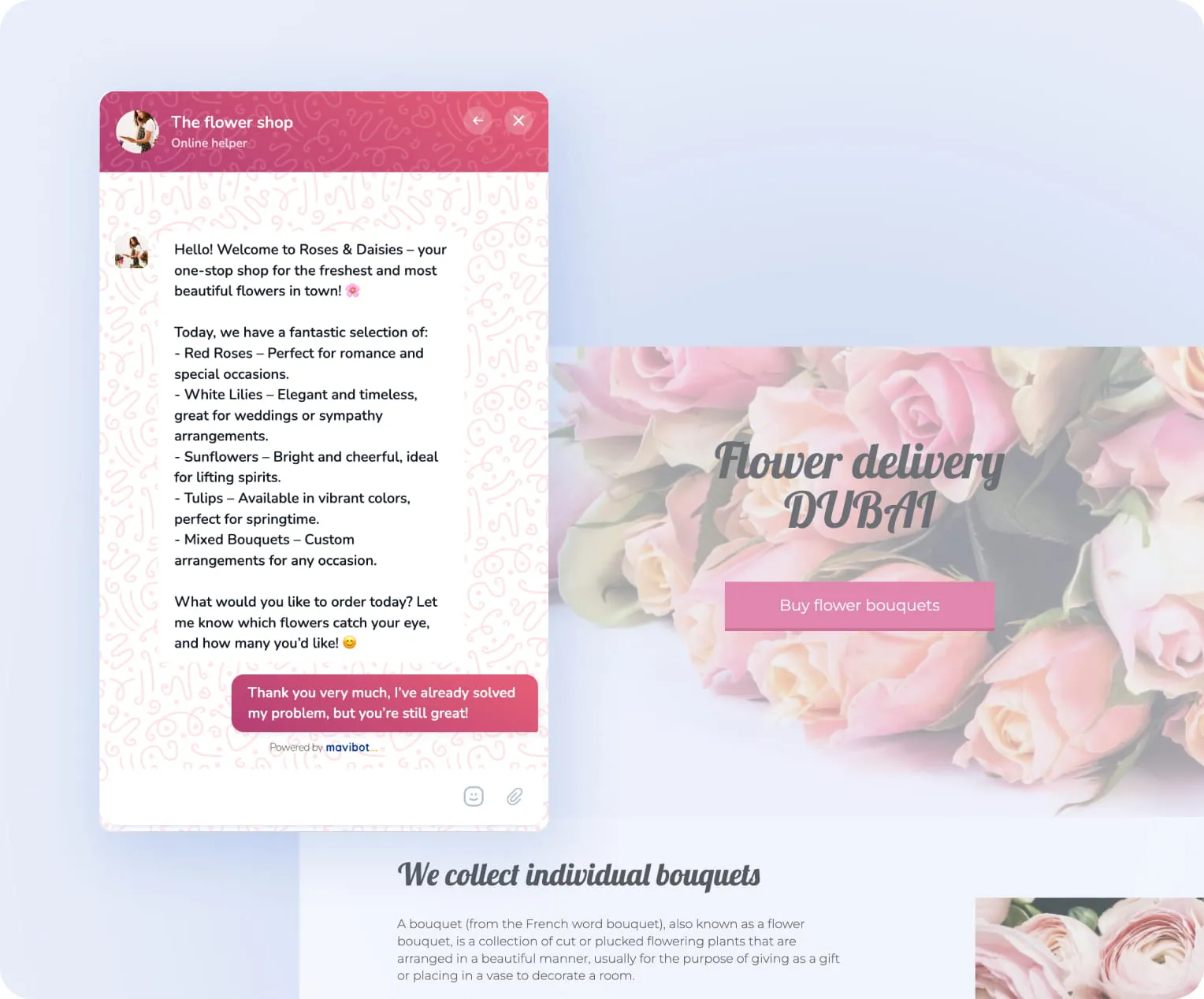
AI assistant responds to customers on the site, qualifies leads and handles objections 24/7
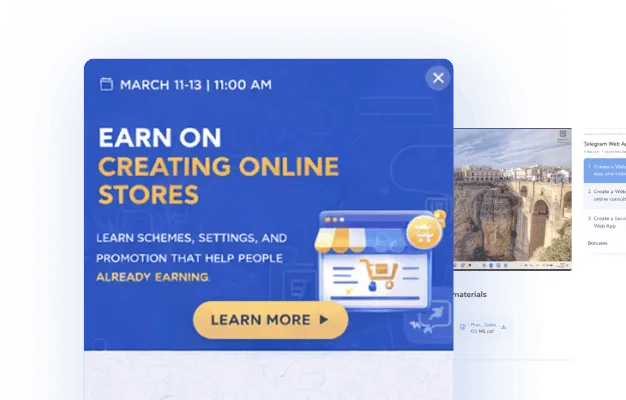
Promotions and special offers in Website
Live chat
Live chat
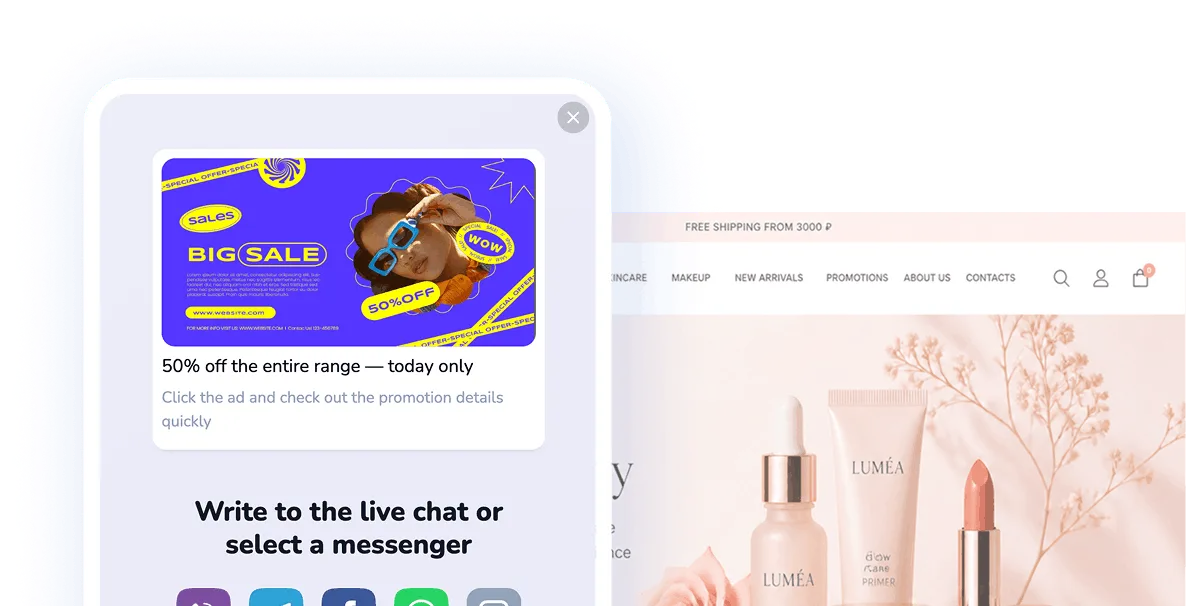
Show ads and clickable links right in the Website Live chat
Customer service quality rating
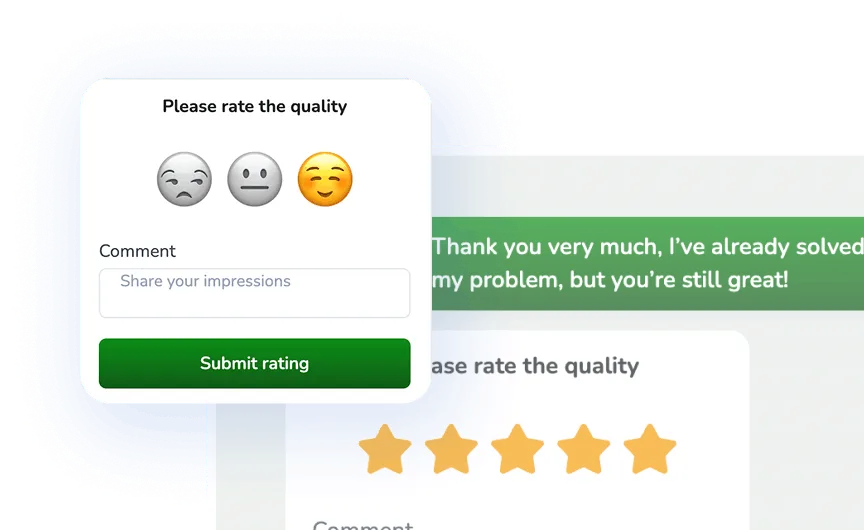
Get feedback from customers and track your team's performance
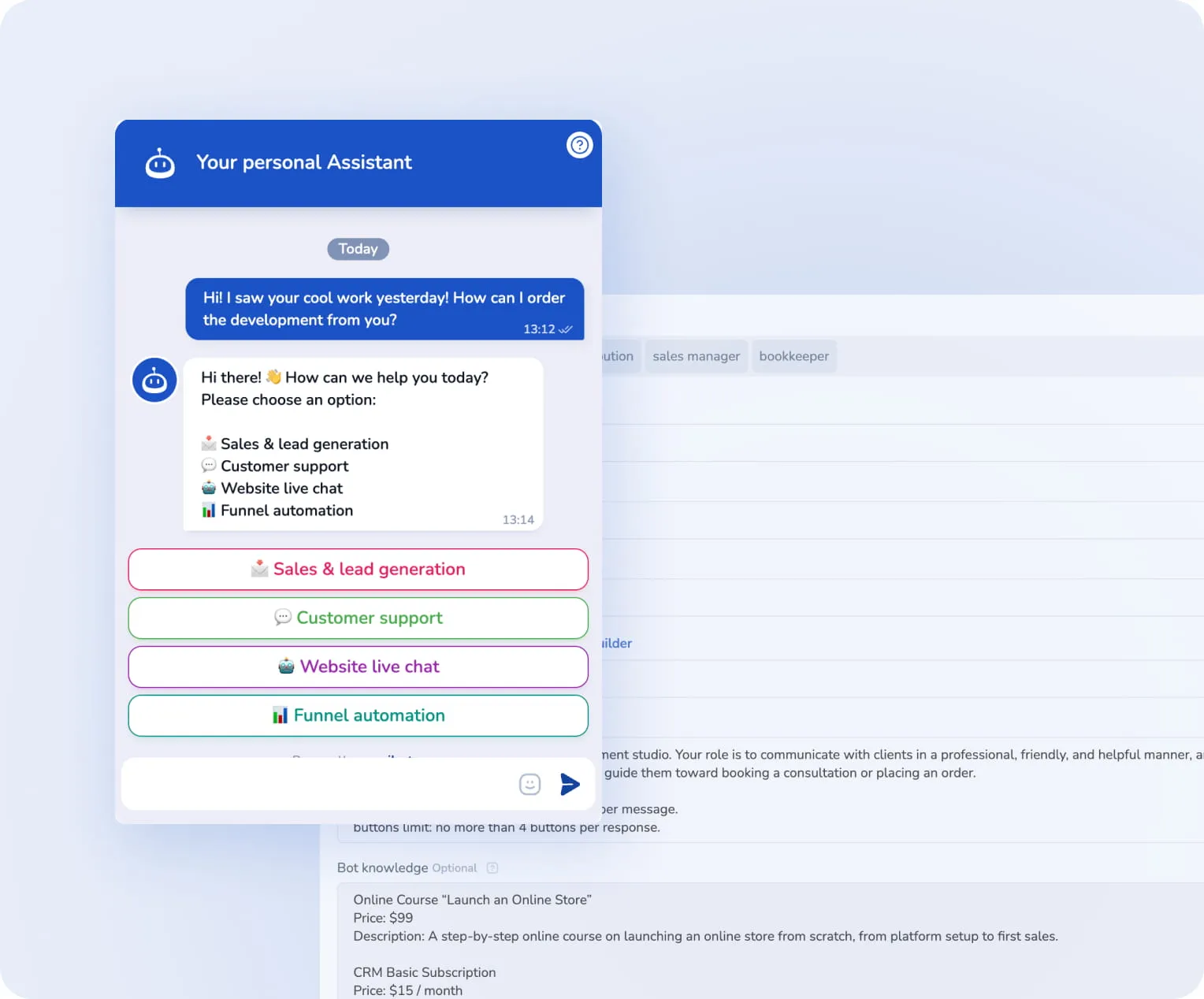
Action buttons in
messages
messages
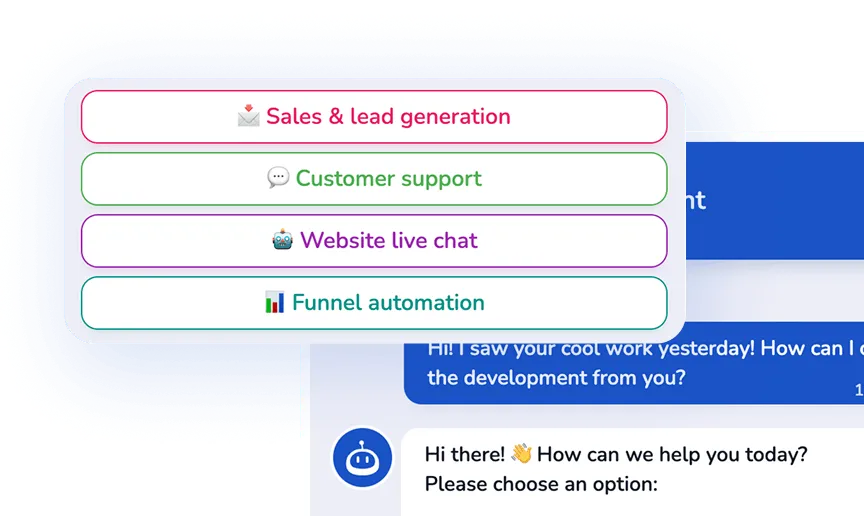
Customers can confirm orders, pay for services, and launch bot scenarios with just one click
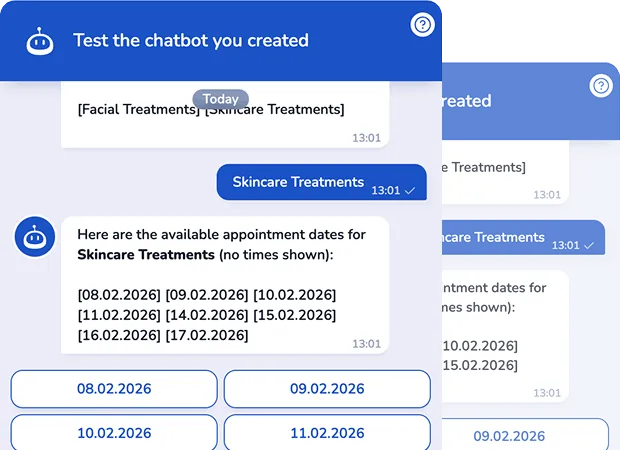
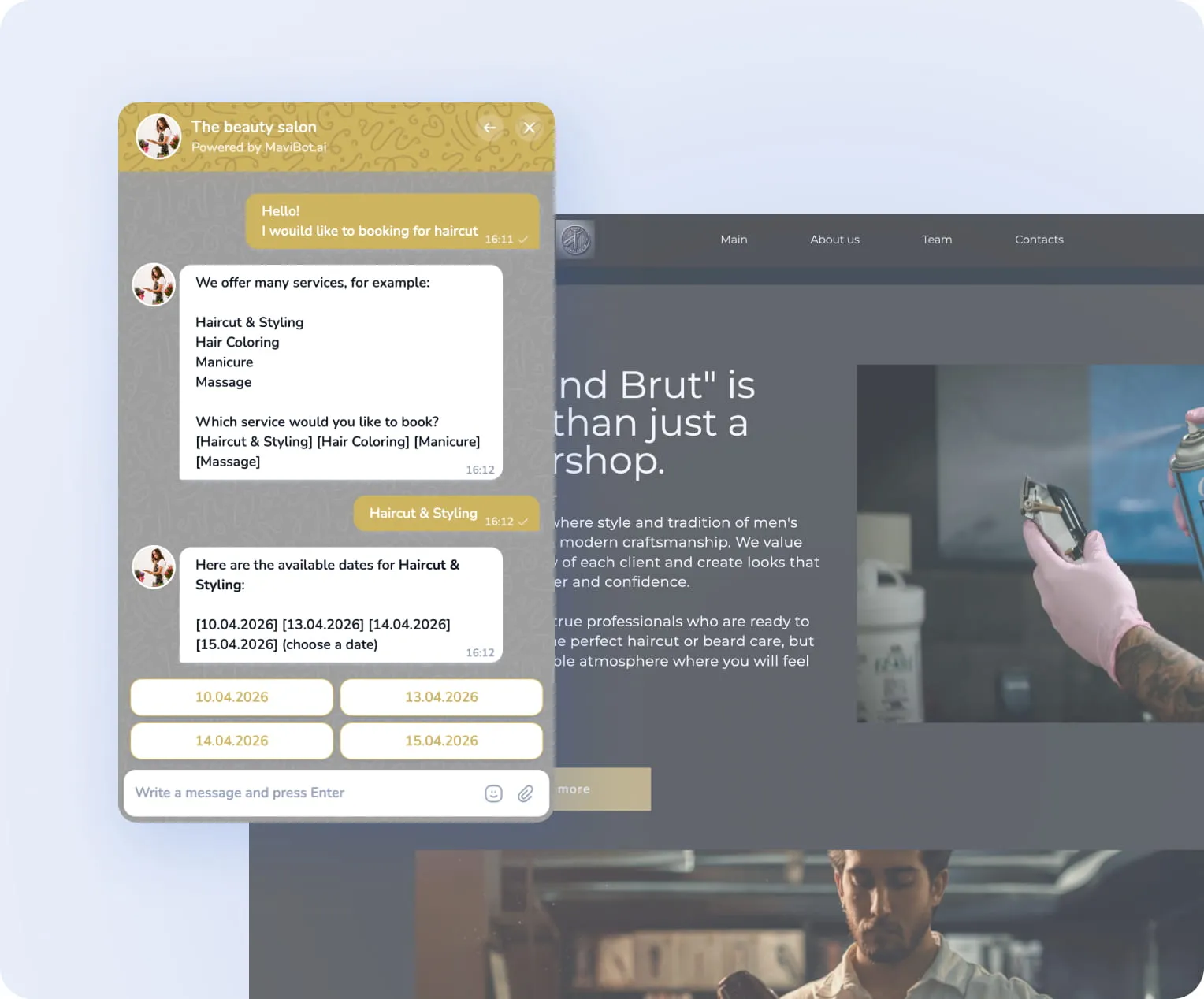
Online booking for services via Website Live chat
Customers can pick a time and book instantly within the chat
Student support directly
in online courses
in online courses
Fast student support directly in the course
interface
interface
Lead capture
via Live Chat
via Live Chat
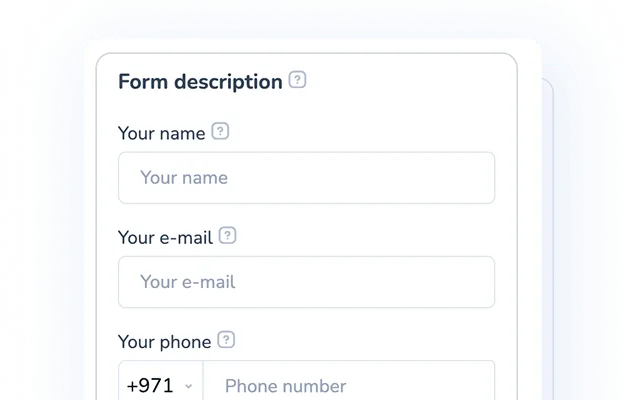
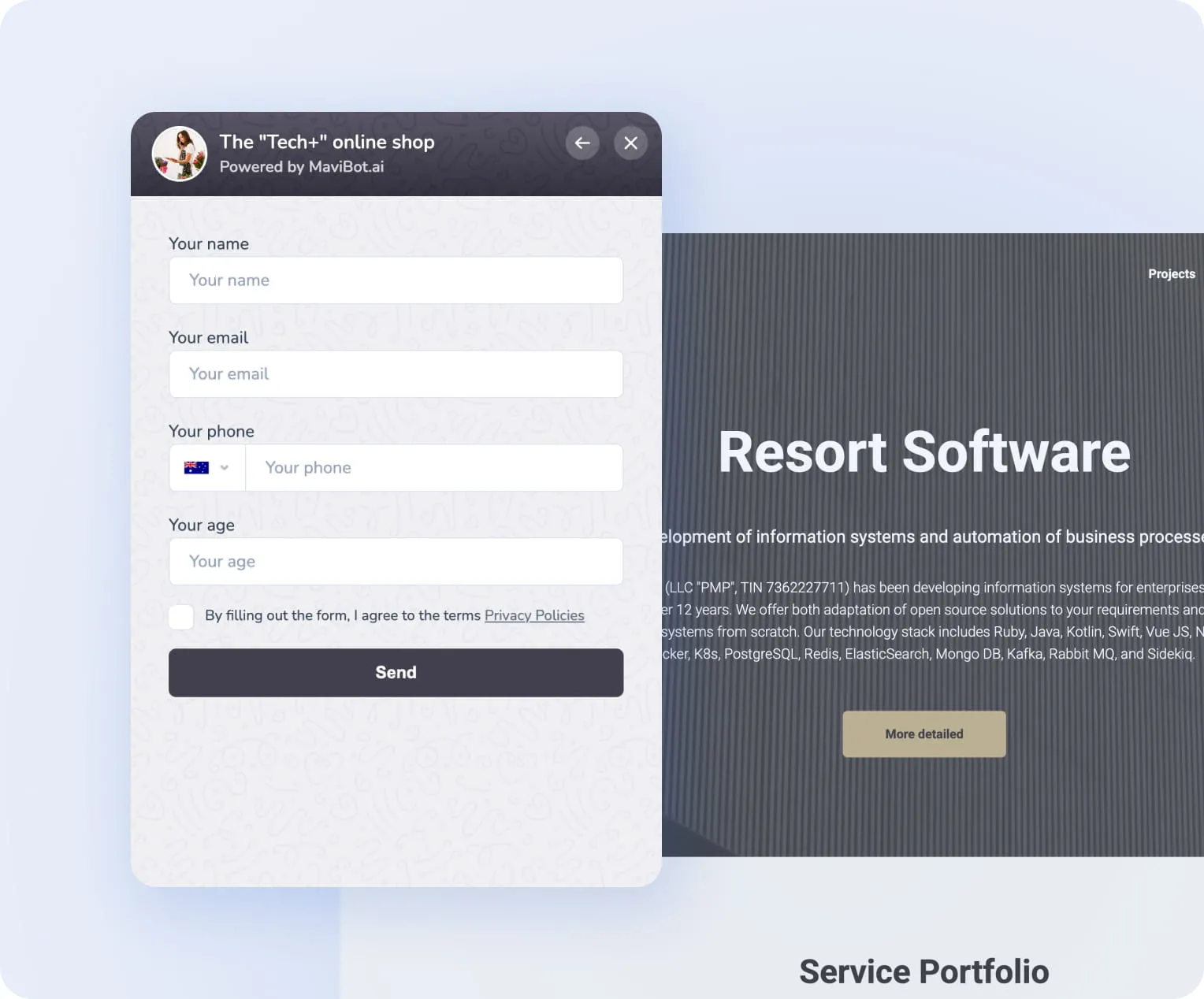
Receive leads in live chat through built-in
forms — no redirects
forms — no redirects
We're with you every step of the way
Perfect for your business
Simplify. Automate. Improve.
Why businesses trust Mavibot
Website live chat boosts sales fast
Instant chat support helps unsure visitors make decisions faster and complete their purchase.
Quick setup
Get started in just a few clicks—no developer needed and no complicated technical setup
Conversation analytics
Track number of chats, response times, and operator workload. Easily spot bottlenecks in your support.
Sales funnel on your website
The chat saves all data and conversations. Managers see full context and can continue the dialogue anytime without losing history.
Available on the free plan
You get full access to all live chat features, including leads, promo banners, links, and more.
Who is Mavibot for?
We automate businesses of any size - from startups to large enterprises
Step by step
How to create a Website Live chat?
Create your funnel
Create a message flow in the Mavibot builder to automate communication with your customers.
#1
Set up your Live Chat
Then in Mavibot, create a live chat and design it for your website: choose colors, a background, and upload your logo.
#2
Add engaging content
Upload images, files, videos, and links to make conversations more engaging and interactive.
#3
Launch the Live Chat
Test your funnel flow and install the live chat on your website. Your chat is now ready to launch!
#4
Growth stories
How our clients use Mavibot
Real stories from 15,000+ companies on the platform
LUXURY FASHION BOUTIQUE · LIVE CHAT
Live Chat for a Luxury Fashion Boutique
Gives shoppers real-time assistance with sizing, availability and product selection.
Read the story
LEGAL CONSULTANCY · LIVE CHAT
Live Chat for a Legal Consultancy
Helps potential clients describe their situation and reach the right legal specialist.
MEDICAL CLINIC · LIVE CHAT
Live Chat for a Medical Clinic
Provides fast organisational guidance before a patient books an appointment.
PROPERTY MANAGEMENT COMPANY · LIVE CHAT
Live Chat for a Property Management Company
Centralises tenant enquiries and routes property issues to the correct team.
HOME MAINTENANCE COMPANY · LIVE CHAT
Live Chat for a Home Maintenance Company
Converts website questions into structured and actionable service requests.
Live Chat for a Luxury Fashion Boutique
Live Chat for a Legal Consultancy
Live Chat for a Medical Clinic
Live Chat for a Property Management Company
Live Chat for a Home Maintenance Company
What People Say About Us
Mavibot customer reviews




Business owners trust Mavibot
Andre P.
Owner
Anonymous User
Chatbot Developer
Sri S.
Applied Data Science Intern
Nastya Y.
Owner
Business owners trust Mavibot
No hidden fees or additional charges
Transparent pricing that scales with you.
Mavibot Plans comparison
- Pricing
- Free
- Business
- Mavibot AI
- Team members222
- Number of daily messages5010001000
- Live chat
- Builder
- Mavibot CRM
- Website builder
- Analytics
- Courses
- Webinars
- Broadcasts
- Calculator
- Working with API requests
- Working on Google Sheets
- Payments in the chatbot
- Integrations with payment systems (except Prodamus)
- Integrations with online education platforms (Bizon365, Getcourse, Prodamus, etc.)
Free
$ 0
Get started for free — no credit card required
Features
Up to 50 messages per day
LMS platform for up to 10 students
Connect any channel
Build 1 website or online shop
Sales and payments via chatbot
Business
$ 39
/ month
For experts and online schools
Features
Everything from the Free plan
Up to 10,000 messages per day
Up to 1,000 emails per day
LMS platform for up to 1,000 students
Webinar platform
Mavibot AI
$ 59
/ month
For any business and entrepreneurs
Features
Everything from the Business plan
AI assistant for customer communication
AI-powered sales funnel generation
AI communication in 100 languages
Connect AI to any chats and channels
Additional options
+10,000 messages
per day
$ 4.90
+1,000 emails
per day
$ 9.90
+2 GB
file storage
$ 1.90
+100 students
in a project
$ 9.90
Additional channel
$ 9.90
Additional employee
$ 9.90
One service for all your needs.
Change the way you run your business today
Create a chatbot. Automate customer communication. All
capabilities in one solution.
FAQ
Answers to your questions
How do I make an online chat for business?
Create an online chat in Mavibot, customize its appearance to match your website (colors, background, logo) and simply install it on the site — without programming or complex settings.
The ready-made online chat widget connects in a few minutes and immediately starts accepting inquiries from visitors.
The ready-made online chat widget connects in a few minutes and immediately starts accepting inquiries from visitors.
Are an online consultant for a website and an online chat the same thing?
An online consultant is the same online chat but with smarter behavior: instead of a strict funnel scenario, an AI assistant can work in it, answering questions outside pre-defined scenarios and picking up the dialog with the customer where standard answers are not provided.
This makes communication more lively and increases conversion into a request.
This makes communication more lively and increases conversion into a request.
What is the difference between a web chat and an online chat?
Essentially, it is the same thing.
A web chat is a more technical name for a chat embedded in a website.
An online chat is a more familiar and understandable name for the same tool for communicating with customers in real time on a website.
A web chat is a more technical name for a chat embedded in a website.
An online chat is a more familiar and understandable name for the same tool for communicating with customers in real time on a website.
What is an AI consultant for a website?
An AI consultant for a website is a smart chat on the site that communicates with visitors instead of or together with an operator.
It answers questions, helps with choices, accepts requests and guides the user through the sales scenario.
Unlike an operator, it works around the clock and without delays.
It answers questions, helps with choices, accepts requests and guides the user through the sales scenario.
Unlike an operator, it works around the clock and without delays.
Can you make an AI chatbot for a website?
In Mavibot you can create an AI chatbot for a website: build scenarios, connect AI replies, set up conversation logic and design the appearance to match your site.
After that, the chat is installed on the site in a couple of clicks.
Such a bot can answer questions, collect requests, consult customers and work 24/7.
All dialogs are saved in the CRM — no inquiry will be lost.
After that, the chat is installed on the site in a couple of clicks.
Such a bot can answer questions, collect requests, consult customers and work 24/7.
All dialogs are saved in the CRM — no inquiry will be lost.
Can you create an online chat for a website for free?
In Mavibot you can create an online chat for free.
Two options are available:
3 days on the maximum plan — with full access to all features.
The free plan — to get acquainted with the platform's basic capabilities.
Two options are available:
3 days on the maximum plan — with full access to all features.
The free plan — to get acquainted with the platform's basic capabilities.
Does online chat affect website conversion?
Yes, online chat directly affects conversion: a visitor gets an instant answer instead of leaving for a competitor's site.
The combination of online chat with an AI assistant works especially well — it answers at any time of day and guides the customer to a request without an operator.
The combination of online chat with an AI assistant works especially well — it answers at any time of day and guides the customer to a request without an operator.
Can you hand over a chat from a bot to a live operator?
Yes, Mavibot implements handing over the dialog from an AI assistant or bot to a live operator at any moment.
The operator sees the entire chat history and can join in if the question requires personal involvement.
This lets you combine automation with human service where it is really needed.
The operator sees the entire chat history and can join in if the question requires personal involvement.
This lets you combine automation with human service where it is really needed.