
AI workflow automation get an AI agent for your business
Build an AI assistant in minutes with a single prompt.Combine it with no-code visual flows for full control over sales, support and lead qualification.
Over 15,000 companies use Mavibot
How AI Automation Can Help Your Business
Lead Capture and Qualification
Qualifies new leads, collects their details, and passes the right prospects to your team.
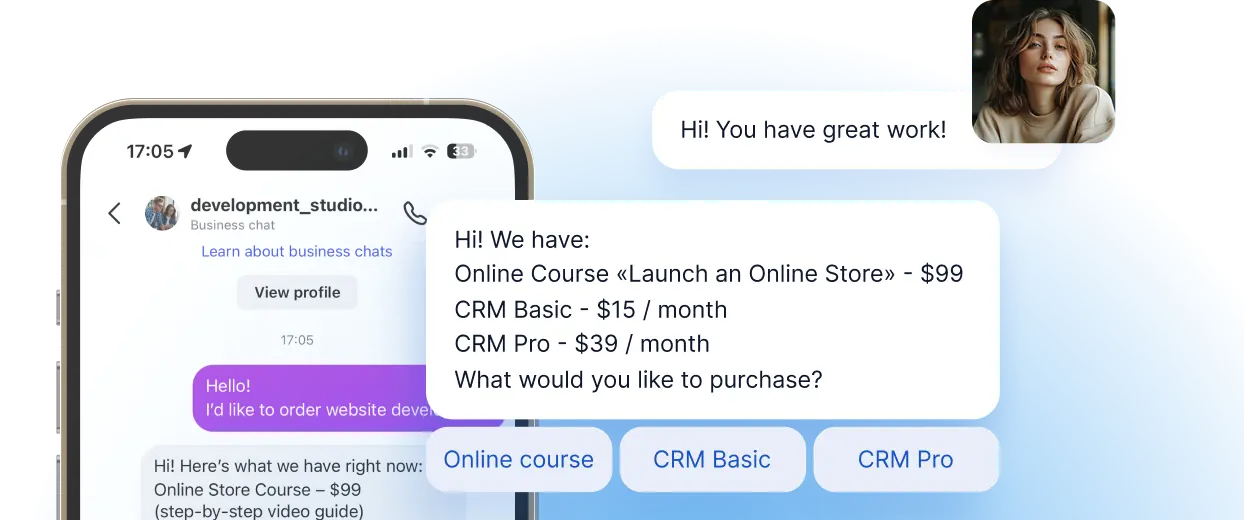
Product and Service Sales
Consults customers, recommends the right products and services, and helps turn interest into sales.
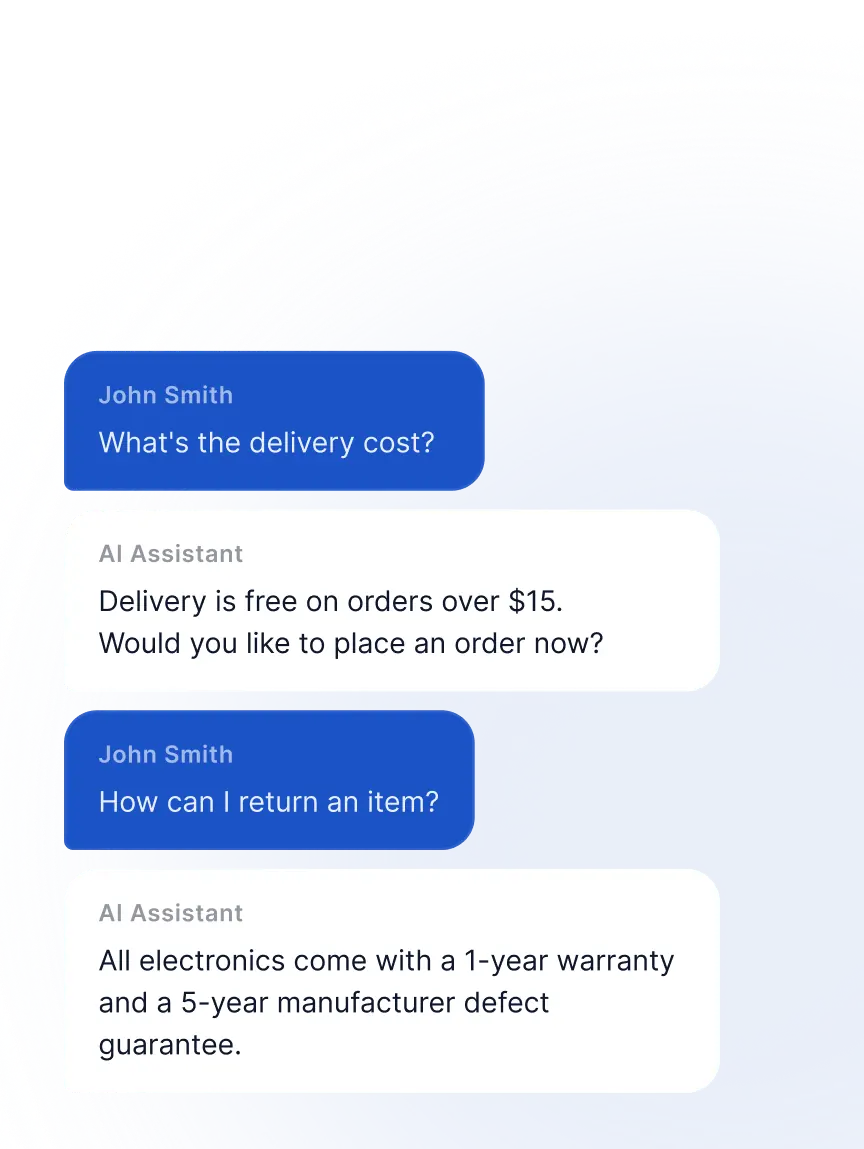
24/7 Website Customer Assistance
Answers website visitors 24/7, handles questions, and helps turn traffic into customers.
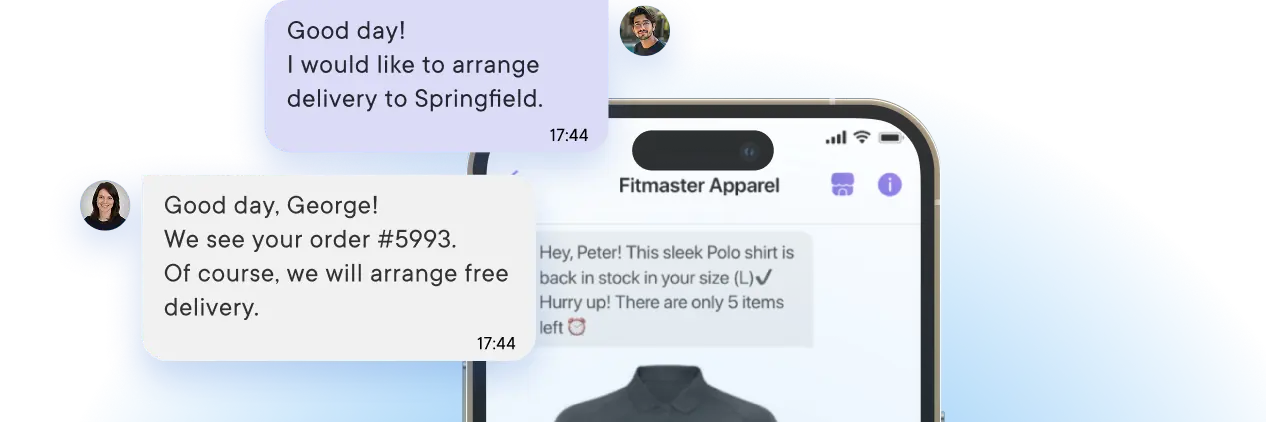
CRM and Workflow Setup
Builds CRM and automated workflows around your business processes — from a simple prompt.
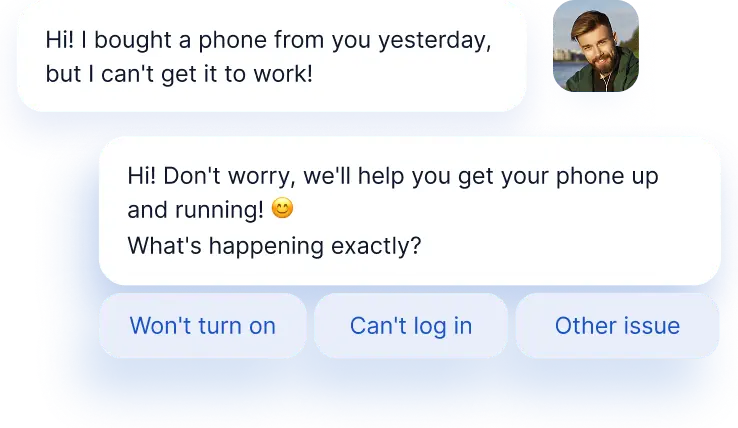
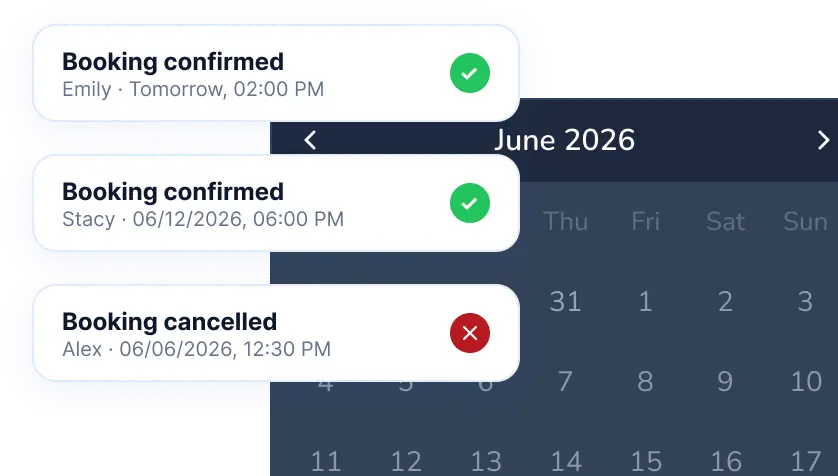
Appointment and Call Booking
Consults customers on your services and books appointments, calls, and consultations automatically.
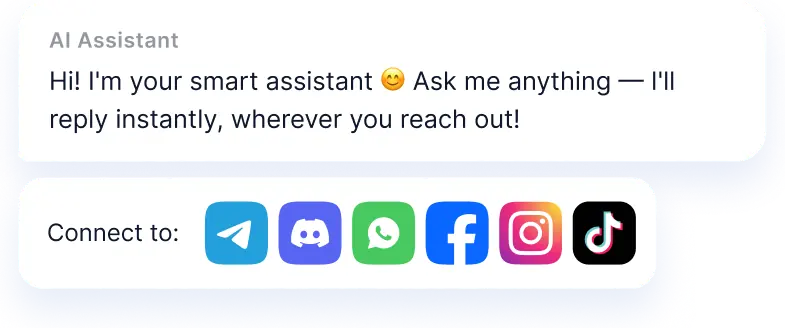
Multichannel Customer
Communication
Works across WhatsApp, Instagram, TikTok, Facebook, your website, and other channels.
Simplify. Automate. Improve.
The Business Impact of AI Automation


Simplify. Automate. Improve.
Why businesses trust Mavibot?
Works across messengers and your website
Instagram, Facebook, WhatsApp, TikTok, and more — connect your assistant wherever your customers are.

1M Context Window
Remembers conversations as long as 10 books, so you never have to repeat yourself.
284B AI Parameters
Built on a 284B-parameter model, delivering more accurate answers, stronger reasoning, and better reliability.
100 languages supported
The AI assistant communicates in 100 languages and uses a large context window for more accurate responses.
30+ Words per Second
Lightning-fast response generation for natural conversations and instant results.
Who is Mavibot for?
We automate businesses of any size – from startups to large enterprises
Free plan. No credit card.
Step by step
How to create an AI chatbot?
Choose a Role
Set the assistant's behavior model for your task — sales, online booking, and more
#1
Add Content
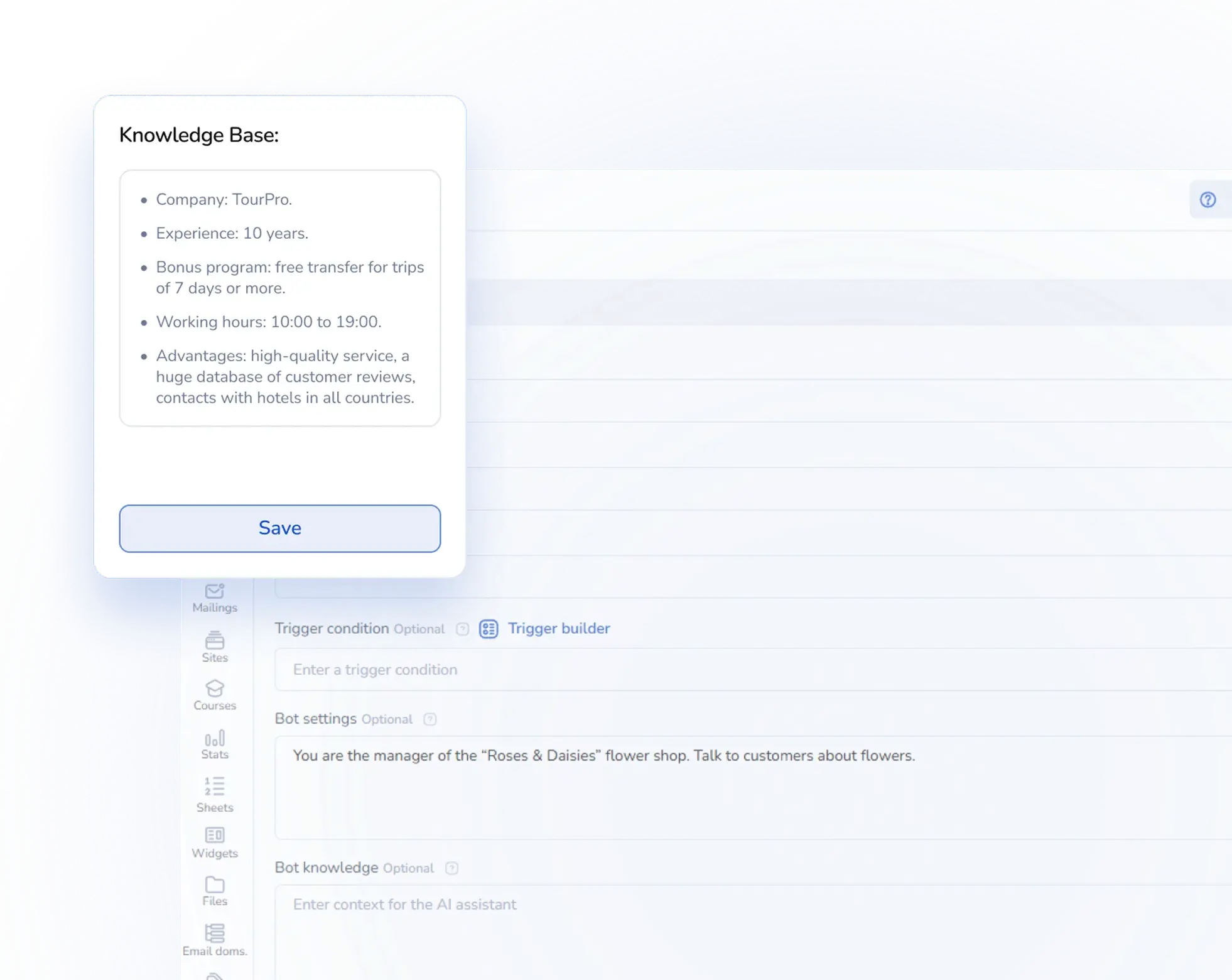
Upload instructions and files — the AI bot will respond to customers based on your data
#2
Connect Channels
Choose the messengers where your AI assistant will work and connect them in just a few clicks
#3
Test It Out
Send a test message to your chatbot, run through the conversation flow — and you're all set!
#4
Growth stories
How our clients use Mavibot
Real stories from 15,000+ companies on the platform
BEAUTY STORE · AI ASSISTANT
AI Assistant for a Beauty Store
Provides personalised skincare guidance using the store’s product information and expert materials.
Read the story
FURNITURE RETAILER · AI ASSISTANT
AI Assistant for a Furniture Retailer
Helps customers compare furniture, specifications, delivery terms and assembly options.
ELECTRONICS RETAILER · AI ASSISTANT
AI Assistant for an Electronics Retailer
Explains technical specifications and helps customers choose compatible devices.
BARBERSHOP CHAIN · AI ASSISTANT
AI Assistant for a Barbershop Chain
Guides clients to the right service, specialist and booking option.
TRAVEL AGENCY · AI ASSISTANT
AI Assistant for a Travel Agency
Recommends destinations and tours using the agency’s travel materials and customer preferences.
AI Assistant for a Beauty Store
AI Assistant for a Furniture Retailer
AI Assistant for an Electronics Retailer
AI Assistant for a Barbershop Chain
AI Assistant for a Travel Agency
What People Say About Us
Mavibot customer reviews




Business owners trust Mavibot
Lana
Client Relations Manager
Evan
Freelance Chatbot Developer
Stacy
Entrepreneur
Tim
Chief Technology Officer (CTO)




Business owners trust Mavibot
No hidden fees or additional charges
Transparent pricing that scales with you.
Mavibot Plans comparison
- Pricing
- Free
- Business
- Mavibot AI
- Team members222
- Number of daily messages5010001000
- Live chat
- Builder
- Mavibot CRM
- Website builder
- Analytics
- Courses
- Webinars
- Broadcasts
- Calculator
- Working with API requests
- Working on Google Sheets
- Payments in the chatbot
- Integrations with payment systems (except Prodamus)
- Integrations with online education platforms (Bizon365, Getcourse, Prodamus, etc.)
Free
$ 0
Get started for free — no credit card required
Features
Up to 50 messages per day
LMS platform for up to 10 students
Connect any channel
Build 1 website or online shop
Sales and payments via chatbot
Business
$ 39
/ month
For experts and online schools
Features
Everything from the Free plan
Up to 10,000 messages per day
Up to 1,000 emails per day
LMS platform for up to 1,000 students
Webinar platform
Mavibot AI
$ 59
/ month
For any business and entrepreneurs
Features
Everything from the Business plan
AI assistant for customer communication
AI-powered sales funnel generation
AI communication in 100 languages
Connect AI to any chats and channels
Additional options
+10,000 messages
per day
$ 4.90
+1,000 emails
per day
$ 9.90
+2 GB
file storage
$ 1.90
+100 students
in a project
$ 9.90
Additional channel
$ 9.90
Additional employee
$ 9.90
One service for all your needs.
Change the way you run
your business today
Communicate with customers in one inbox. Never lose a client. Manage customer conversations with ease and no extra steps
FAQ
Answers to your questions
How is an AI assistant different from a regular chatbot?
A regular chatbot only follows pre-written scripts. The AI assistant understands context and chats freely on any topic — based on the knowledge base you set up. With Mavibot, you can mix both approaches in one flow.
Do I need technical skills to set it up?
Not at all! Anyone can launch a bot — no coding, no developers needed. Just pick a role, upload your content, and connect your channels: Telegram, WhatsApp, TikTok, Instagram, and more.
How does AI handle online bookings?
The customer messages you, the AI clarifies the service and time, and books the appointment automatically. The client gets a confirmation — you get a lead, no admin needed.
How often can I update the knowledge base?
As often as you like — even daily. Update your instructions, add new materials, and the bot picks it up straight away.
Does it integrate with a CRM?
Yes! Mavibot has a built-in CRM — all conversations, contacts, and customer data are logged automatically. No third-party tools needed.
Any limits on the number of customers?
None. Your AI assistant handles any volume — 100 or 100,000 conversations a day. No slowdowns, no drop in quality, no limits.
Which platforms does the AI assistant work on?
Everywhere your customers are — website live chat, WhatsApp, Telegram, TikTok, Instagram, Discord, and more.