Quick Instagram automation set up in minutes
Automatically reply to comments and DMs,
so you can engage customers without doing it all manually
Over 15,000 companies use Mavibot
Spend less time managing Instagram manually
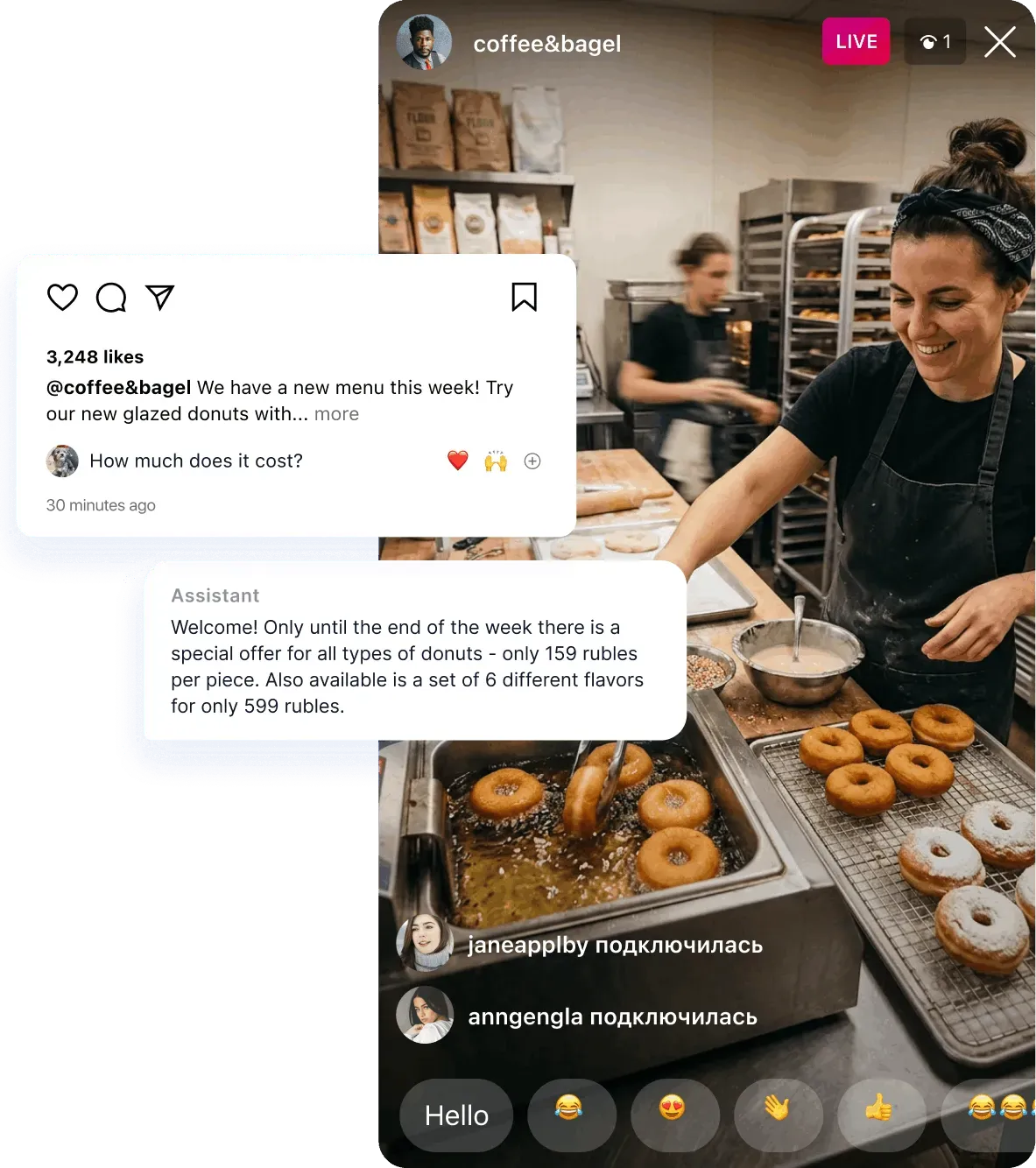
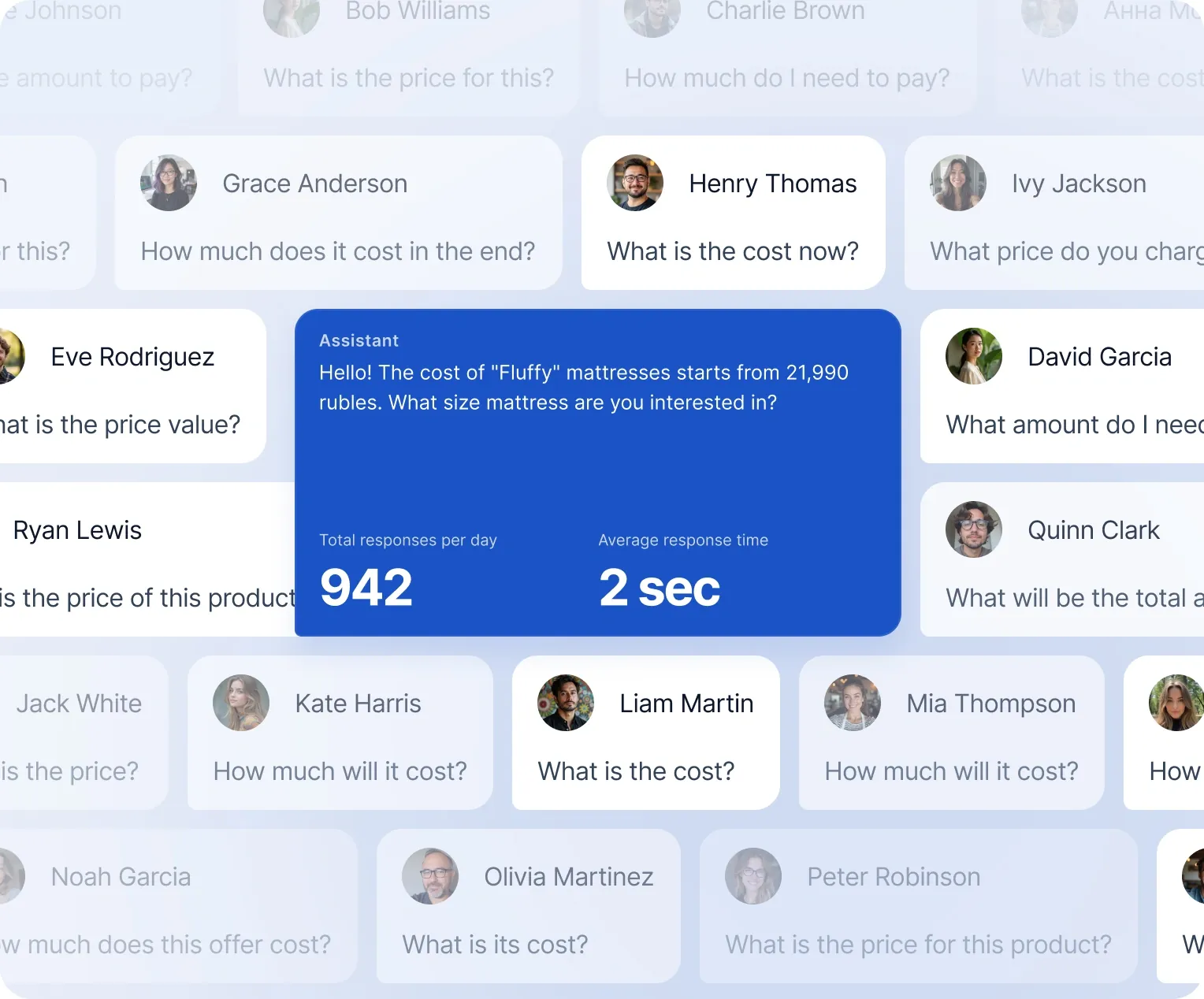
Auto-replies when customers message or comment
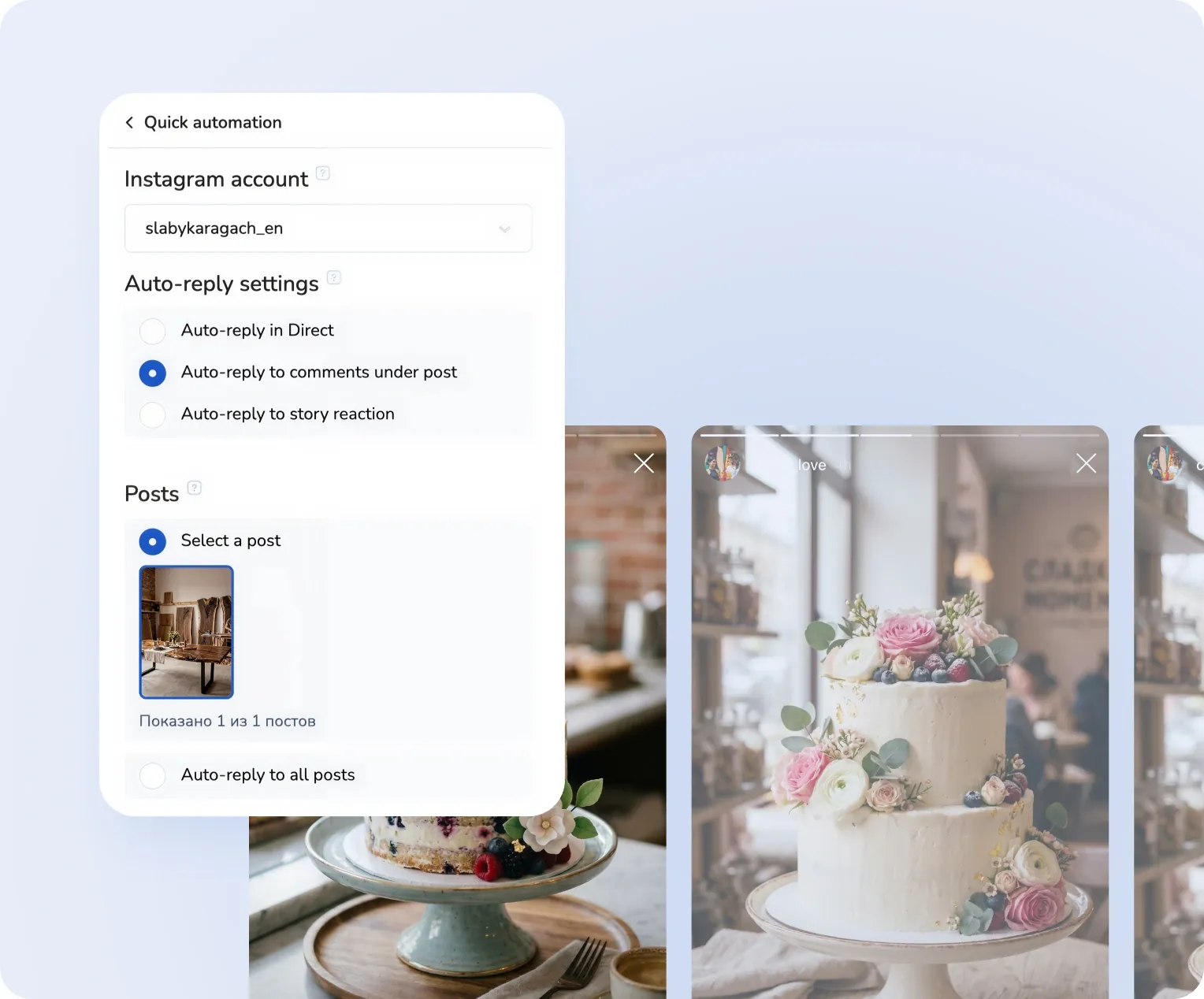
Your chatbot responds to DMs and comments under posts and Reels* on your behalf.

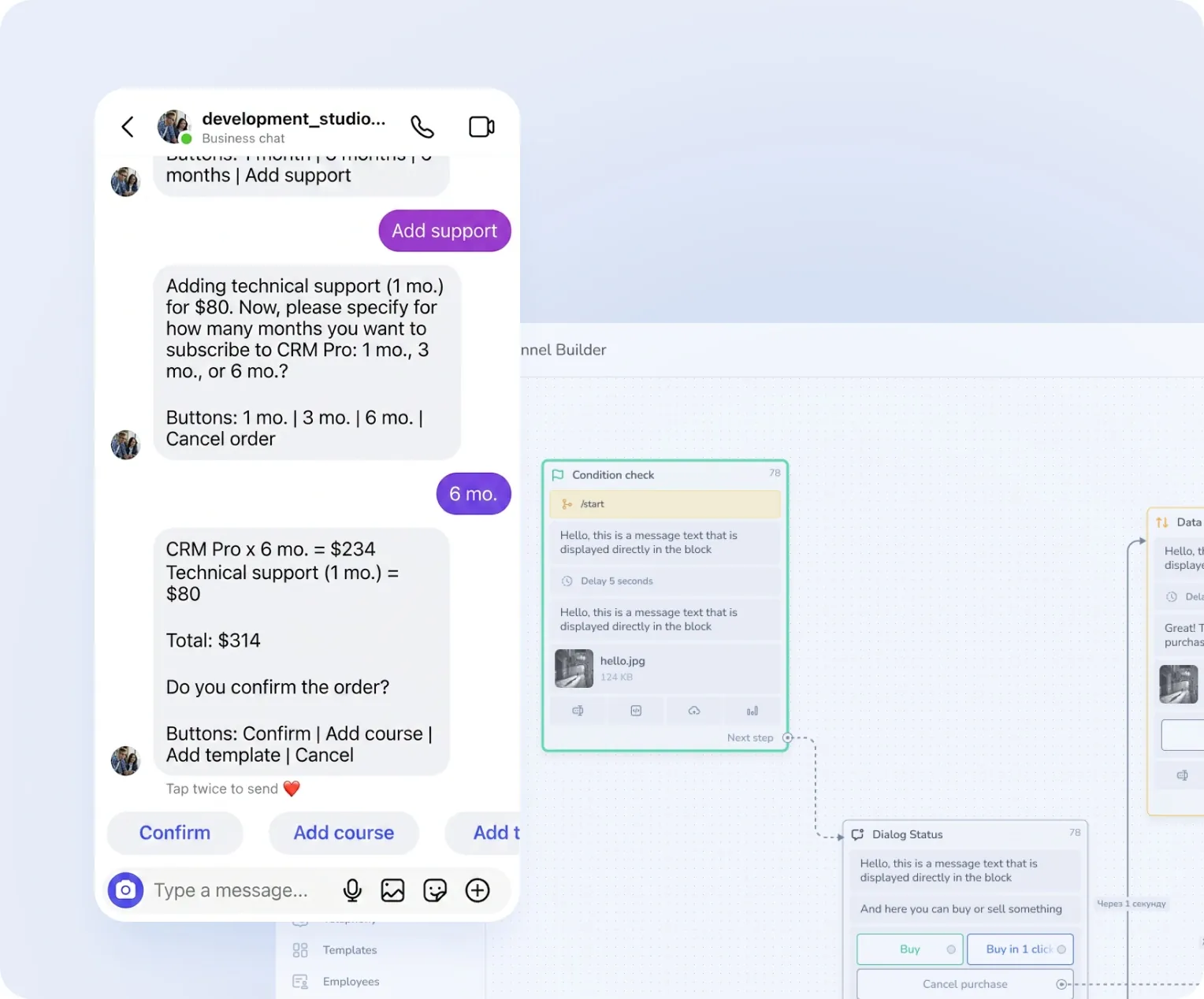
Your customers can buy right in DMs
Receive payments via cards, wallets, and other methods directly in Instagram DMs

Customers browse products right in chat
Show up to 10 products or services with photos, descriptions, and clickable buttons in Instagram DMs

Reels comments automatically turn into DMs
Auto-DMs triggered by customer comments.

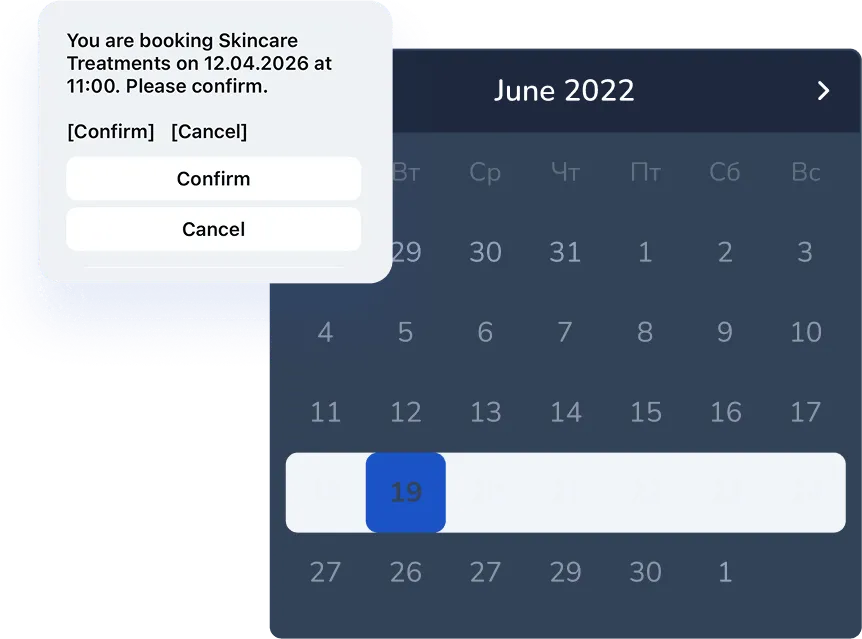
Customers book consultations in DMs
Let customers choose their time — no phone calls required.
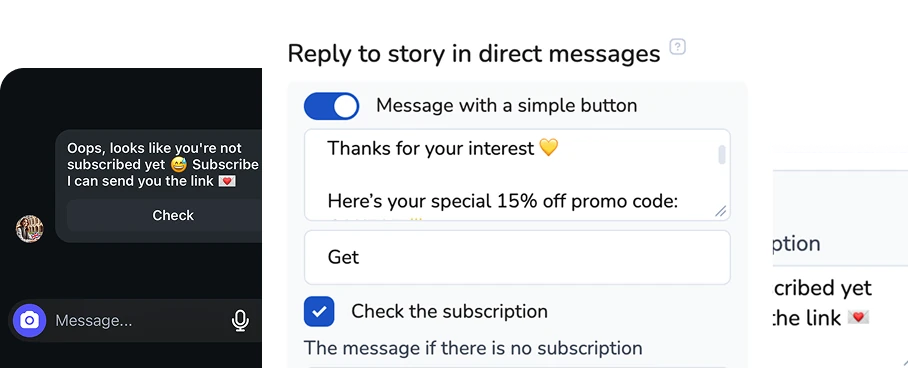
Auto-checks when
a customer follows you
Automatic subscription checks help trigger the right workflows for your followers
Turn your first message into a sale
Perfect for your business


Simplify. Automate. Improve.
Why businesses trust Mavibot
Works with all messengers
Instagram, WhatsApp, Telegram, Facebook Messenger, email, website live chat — and any other channel your audience uses

Tailored approach
Customizable for any business goal without complex integrations or technical skills.
Launch without developers
You can automate Instagram DMs without any coding or technical skills
Multi-channel marketing
Grow your audience on Telegram, Instagram DMs, Discord, TikTok and Facebook using only Mavibot
End-to-end (E2E) analytics
Track sales, leads, and conversion data to optimize marketing and automate business processes
Who is Mavibot for?
We automate businesses of any size – from startups to large companies
Free plan. No credit card.
Step by step
How to automate Instagram DMs & comment replies?
Connect an Instagram business account
Switch to Business in settings and connect your account to Mavibot.
#1
Add automation
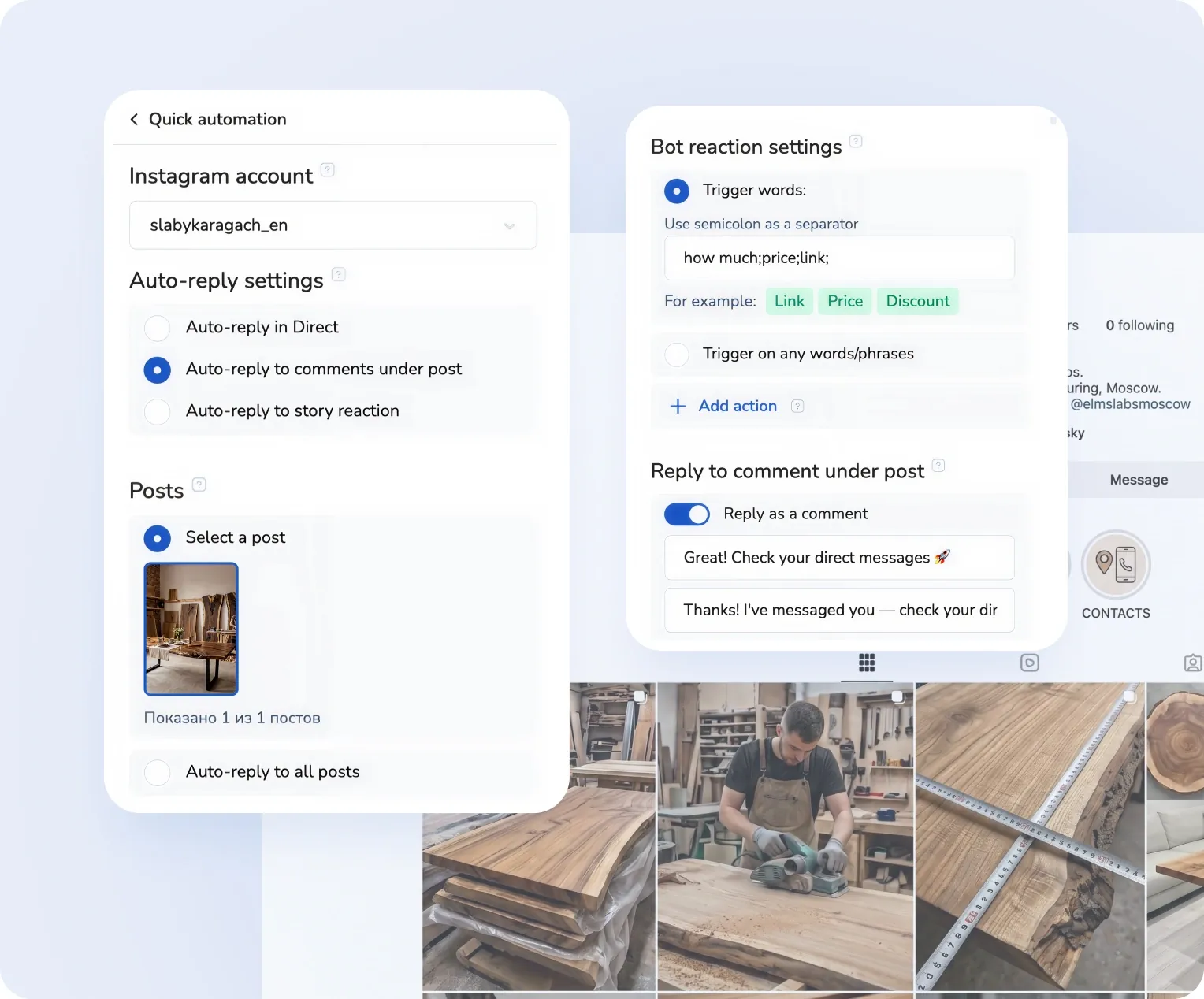
Click the “Add automation” button and choose the type of auto-reply:
•For DMs
•For comments
•For Story reactions
•For DMs
•For comments
•For Story reactions
#2
Set up auto-replies
Choose when to send auto-replies:
•To any message
•Or only to specific words (for example: price, cost)
Then write the text of the auto-reply.
•To any message
•Or only to specific words (for example: price, cost)
Then write the text of the auto-reply.
#3
Test auto-replies
Send a test DM or leave a comment under any post — and you're done!
Your automation is now working.
Your automation is now working.
#4
What People Say About Us
Mavibot customer reviews



Business owners trust Mavibot
Anetto
Consulting
Diana
Influencer
Alex
Freelance Chatbot Developer




Business owners trust Mavibot
No hidden fees or additional charges
Transparent pricing that scales with you.
Mavibot plan comparison
- Pricing
- Free
- Business
- Mavibot AI
- Team members222
- Messages per day501000010000
- Live chat
- Builder
- Mavibot CRM
- AI assistant for working with customers
- Website builder
- Analytics
- Courses
- Webinars
- Broadcasts
- Calculator
- Working with API requests
- Working with Google Sheets
- Payments in the chatbot
- Integrations with payment systems (except Prodamus)
- Integrations with online education platforms (Bizon365, Getcourse, Prodamus, etc.)
Free
$ 0
Get started for free — no credit card required
Features
Up to 50 messages per day
LMS platform for up to 10 students
Connect any channel
Build 1 website or online shop
Sales and payments via chatbot
Business
$ 39
/ month
For teams that do it all themselves
Features
Everything from Free, except Mavi
Up to 10,000 messages per day
Up to 1,000 emails per day
LMS platform for up to 1,000 students
Webinar platform
Mavibot AI
$ 59
/ month
For teams ready to hand off sales
Features
Everything from the Business plan
Mavi, your AI employee for sales
Sets up your tools and sales funnels
Talks to customers in 100 languages
Works in all your chats and channels
Additional options
+10,000 messages
per day
$ 19.9
+1,000 emails
per day
$ 9.90
+2 GB
file storage
$ 1.90
+100 students
in a project
$ 9.90
Additional channel
$ 9.90
Additional employee
$ 9.90
One service for all your needs.
Change the way you run
your business today
Automated replies, leads, and funnels. Never miss a single inquiry.
FAQ
Frequently asked questions
How can I create a bot that checks whether someone follows me?
To check whether a client follows you (from comments, DMs, or story reactions), simply enable the “Check subscription” option in automation settings.
Can I launch automated funnels in Instagram through comments?
Yes, Mavibot lets you launch funnels from comments: a person comments under a post or a Reel, and the bot automatically sends them a direct message with the rest of the scenario.
How do I turn Instagram followers into customers?
In Mavibot you can set up the whole chain: a comment or a message → a conversation in DMs → qualification → an offer → payment. That turns followers into customers systematically, without manual handling.
Can an Instagram bot be integrated with a CRM?
Yes, Mavibot integrates with CRMs and passes on every request from Instagram automatically: contacts, conversations and deal statuses. Customers stay in one system and requests do not get lost.
Can I connect the bot to a CRM?
With Mavibot, you can create deals in CRM without complex integrations — just enable “Send leads to the first stage of the funnel.” When a customer messages you, a deal with their data will automatically be created in CRM.
How do I connect an AI agent to Instagram?
Connect your Instagram business account to Mavibot. Then set up commands for the AI agent, upload knowledge about your company and services, and choose its role (e.g., sales manager). After that, the AI agent will respond to DMs*.
How do I set up an auto-reply for a keyword on Instagram?
In Mavibot, you can automate keyword-based triggers: when a user writes a specific word in a comment or direct message, the bot instantly launches a predefined scenario. This is commonly used to deliver lead magnets, discounts, and materials through Reels and posts.
Can I automatically reply to Instagram comments?
Yes, Mavibot can react to comments under posts and Reels: the bot can automatically reply in the comments and also send a direct message with a specific text, link, or offer. This helps increase reach and move users into a private conversation.
Can I move clients from Instagram to Telegram through a bot?
Yes, you can add a step in the bot flow with a button or link to a Telegram bot. This allows you to transfer your audience from Instagram to your own channel, independent of platform algorithms, and build long-term communication with subscribers.
How do I collect leads from Instagram through a bot?
In Mavibot, you can set up a flow where a user from a comment or direct message enters a funnel, answers questions, and submits a request. All data is automatically saved and sent to the CRM.
Can an Instagram bot be integrated with a CRM?
Yes, Mavibot integrates with CRM systems and automatically transfers all Instagram leads: contacts, conversations, and deal statuses. This allows you to manage customers in one system without losing inquiries.
How do I grow sales with an Instagram bot?
Sales grow through automatic scenarios: fast replies, warming the audience up, sending offers and moving people to a messenger or to payment. In Mavibot you can build the whole funnel, from the first touch to the purchase.