Create chatbot for LINE without code or developers
Automate sales, leads, and customer support — morecustomers, less manual work.
Over 15 000 companies use Mavibot
Powerful features for growing businesses
Automated Replies
for LINE Business Accounts
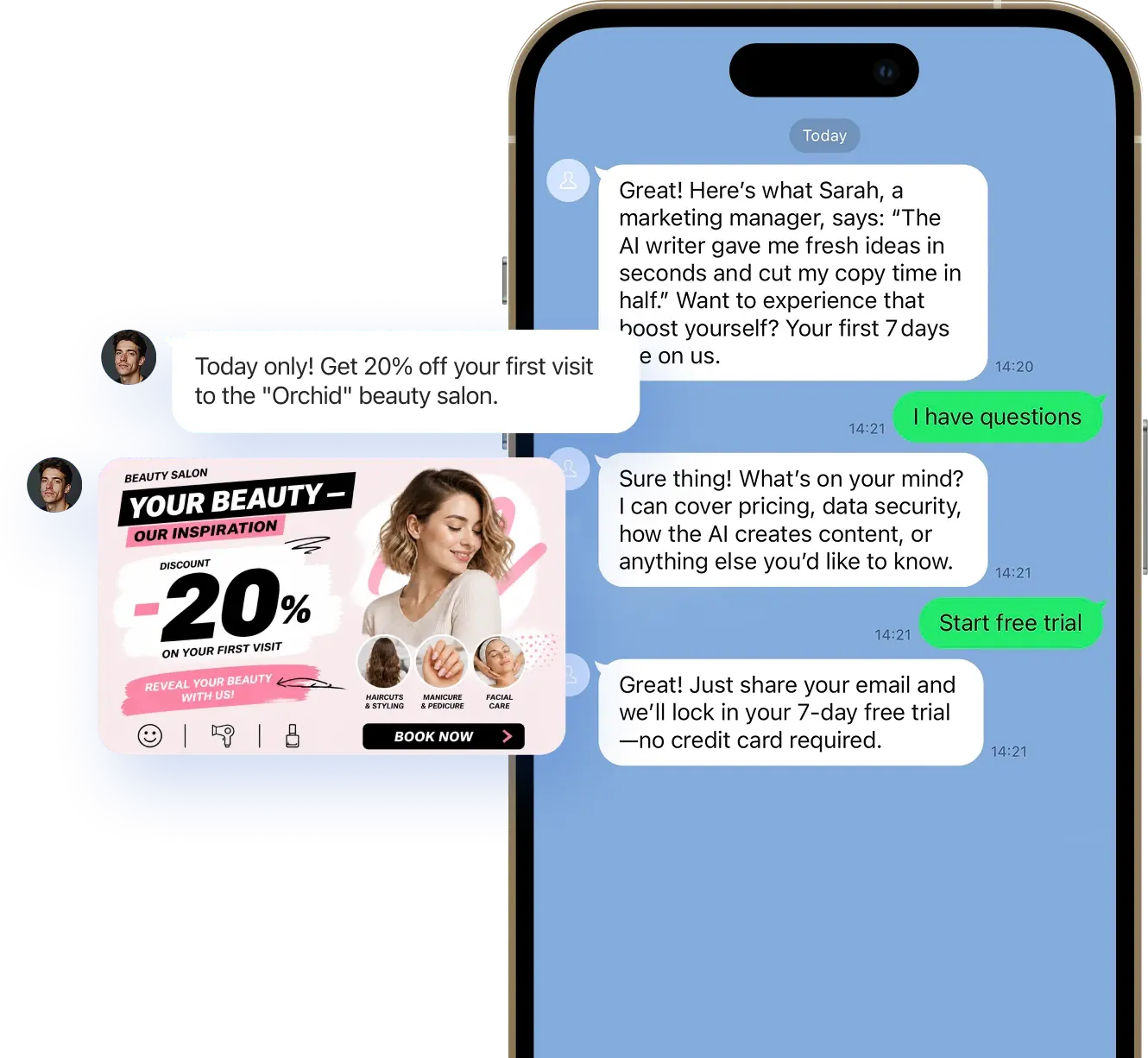
Automated replies in Line provide reliable 24/7 support
and reduce routine work for your team
and reduce routine work for your team
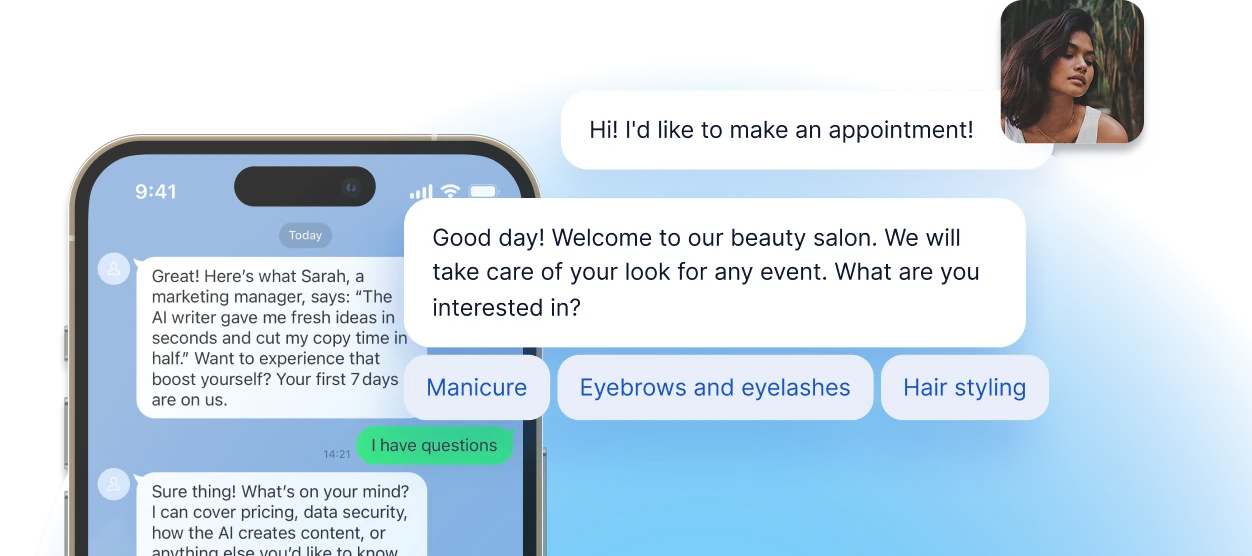
Chatbot for LINE Groups
Auto-replies, notifications, and smart scenarios right inside the group chat — save time and keep everyone in the loop
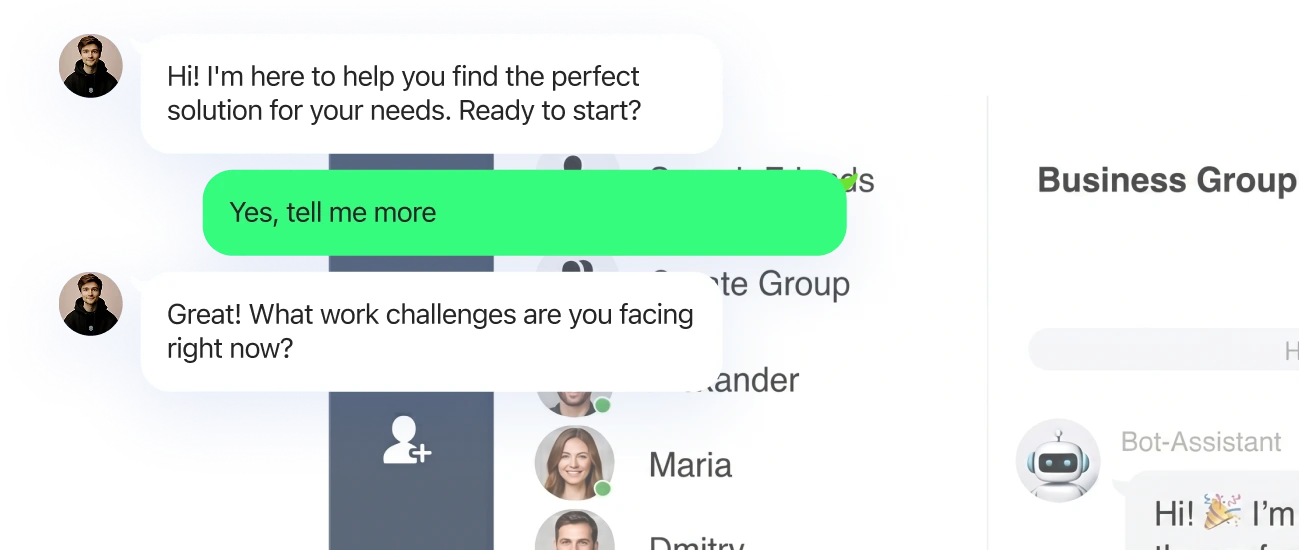
AI Assistant for LINE
Customer Communication
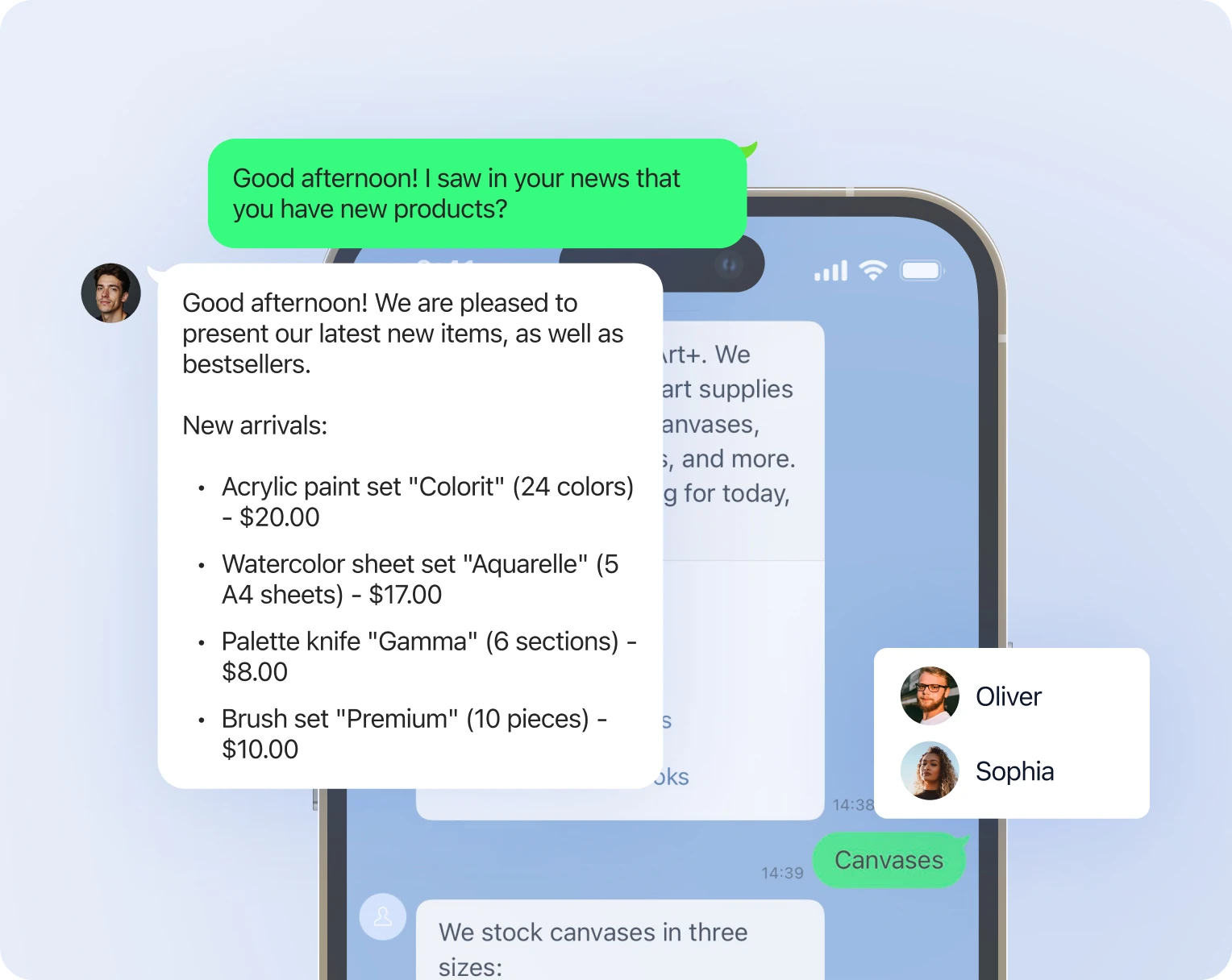
AI responds, qualifies leads, and handles objections 24/7
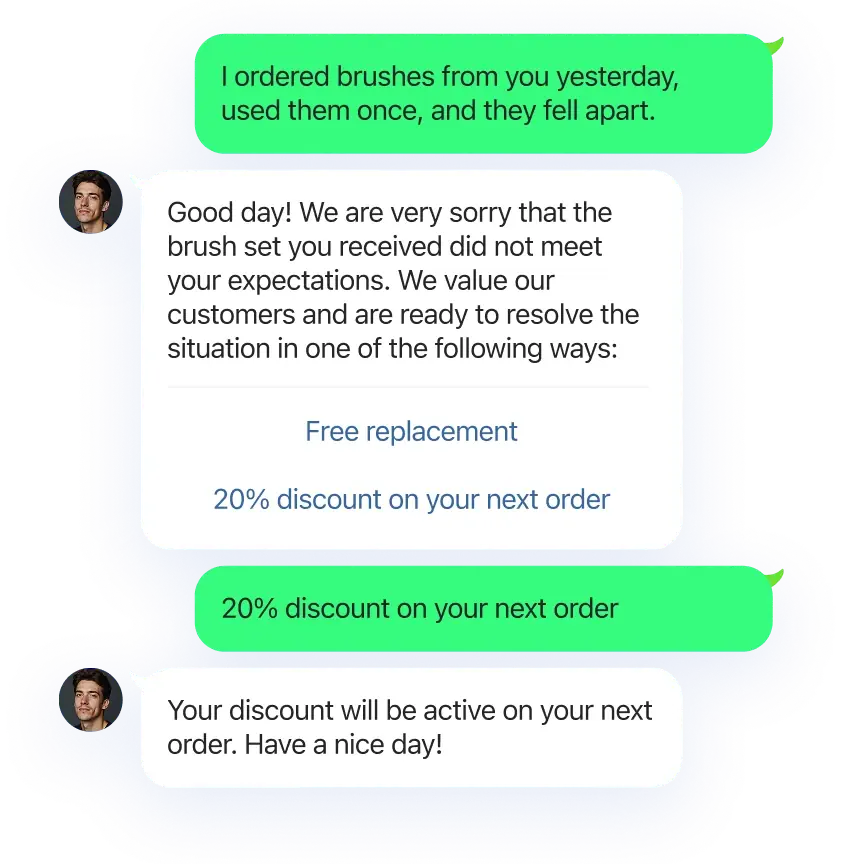
Action Buttons in LINE
for sales funnel
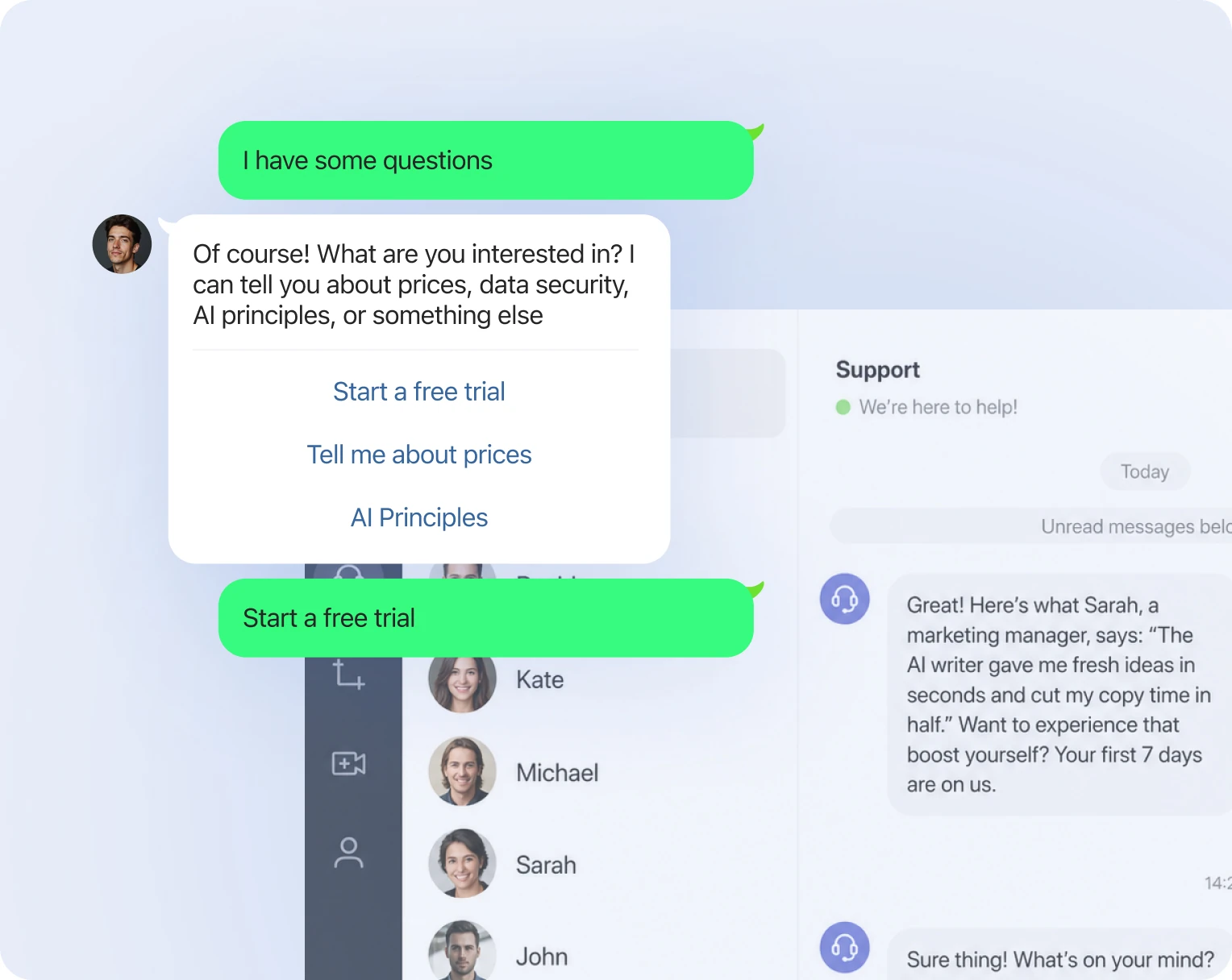
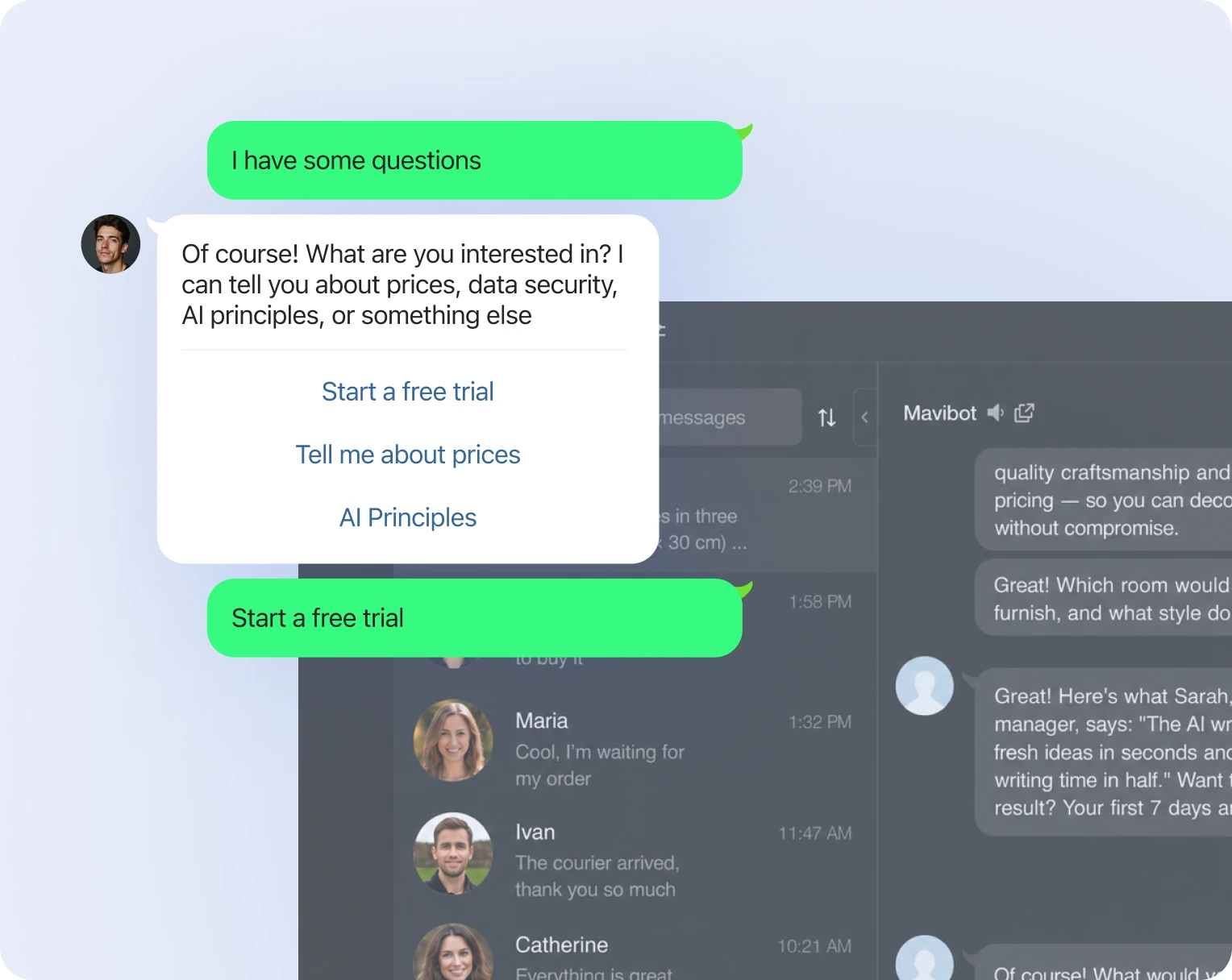
One-click quick replies
for your chatbot sales funnel
for your chatbot sales funnel
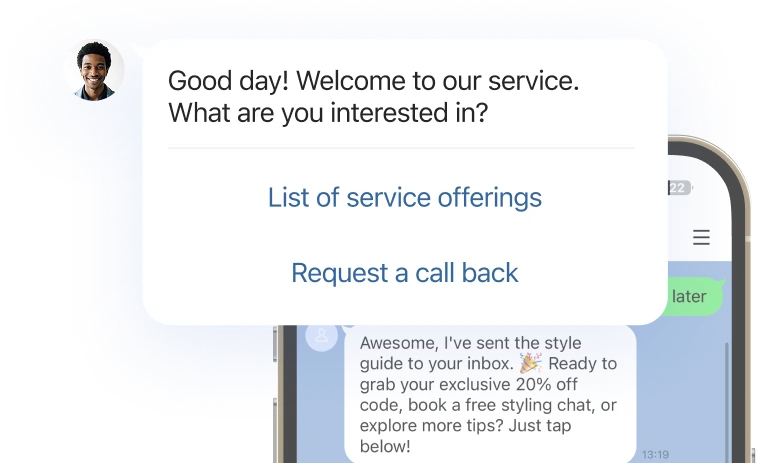
AI-Powered Sales Funnel
Generation
AI builds a complete sales funnel for your product and can generate it in any language
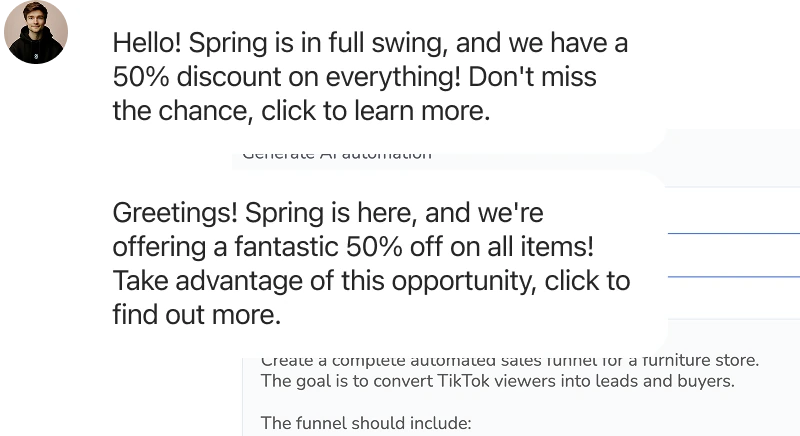
Unlimited Marketing
Campaigns in LINE
Send promotions and offers to your customers
without the 24-hour messaging limit
without the 24-hour messaging limit

Turn your first message into a sale
Perfect for your company
Simplify. Automate. Improve.
Why businesses trust Mavibot
Works with all messengers
Instagram, WhatsApp, Telegram, Facebook Messenger, email, website live chat — and any other channel your audience uses

Tailored approach
Customizable for any business goal without complex integrations or technical skills.
Launch without developers
Anyone can build a LINE chatbot — no developer or programming skills needed.
Multi-channel marketing
Grow your audience on Telegram, Instagram DMs, Discord, WhatsApp and Facebook using only Mavibot
End-to-end (E2E) analytics
Track sales, leads, and conversion data to optimize marketing and automate business processes
Who Mavibot is for?
From startups to enterprise companies – we automate your business
Free plan. No credit card.
Step by Step
How to create a LINE chatbot?
Connect your business account
Connect your LINE business account to Mavibot to automate customer communication.
#1
Generate your first funnel
Generate a funnel in Mavibot with AI — the system automatically builds a full sequence of messages and notifications.
#2
Upload content for your funnel
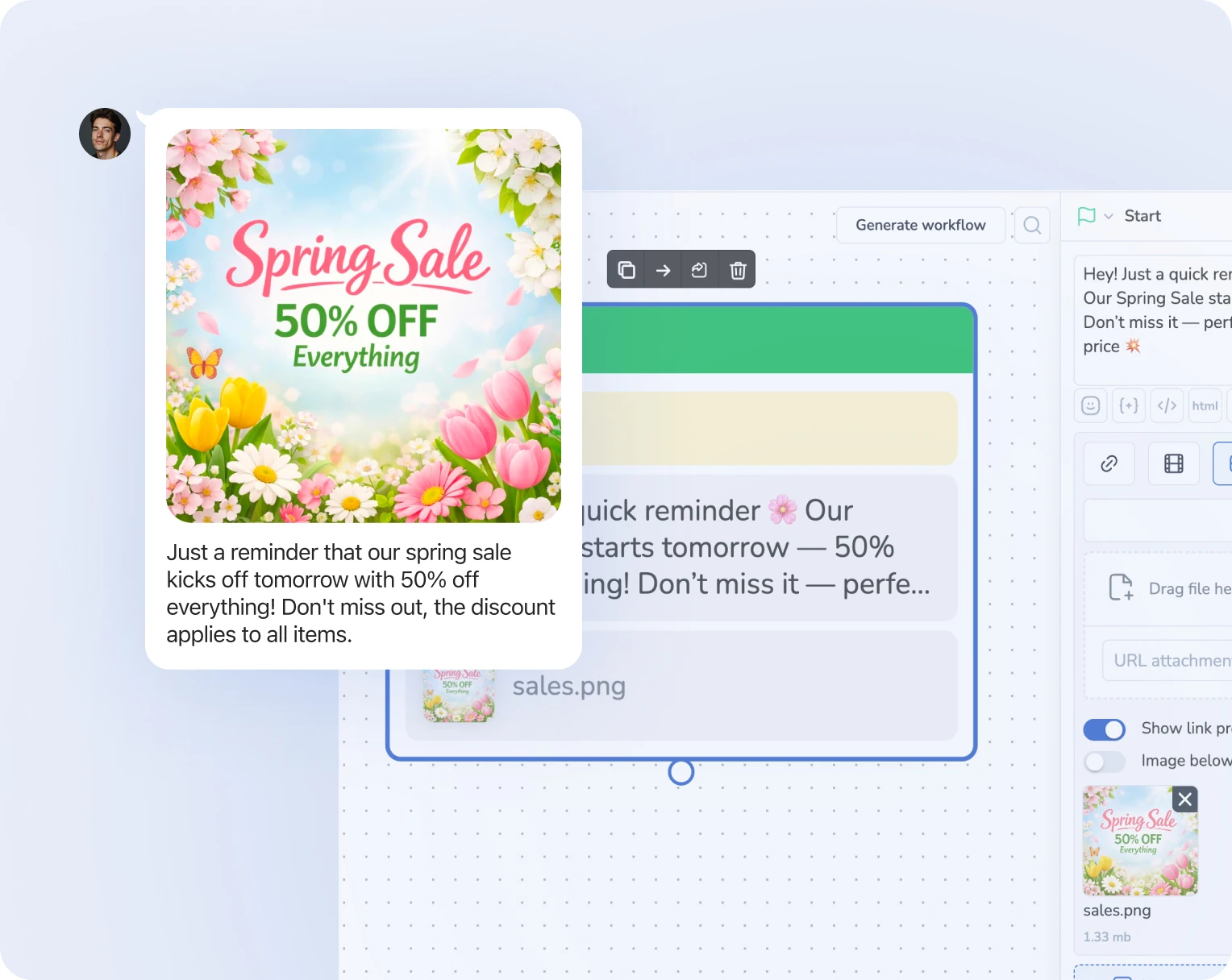
Add materials and make conversations with your bot more engaging and visual using images, files, videos, and links.
#3
Launch your chatbot in LINE
Test your funnel flow in LINE and make sure everything works before going live. Your chatbot is now ready to launch!
#4
What People Say About Us
Mavibot customer reviews




Business owners trust Mavibot
Andre P.
Owner
Anonymous User
Chatbot Developer
Sri S.
Applied Data Science Intern
Nastya Y.
Owner
Business owners trust Mavibot
No hidden fees or additional charges
Transparent pricing that scales with you.
Mavibot Plans comparison
- Pricing
- Free
- Business
- Mavibot AI
- Team members222
- Number of daily messages5010001000
- Live chat
- Builder
- Mavibot CRM
- Website builder
- Analytics
- Courses
- Webinars
- Broadcasts
- Calculator
- Working with API requests
- Working on Google Sheets
- Payments in the chatbot
- Integrations with payment systems (except Prodamus)
- Integrations with online education platforms (Bizon365, Getcourse, Prodamus, etc.)
Free
$ 0
Get started for free — no credit card required
Features
Up to 50 messages per day
LMS platform for up to 10 students
Connect any channel
Build 1 website or online shop
Sales and payments via chatbot
Business
$ 39
/ month
For teams that do it all themselves
Features
Everything from Free, except Mavi
Up to 10,000 messages per day
Up to 1,000 emails per day
LMS platform for up to 1,000 students
Webinar platform
Mavibot AI
$ 59
/ month
For teams ready to hand off sales
Features
Everything from the Business plan
Mavi, your AI employee for sales
Sets up your tools and sales funnels
Talks to customers in 100 languages
Works in all your chats and channels
Additional options
+10,000 messages
per day
$ 19.9
+1,000 emails
per day
$ 9.90
+2 GB
file storage
$ 1.90
+100 students
in a project
$ 9.90
Additional channel
$ 9.90
Additional employee
$ 9.90
One service for all your needs.
Change the way you run
your business today
Sell, consult, and support customers in LINE
using automation and AI assistants
FAQ
Answers to your questions
What is a LINE chatbot?
A LINE chatbot is an automated system that handles customer messages, collects requests, and helps drive sales inside LINE.
How do I create a LINE chatbot?
You can create a LINE chatbot using a visual builder and AI tools without coding or technical setup.
How do I connect a chatbot to LINE?
You connect your LINE business account to a chatbot platform and activate messaging automation in a few steps.
Can I use a chatbot for sales in LINE?
Yes. A LINE chatbot can collect requests, guide users, and help convert chats into completed sales.
How do I automate messages in LINE?
Automation is set up through scenarios — the bot replies to messages and guides the user through a defined funnel.
Do I need coding to build a LINE chatbot?
No coding is required. Chatbots can be built using no-code builders and AI automation tools.
Can you test the chatbot before launch?
Yes, the scenario can be fully tested in LINE before launch.