Get more leads and calls with website widgets
Callback, lead forms, exit-intent popups and social proof widgets.
Set up in minutes. Every lead lands in CRM.
Set up in minutes. Every lead lands in CRM.
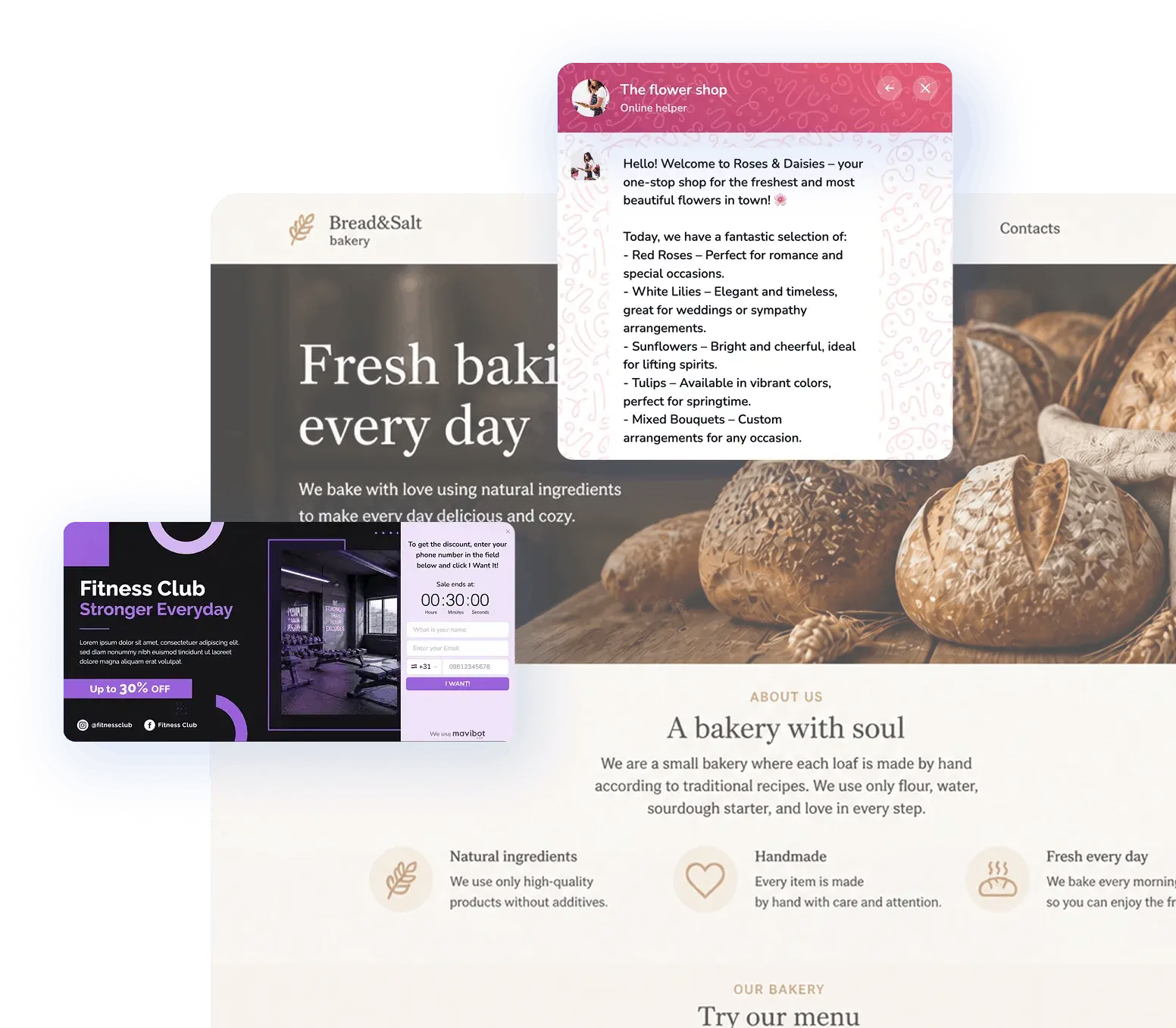
Over 15 000 companies use Mavibot
Powerful features for growing businesses
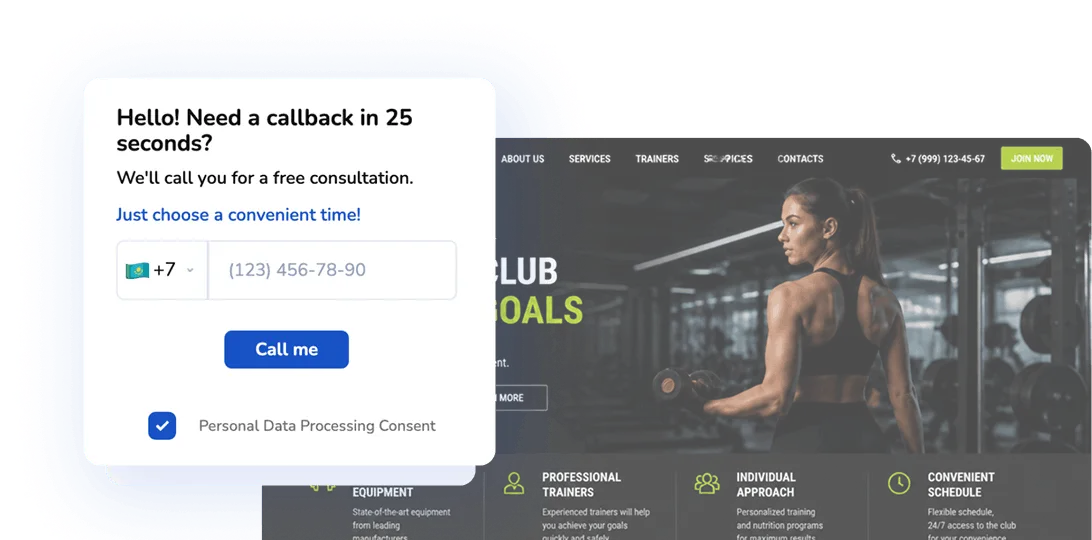
Get a call back in 30 seconds
with Callback widget
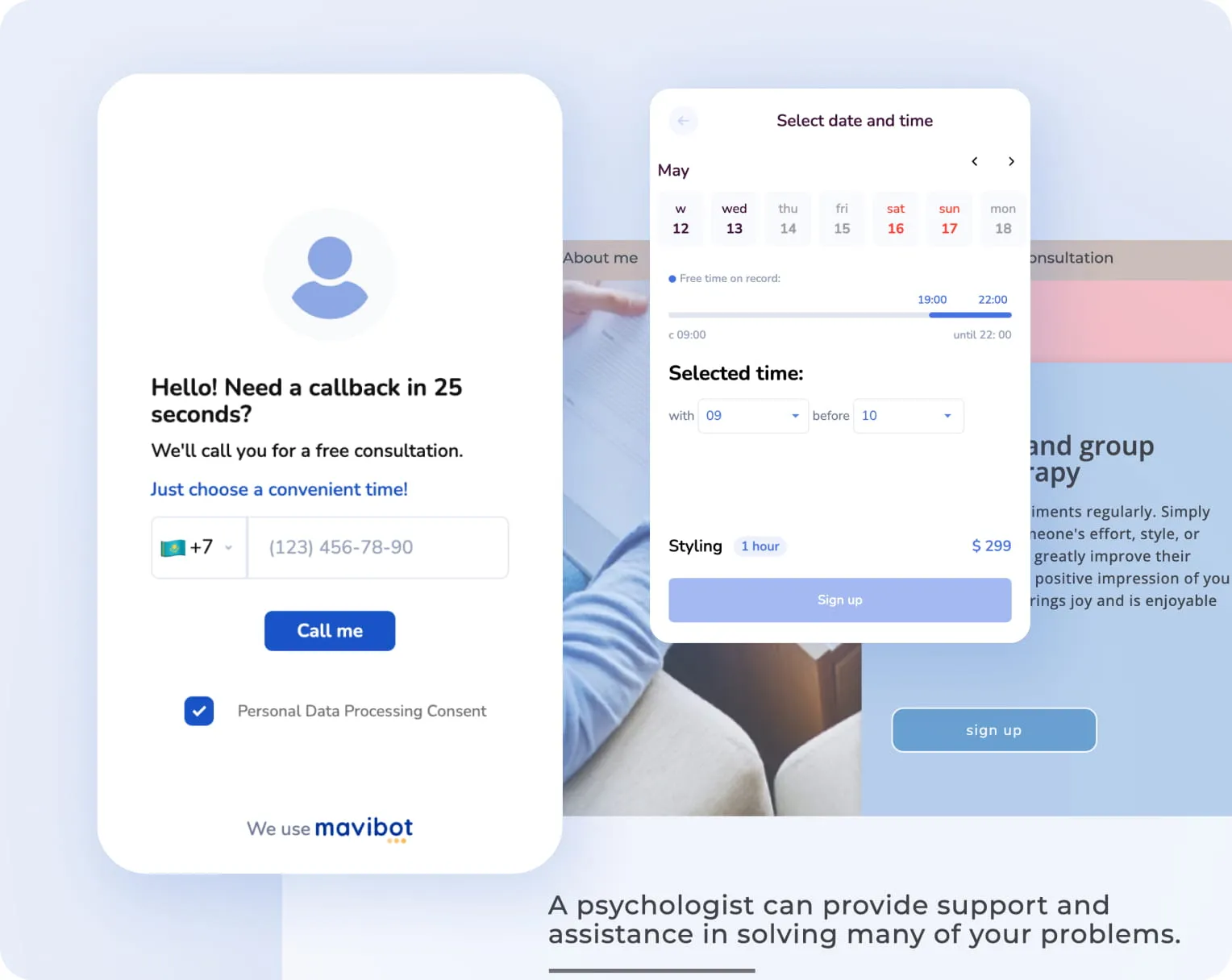
Let your visitors request a quick callback directly from your website. Increase conversions and never miss a hot lead
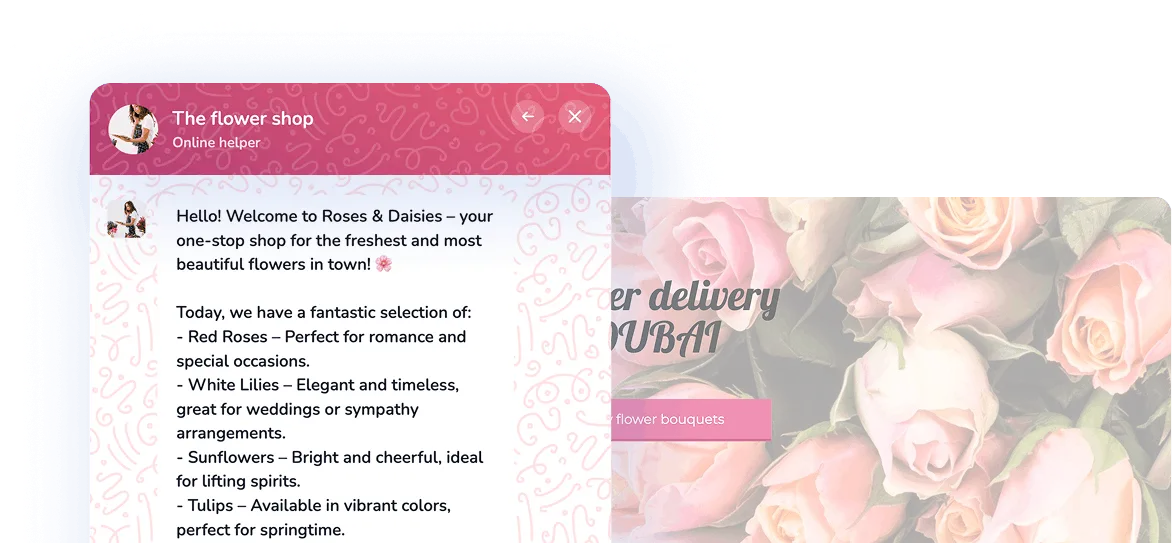
Real-time Website Live Chat
Answer questions right on the website and stay in touch with the client at the right moment
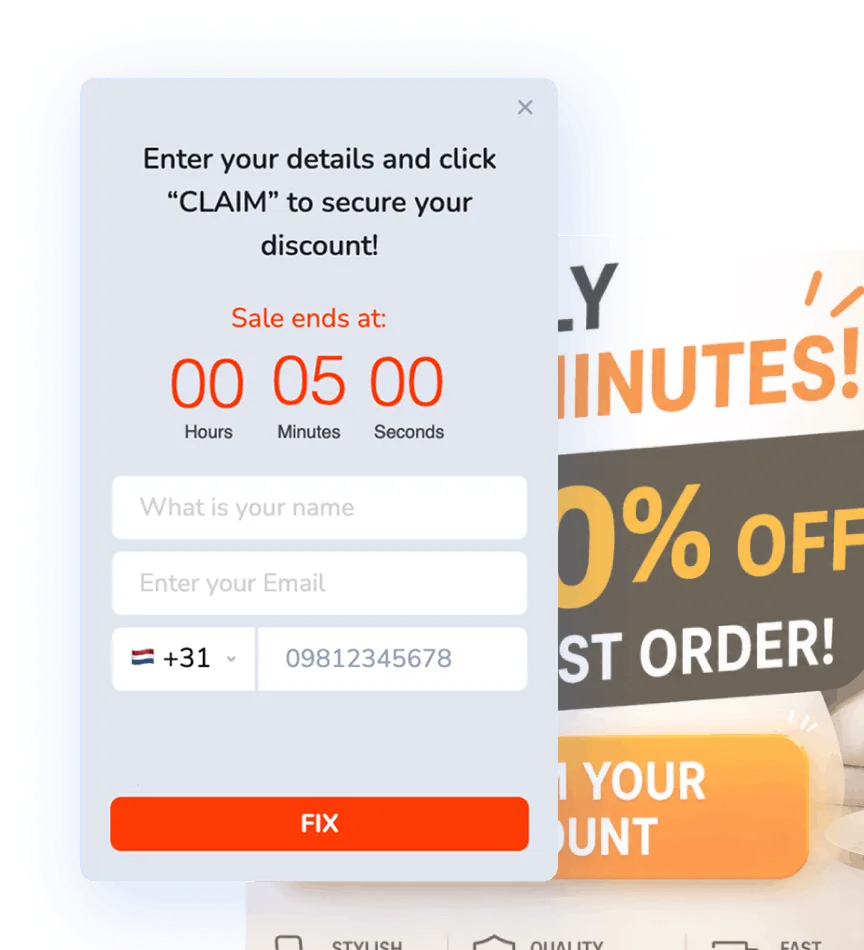
Lead Magnet Widget
for high-intent prospects
The user gets their benefit, and you get the contact and a growing customer base
Video Widget
for Modern Websites
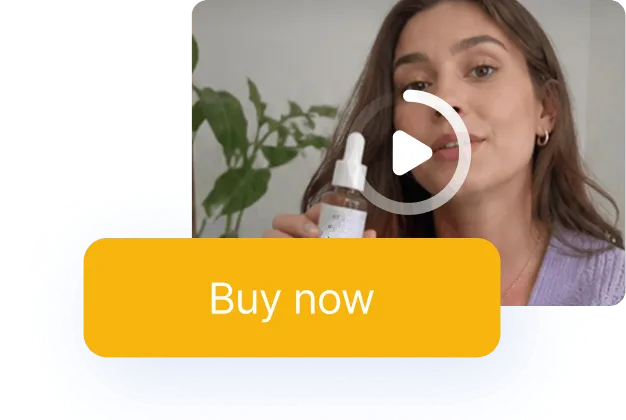
Place video directly on the website to convey value and hold the customer's attention
Online Booking
in just a few clicks
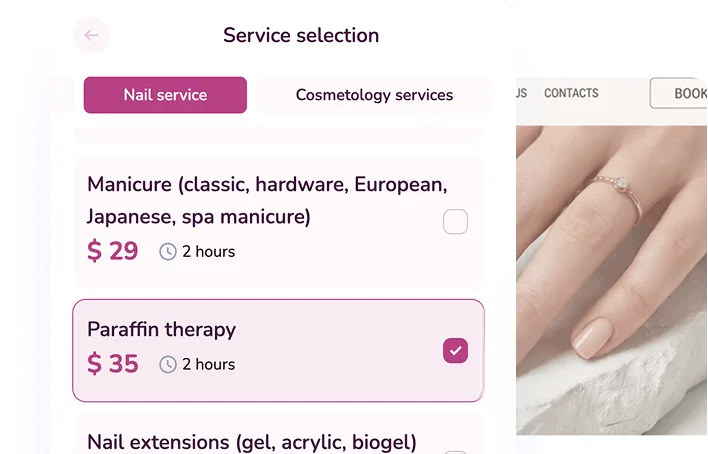
Clients choose a service and time directly on your website — fast and simple
Real-time activity
with Social proof widget
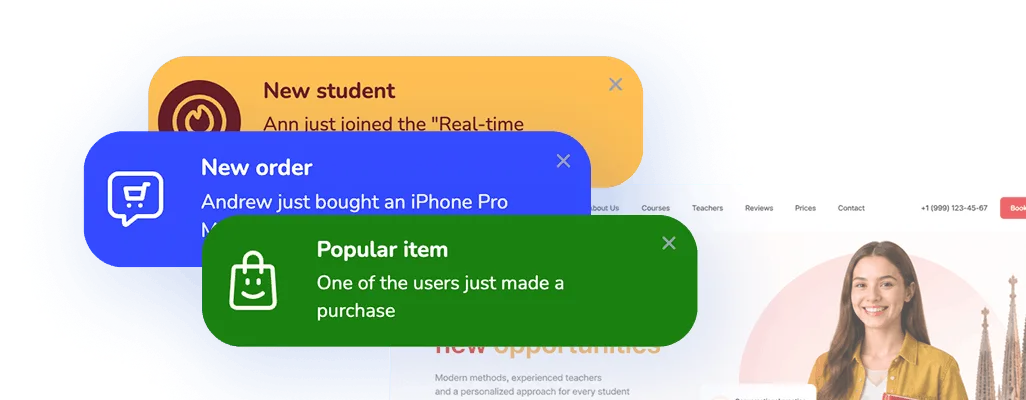
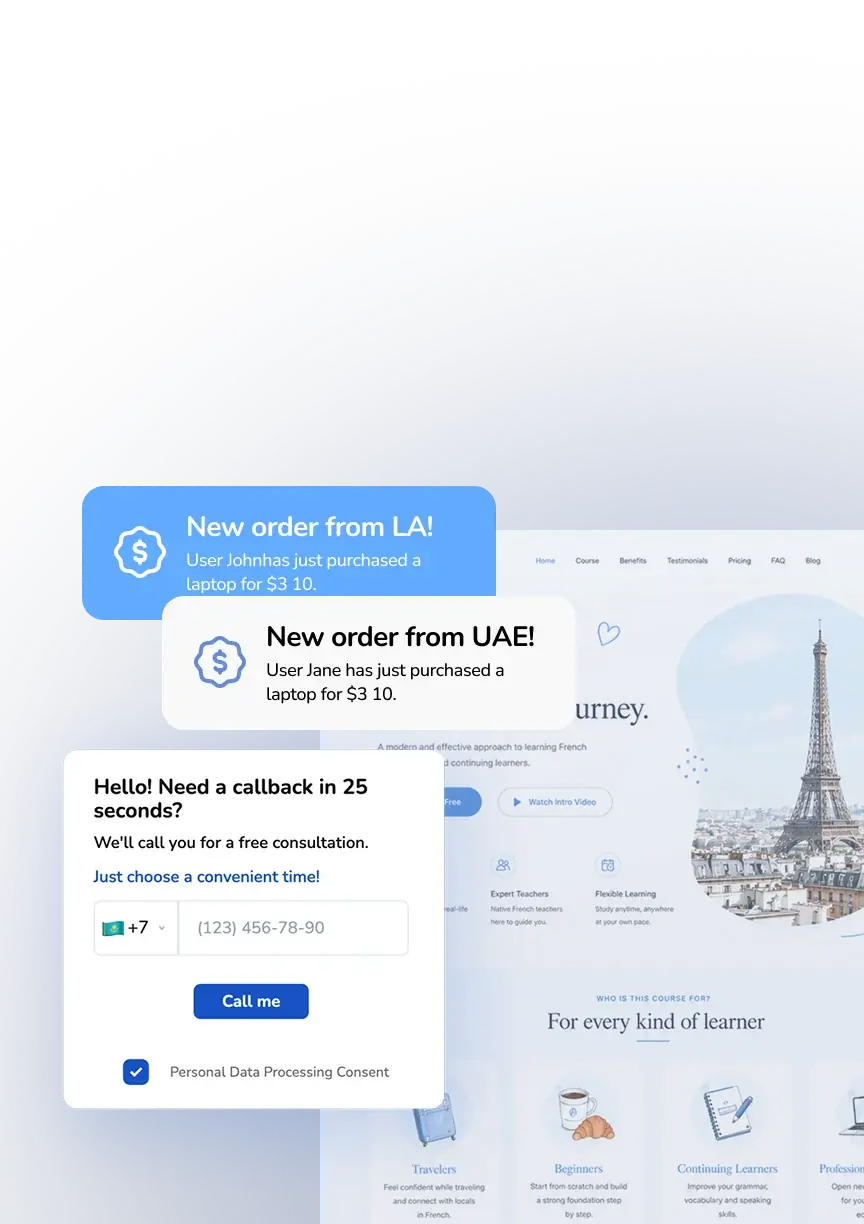
Display live visitor actions and recent activity
to build trust and increase conversions
to build trust and increase conversions
We're with you every step of the way
Perfect for your business
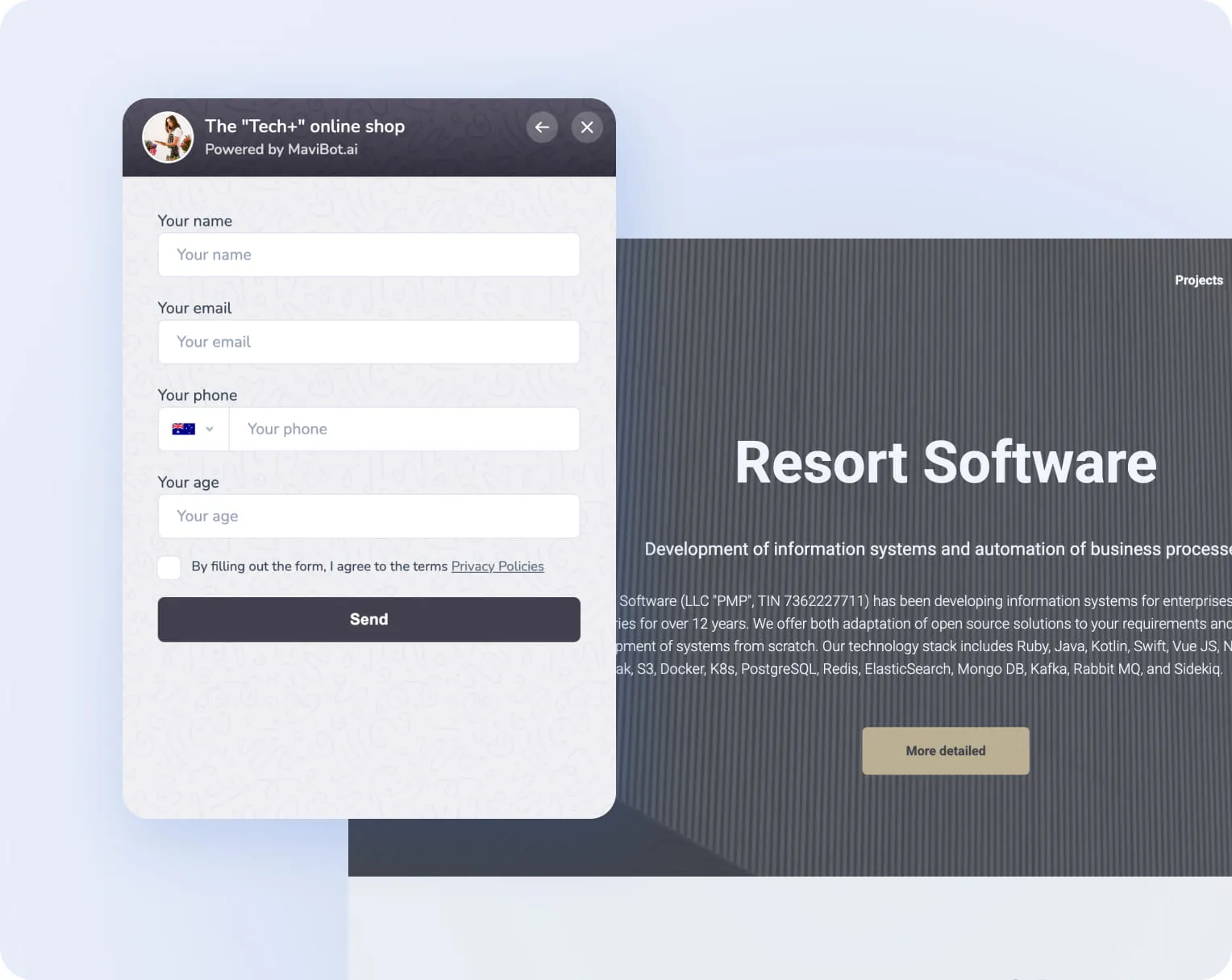
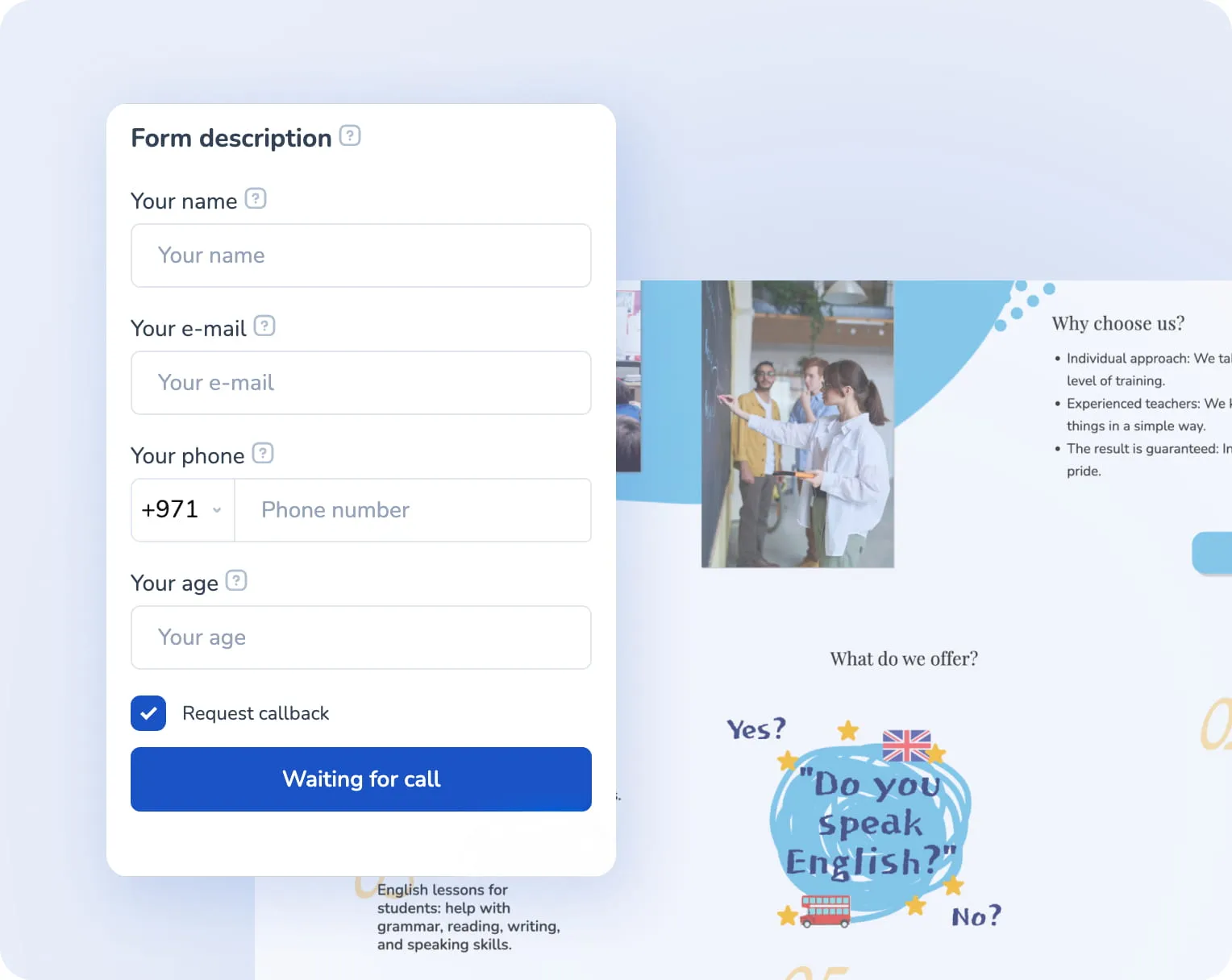
Simplify. Automate. Improve.
Why businesses trust Mavibot
6 website widgets on any plan
Online booking, live chat, feedback, social proof, and video — all included to help you sell more.
Design that fits your brand
Customize colors, fonts, backgrounds, and images. The widget blends naturally into your brand style.
Flexible display rules
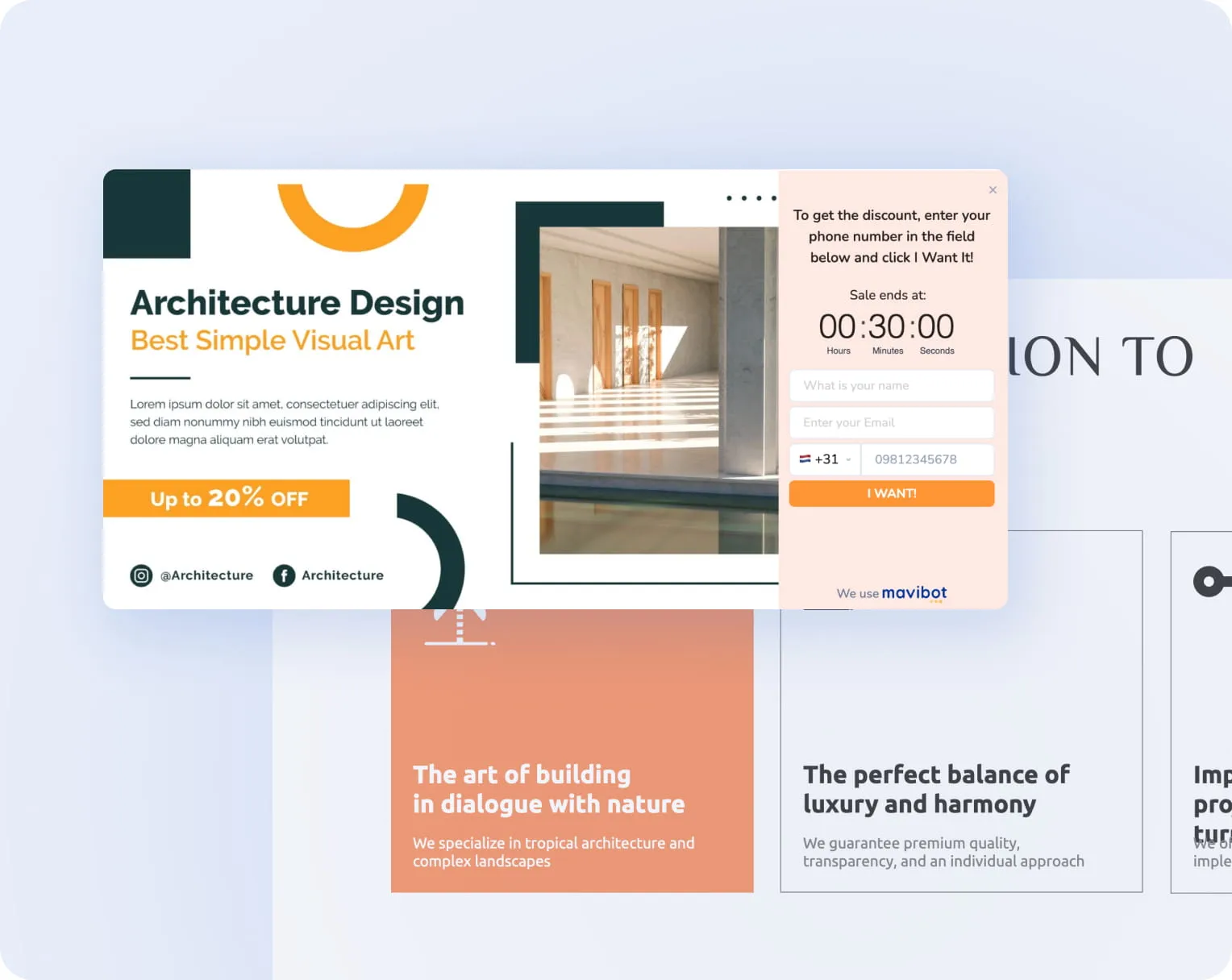
Show the widget immediately, after a delay, or on scroll. Target by UTM tags, country, and device type.
Works on any website
Easily embed the widget on any site—it automatically appears on the right pages.
Detailed analytics
Send events to Facebook Pixel & Google Analytics to see which widgets drive leads
Who Mavibot is for?
From startups to enterprise companies - we automate your business
Free plan. No credit card.
Step by Step
How to set up a widget for your website?
Sign up in Mavibot
Sign up in Mavibot and create your first widget.
#1
Customize it for your brand
Feel like a designer — pick colors, add images, and write your text.
#2
Connect channels
Connect telephony to receive calls or messengers to conveniently reach customers at any time.
#3
Install the widget on your website
Now just add the widget to your website and activate it in the settings.
#4
Growth stories
How our clients use Mavibot
Real stories from 15,000+ companies on the platform
CALLBACK WIDGET FOR A PHYSIOTHERAPY CLINIC · WEBSITE WIDGETS
Callback Widget for a Physiotherapy Clinic
Makes it easy for potential patients to request a callback at a convenient time.
Read the story
CONFIDENTIAL LIVE CHAT FOR AN EMPLOYMENT LAW FIRM · WEBSITE WIDGETS
Confidential Live Chat for an Employment Law Firm
Provides a discreet and simple first-contact option for sensitive legal matters.
RENOVATION CHECKLIST LEAD MAGNET FOR AN INTERIOR DESIGN STUDIO · WEBSITE WIDGETS
Renovation Checklist Lead Magnet for an Interior Design Studio
Captures early-stage renovation leads by offering a useful planning resource.
COURSE PREVIEW VIDEO WIDGET FOR AN ONLINE TRAINING PROVIDER · WEBSITE WIDGETS
Course Preview Video Widget for an Online Training Provider
Gives visitors a quick look at course content, instructors and teaching style.
REAL-TIME SOCIAL PROOF FOR AN INDEPENDENT SKINCARE STORE · WEBSITE WIDGETS
Real-Time Social Proof for an Independent Skincare Store
Builds buyer confidence by highlighting recent purchases and customer feedback.
Callback Widget for a Physiotherapy Clinic
Confidential Live Chat for an Employment Law Firm
Renovation Checklist Lead Magnet for an Interior Design Studio
Course Preview Video Widget for an Online Training Provider
Real-Time Social Proof for an Independent Skincare Store
What People Say About Us
Mavibot customer reviews




Business owners trust Mavibot
Andre P.
Owner
Anonymous User
Chatbot Developer
Sri S.
Applied Data Science Intern
Nastya Y.
Owner
Business owners trust Mavibot
No hidden fees or additional charges
Transparent pricing that scales with you.
Mavibot Plans comparison
- Pricing
- Free
- Business
- Mavibot AI
- Team members222
- Number of daily messages5010001000
- Live chat
- Builder
- Mavibot CRM
- Website builder
- Analytics
- Courses
- Webinars
- Broadcasts
- Calculator
- Working with API requests
- Working on Google Sheets
- Payments in the chatbot
- Integrations with payment systems (except Prodamus)
- Integrations with online education platforms (Bizon365, Getcourse, Prodamus, etc.)
Free
$ 0
Get started for free — no credit card required
Features
Up to 50 messages per day
LMS platform for up to 10 students
Connect any channel
Build 1 website or online shop
Sales and payments via chatbot
Business
$ 39
/ month
For experts and online schools
Features
Everything from the Free plan
Up to 10,000 messages per day
Up to 1,000 emails per day
LMS platform for up to 1,000 students
Webinar platform
Mavibot AI
$ 59
/ month
For any business and entrepreneurs
Features
Everything from the Business plan
AI assistant for customer communication
AI-powered sales funnel generation
AI communication in 100 languages
Connect AI to any chats and channels
Additional options
+10,000 messages
per day
$ 4.90
+1,000 emails
per day
$ 9.90
+2 GB
file storage
$ 1.90
+100 students
in a project
$ 9.90
Additional channel
$ 9.90
Additional employee
$ 9.90
One service for all your needs.
Change the way you run
your business today
Turn your website into a sales channel — widgets capture leads,
keep visitors engaged, and help you sell more
FAQ
Answers to your questions
Do you need programming skills to install widgets?
No! To install Mavibot widgets, you only need to insert a single code snippet into your website. All further setup, text editing, and display rules are handled through a visual interface with no code required. Anyone familiar with a website builder or CMS can do it.
Do widgets help reduce website bounce rates?
Yes, interactive widgets help retain user attention and reduce the likelihood of leaving without action. Pop-ups, chat widgets, and time-limited offers are especially effective in Mavibot.
Which websites support the widgets?
Mavibot widgets work on any website as long as you can insert HTML code into a page. Setup takes just a couple of minutes and does not require a developer.
Can widgets be connected to a chatbot?
Yes! Mavibot widgets are integrated with the chatbot builder: when a visitor clicks a messenger button, they are redirected into an automated bot flow. Each click becomes the start of a sales funnel — no manager needed.
How can widget performance be tracked?
In the Mavibot dashboard, you can access analytics for each widget: impressions, clicks, and conversions. You can see which widgets generate the most leads and test different setups to improve results.
Which widgets help increase website conversion?
The most effective widgets include messenger buttons, pop-up lead capture forms, and countdown timers — they keep users engaged and reduce bounce rates. All of these formats are available in Mavibot and can be customized to match your website design.
Can a widget be shown only to specific visitors?
Yes, Mavibot allows flexible display rules: based on time on site, specific pages, exit intent, or whether a visitor is new or returning. Precise targeting improves relevance and reduces user annoyance.
How do website widgets increase landing page leads?
Website widgets increase landing page leads by engaging users instantly: messenger buttons, lead forms, and trigger pop-ups shorten the path to conversion and boost results without increasing traffic. In Mavibot, everything is configurable without code.
What is better for a website — a chatbot or a contact form?
Chatbots often achieve higher conversion rates than traditional contact forms because they create a conversational experience and reduce friction. In Mavibot, you can use both and test which generates more leads.
How do you install WhatsApp or Telegram widgets on a website?
Installing WhatsApp or Telegram widgets takes just a few minutes: insert the code into your website and add your messenger links. After that, users can start a conversation with you instantly through their preferred channel in Mavibot.