Facebook chatbot builder build in minutes, no code needed
Automate messages, support, and lead capture with
the Mavibot chatbot builder

Over 15,000 companies use Mavibot
The powerful Messenger toolkit
Auto-replies to comments and DMs
Automatically reply to comments and direct messages in Facebook
Messenger.
Messenger.

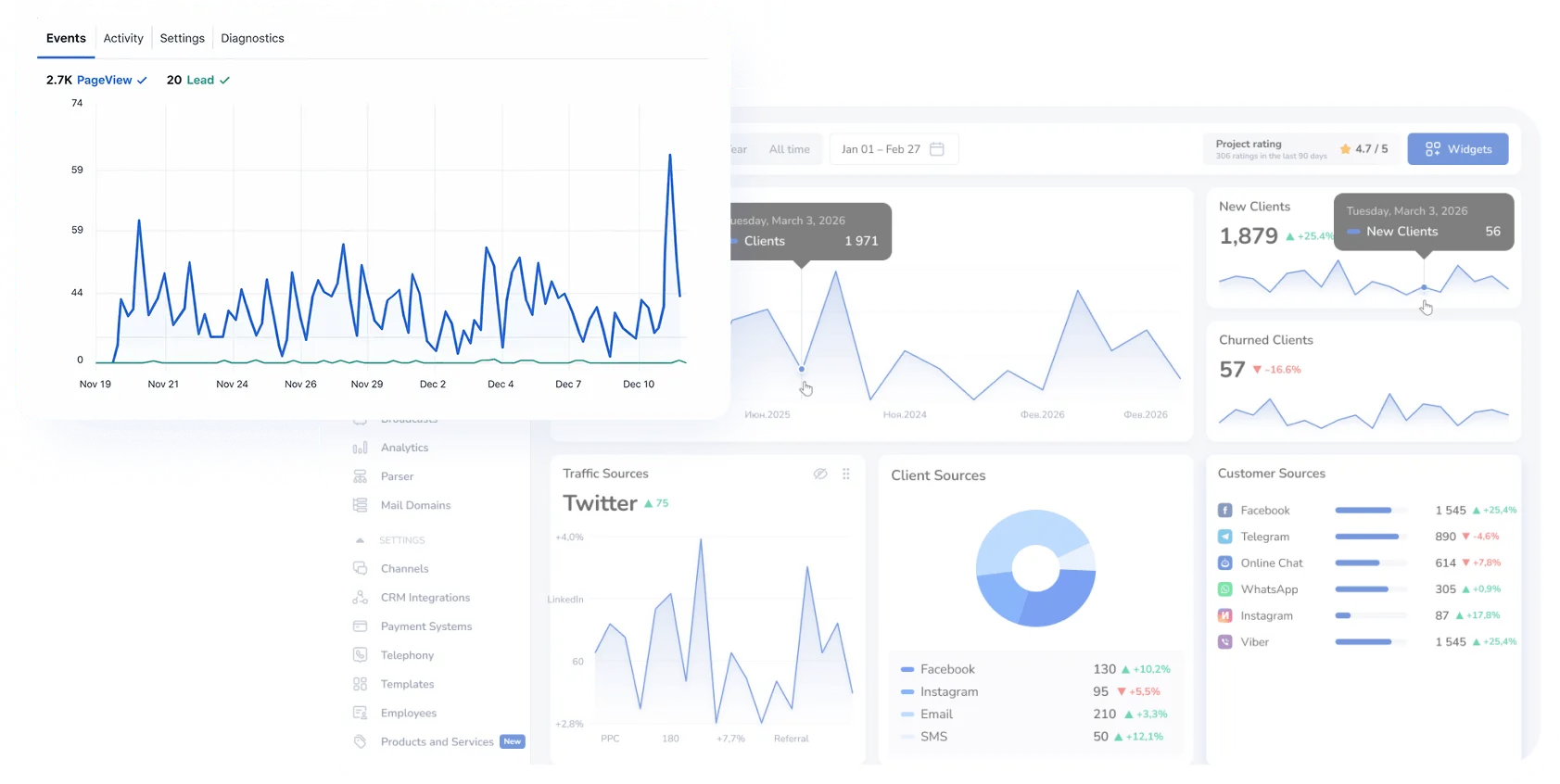
Facebook Pixel event tracking
Track user actions on your website and build high-converting retargeting audiences with Facebook Pixel.
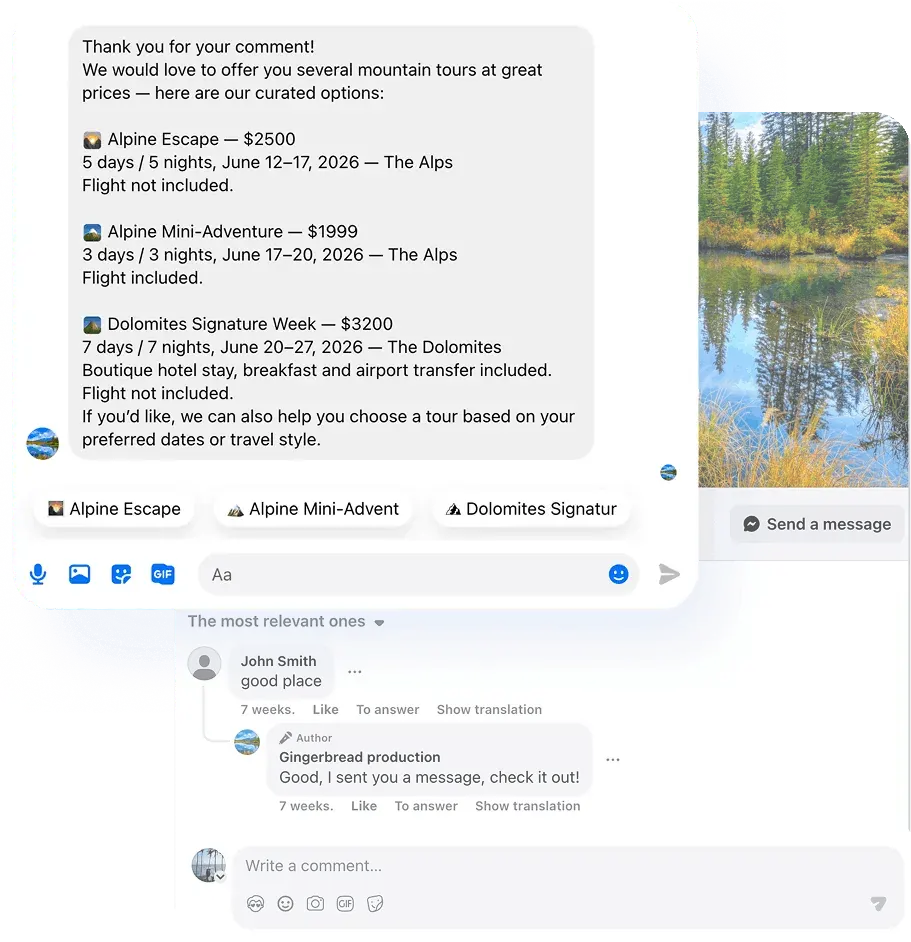
Comment-to-message lead capture
Turn post comments into private conversations and leads.
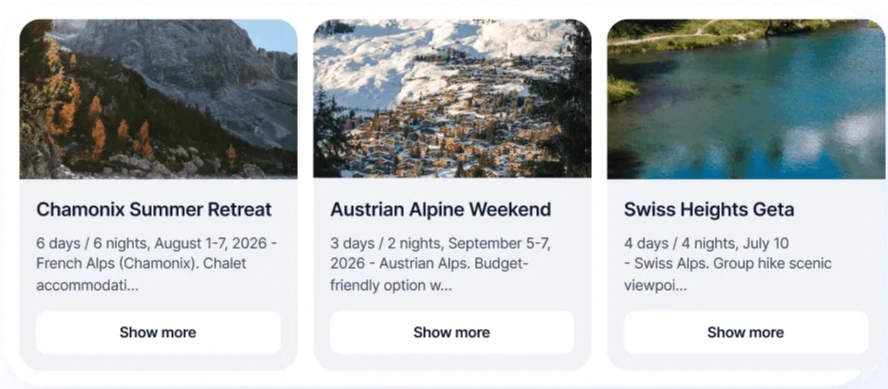
Product and Service Carousels in Messenger
Show your products or services in Messenger with interactive carousels.
Ad campaigns & follow-ups within Meta rules
Automate follow-up messages, reminders, and lead nurturing after ad interactions

CRM deal creation from Messenger chats
Automatically create CRM deals from every Messenger conversation.
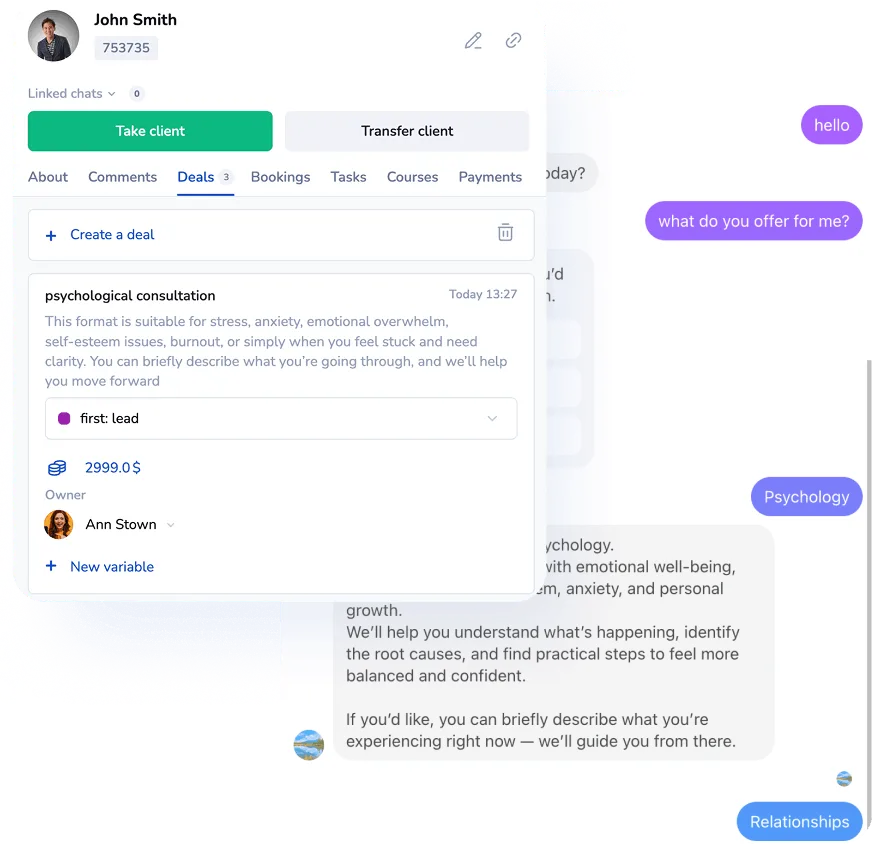
Turn your first message into a sale
Perfect for your business
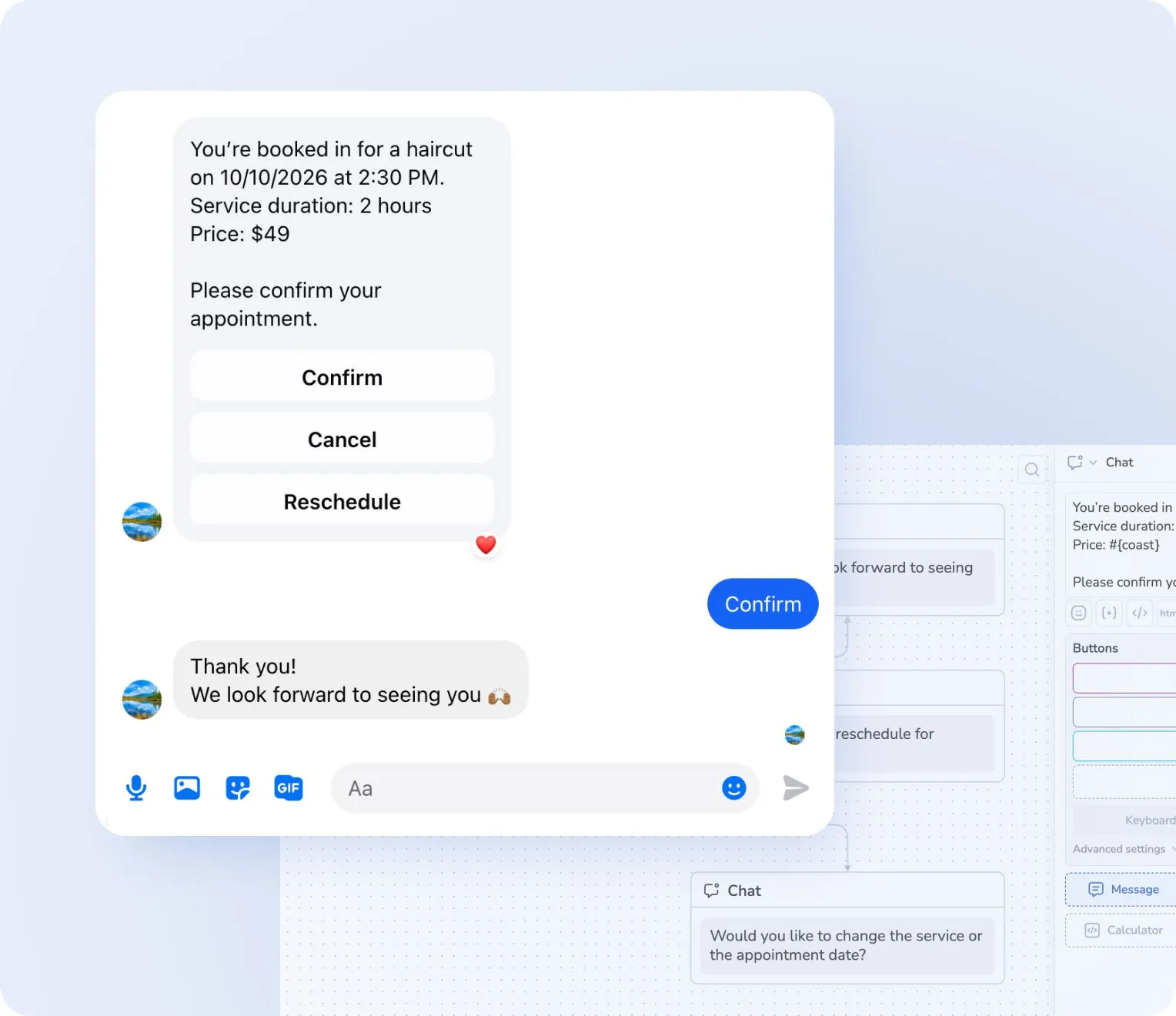
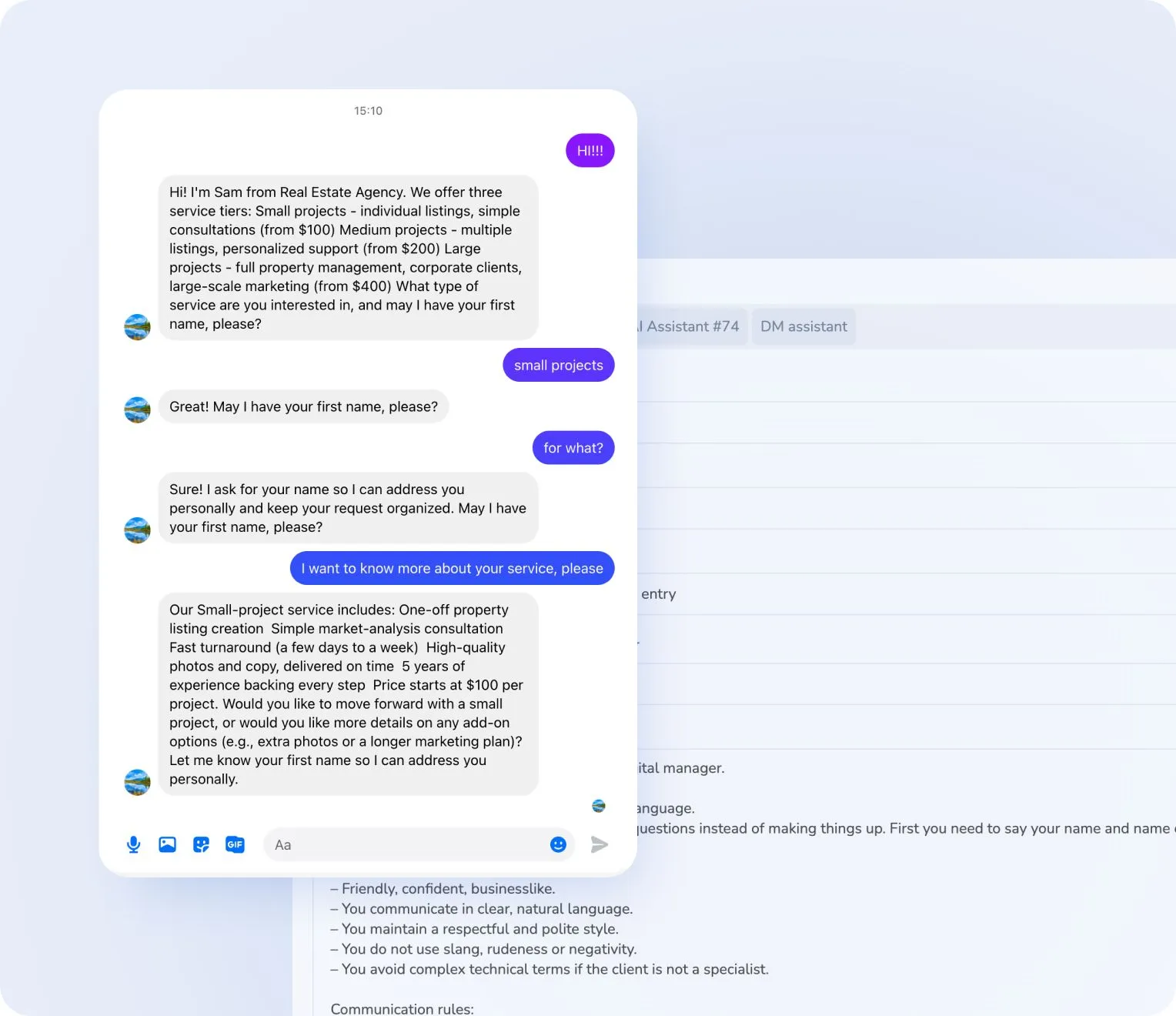
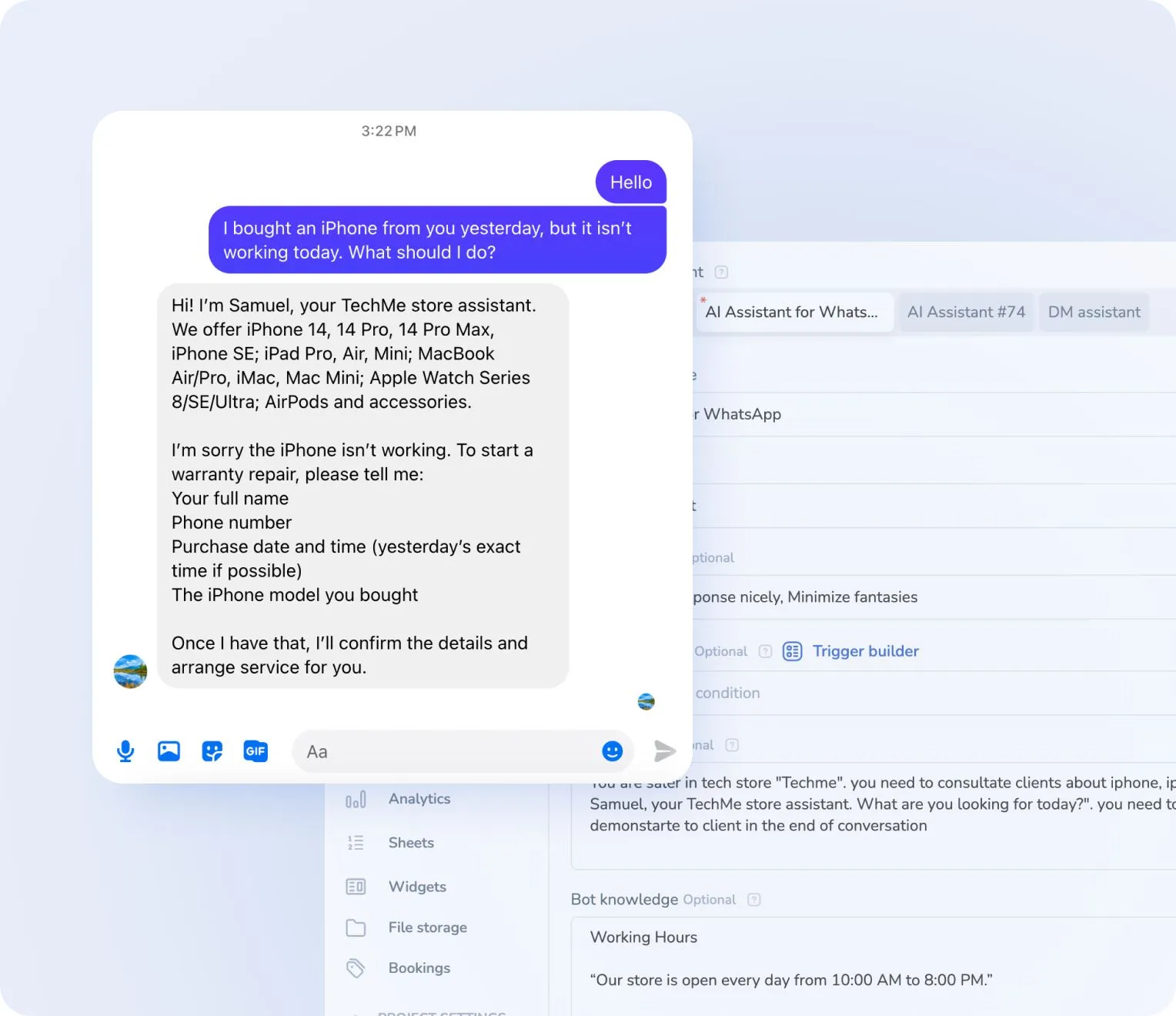
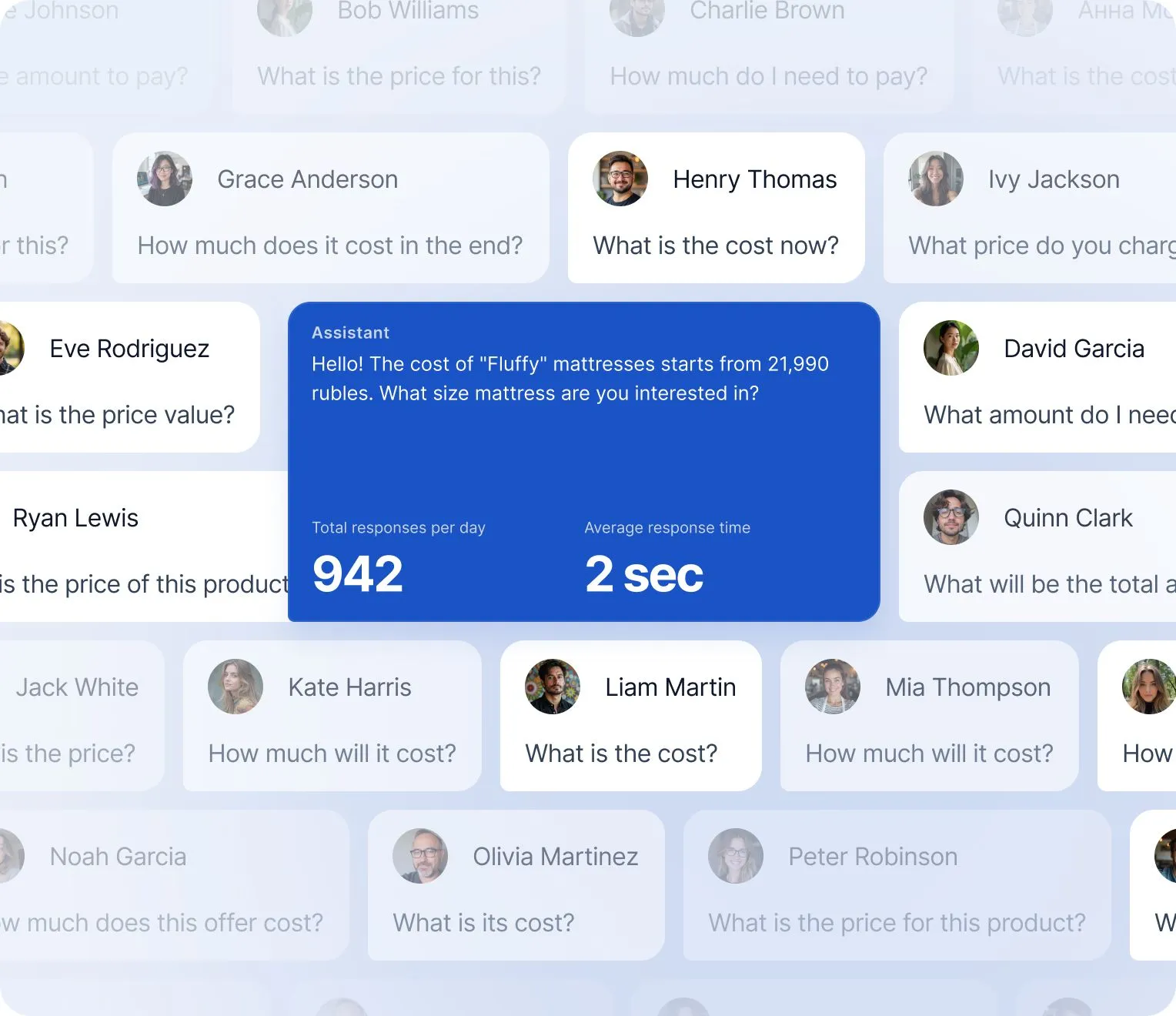


Simplify. Automate. Improve.
Why businesses trust Mavibot
Works with all messengers
Instagram, WhatsApp, Telegram, Facebook Messenger, email, website live chat — and any other channel your audience uses

Tailored approach
Customizable for any business goal without complex integrations or technical skills.
Launch without developers
You can automate Facebook DMs without any coding or technical skills
Multi-channel marketing
Grow your audience on Telegram, Instagram DMs, Discord, TikTok and Facebook using only Mavibot
End-to-end (E2E) analytics
Track sales, leads, and conversion data to optimize marketing and automate business processes
Who is Mavibot for?
We automate businesses of any size – from startups to large enterprises
Free plan. No credit card.
Step by Step
How to automate Facebook Messenger?
Create a Facebook Page
Launch your business on Facebook and connect it to Mavibot for automated Messenger chats.
#1
Set up your funnel
In the Mavibot builder, create a sequence of messages and notifications — your first sales funnel.
#2
Add your content
Upload images, files, videos, and links to make conversations with your bot more engaging and interactive.
#3
Launch your chatbot
Test your funnel workflow in Facebook Messenger. Your chatbot is now ready to launch!
#4
What People Say About Us
Mavibot customer reviews



Business owners trust Mavibot
Sasha
UI/UX Designer, Design Instructor
Julia
Business Coach
Alex
Freelance Designer




Business owners trust Mavibot
No hidden fees or additional charges
Transparent pricing that scales with you.
Mavibot Plans comparison
- Pricing
- Free
- Business
- Mavibot AI
- Team members222
- Number of daily messages5010001000
- Live chat
- Builder
- Mavibot CRM
- Website builder
- Analytics
- Courses
- Webinars
- Broadcasts
- Calculator
- Working with API requests
- Working on Google Sheets
- Payments in the chatbot
- Integrations with payment systems (except Prodamus)
- Integrations with online education platforms (Bizon365, Getcourse, Prodamus, etc.)
Free
$ 0
Get started for free — no credit card required
Features
Up to 50 messages per day
LMS platform for up to 10 students
Connect any channel
Build 1 website or online shop
Sales and payments via chatbot
Business
$ 39
/ month
For experts and online schools
Features
Everything from the Free plan
Up to 10,000 messages per day
Up to 1,000 emails per day
LMS platform for up to 1,000 students
Webinar platform
Mavibot AI
$ 59
/ month
For any business and entrepreneurs
Features
Everything from the Business plan
AI assistant for customer communication
AI-powered sales funnel generation
AI communication in 100 languages
Connect AI to any chats and channels
Additional options
+10,000 messages
per day
$ 4.90
+1,000 emails
per day
$ 9.90
+2 GB
file storage
$ 1.90
+100 students
in a project
$ 9.90
Additional channel
$ 9.90
Additional employee
$ 9.90
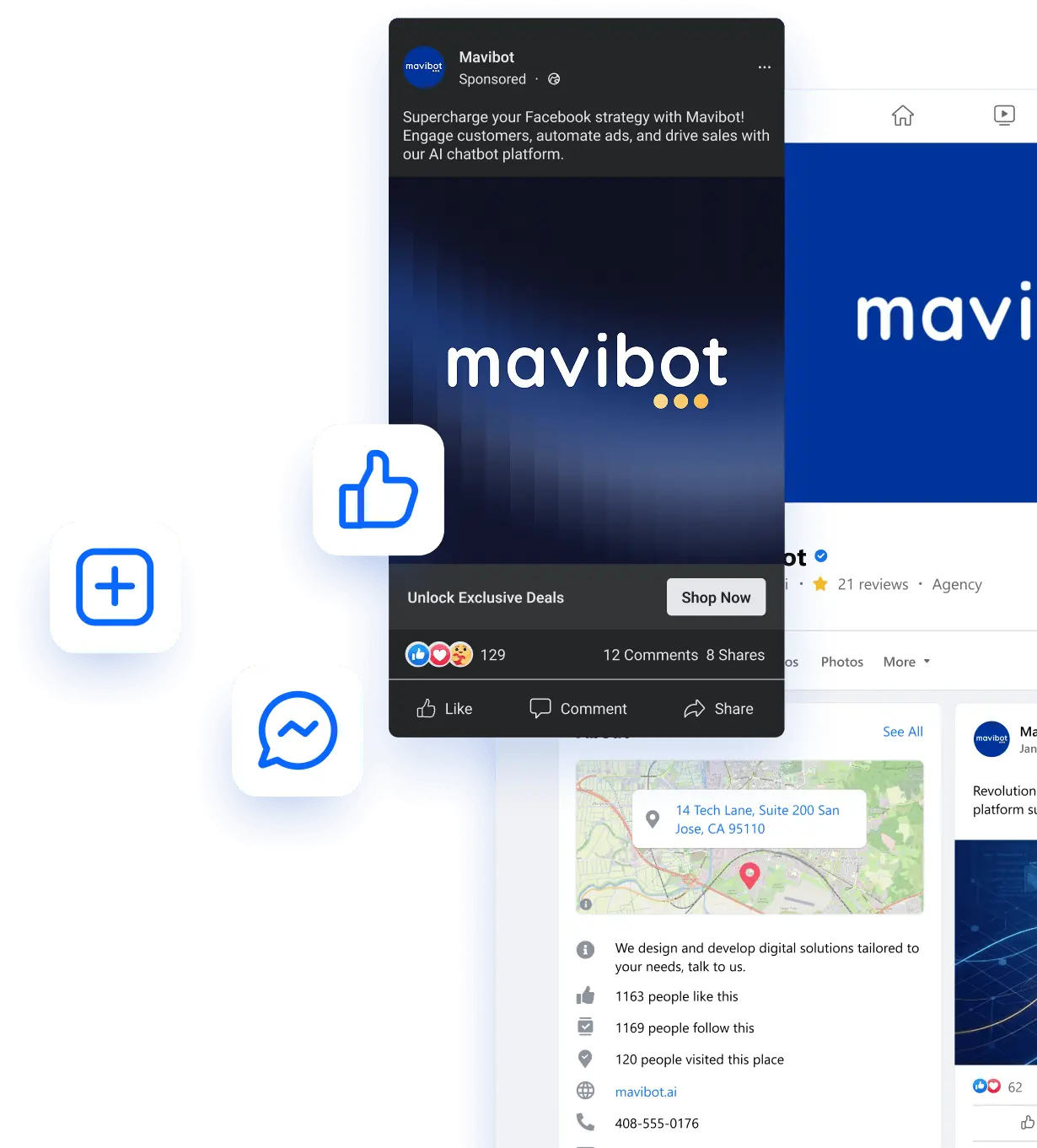
One service for all your needs.
Change the way you run
your business today
Automate messages and comments. Everything in one system. For sales and customer growth.
FAQ
Answers to your questions
How do I create a Messenger bot?
With Mavibot, you can create a Messenger bot through simple registration and set it up without coding or developers.
How do I automate messages on Messenger?
With Mavibot, you can automate Messenger messages, replies, follow-ups, and customer interactions 24/7 without handling every conversation manually.
Can I try the Messenger bot before paying?
Yes. After signing up, you get a 3-day trial on the maximum plan with full access to all features, so you can build and test your Messenger bot before paying.
How do I automate replies to Facebook comments?
With Mavibot, you can automatically reply to Facebook comments and continue conversations in Messenger, helping you respond faster and engage more potential customers.
What can a Messenger bot automate?
A Messenger bot can answer common questions, collect customer information, capture leads, send follow-ups, and guide users through predefined conversation flows.
Do I need coding skills to create a Messenger bot?
No coding is required. You can create and configure your Messenger automation in Mavibot using a visual interface and ready-to-use tools.
How can Messenger automation help my business?
Messenger automation helps you respond faster, capture more leads, automate repetitive conversations, and reduce manual work for your team.