Quick Instagram automation set up in minutes
Automatically reply to comments and DMs,
so you can engage customers without doing it all manually
Over 15,000 companies use Mavibot
Powerful Instagram automation tools
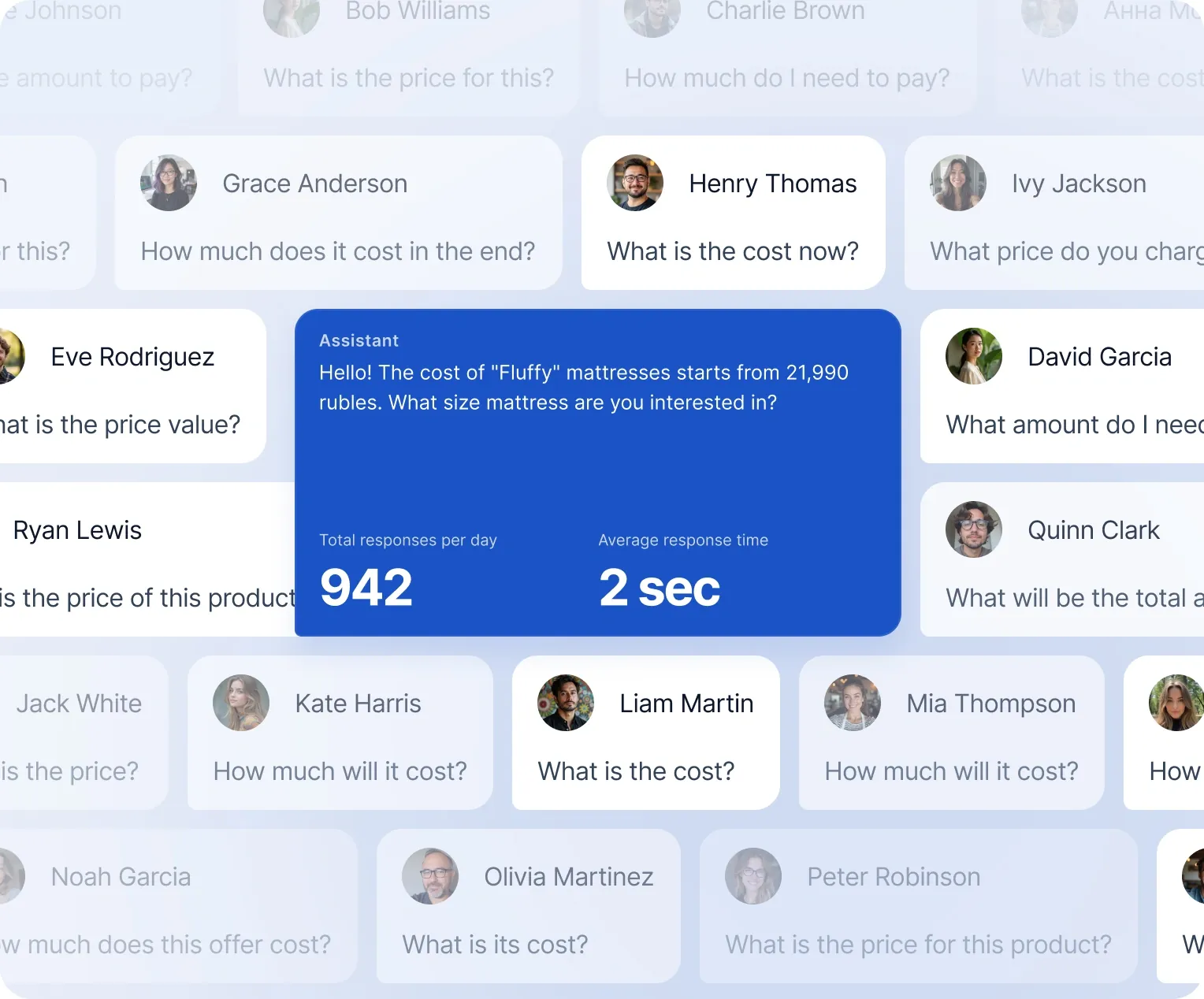
Auto-replies to messages and comments
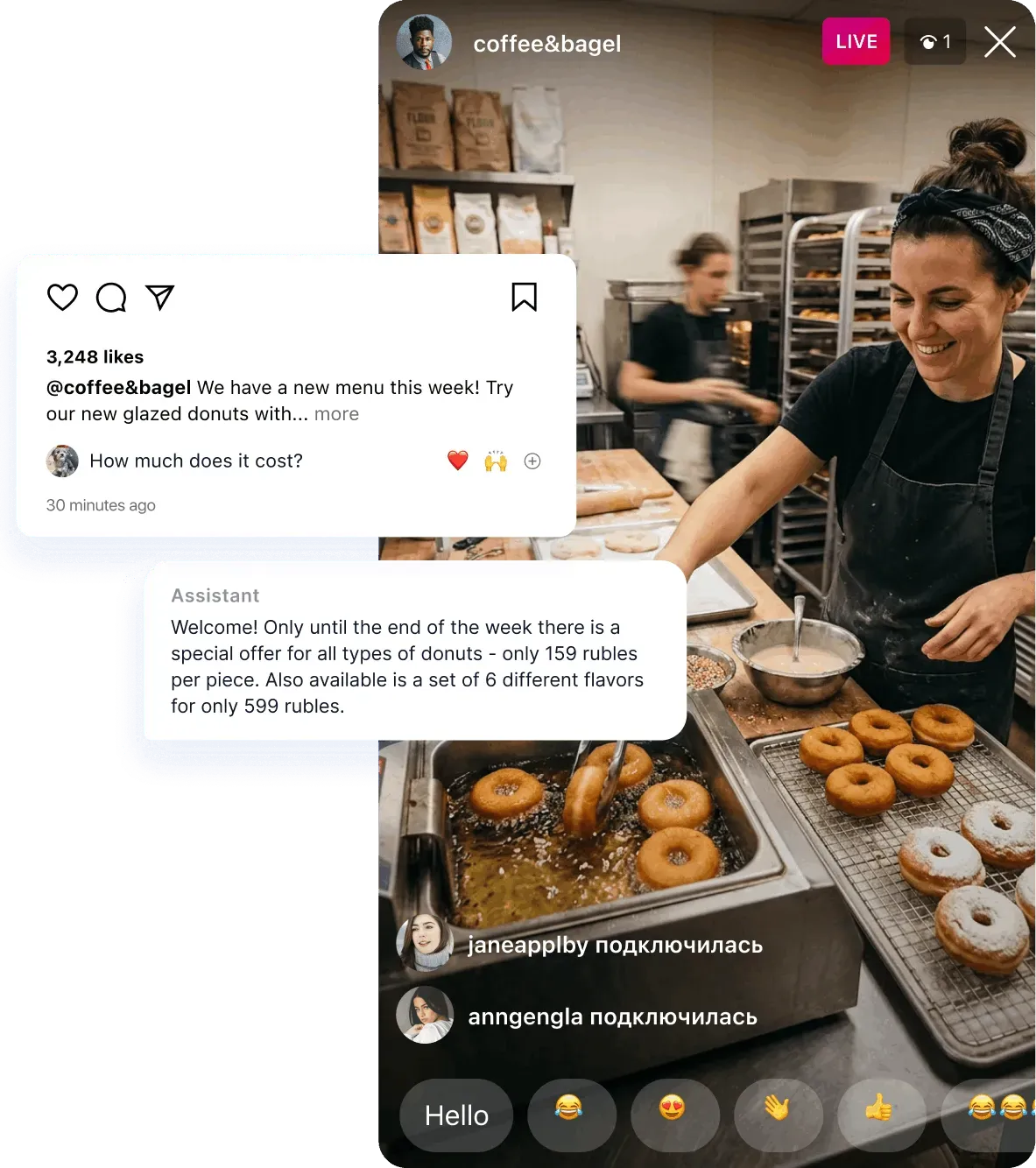
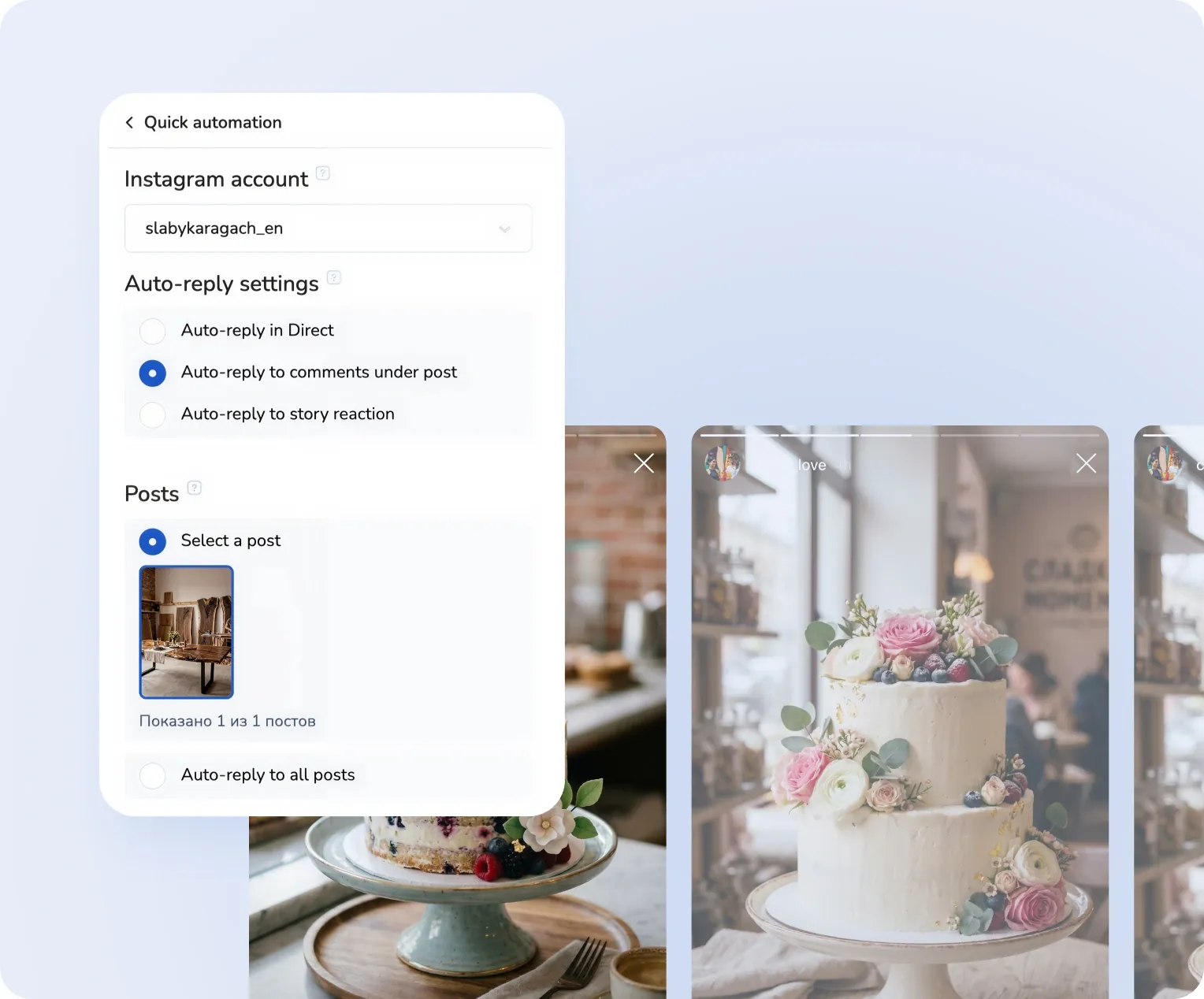
Your chatbot responds to DMs and comments under posts and Reels* on your behalf.

Start selling for any business with ease
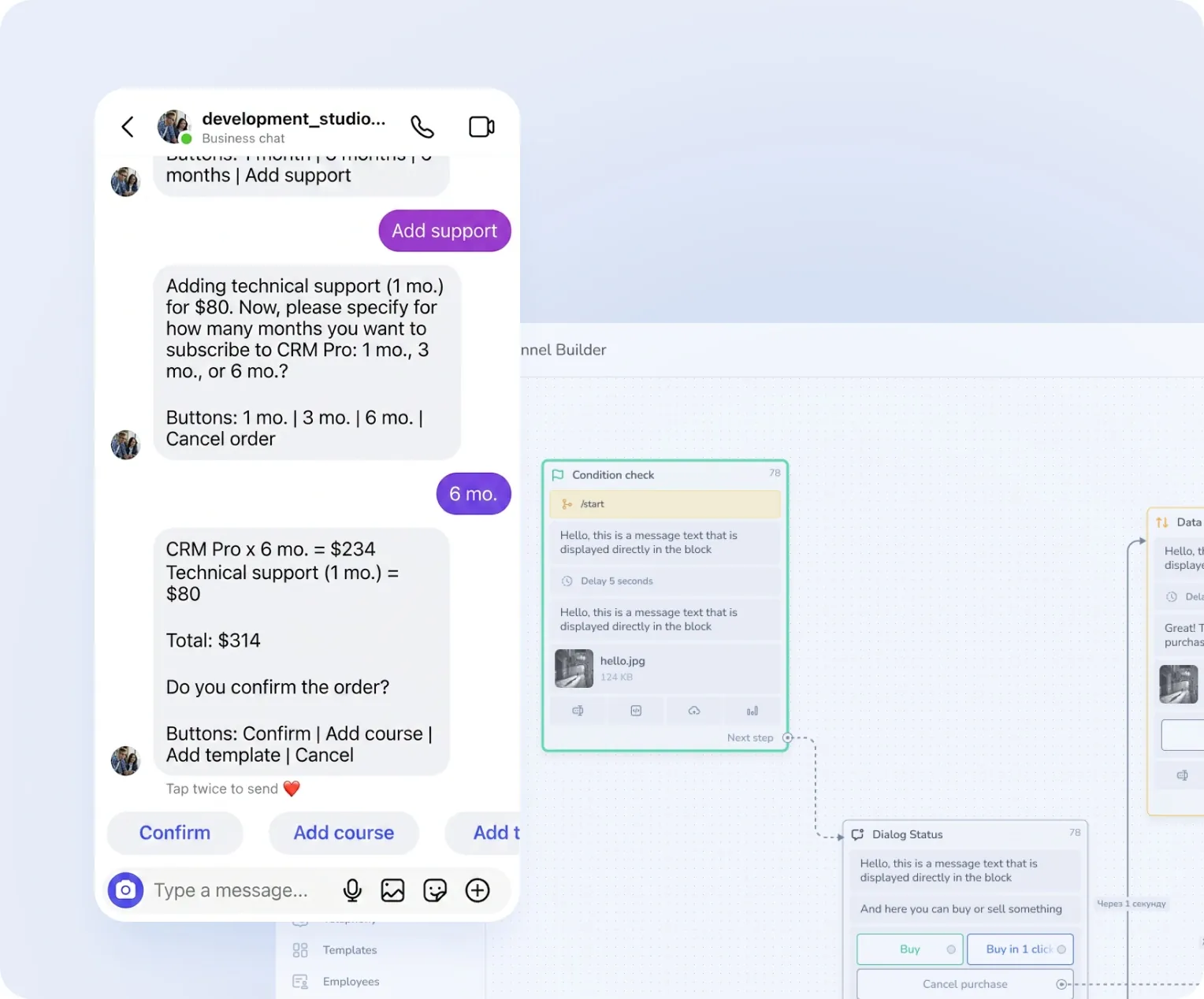
Receive payments via cards, wallets, and other methods directly in Instagram DMs

Interactive product and service carousels
Show up to 10 products or services with photos, descriptions, and clickable buttons in Instagram DMs

Turn Reels viewers into Direct Messages
Auto-DMs triggered by customer comments.

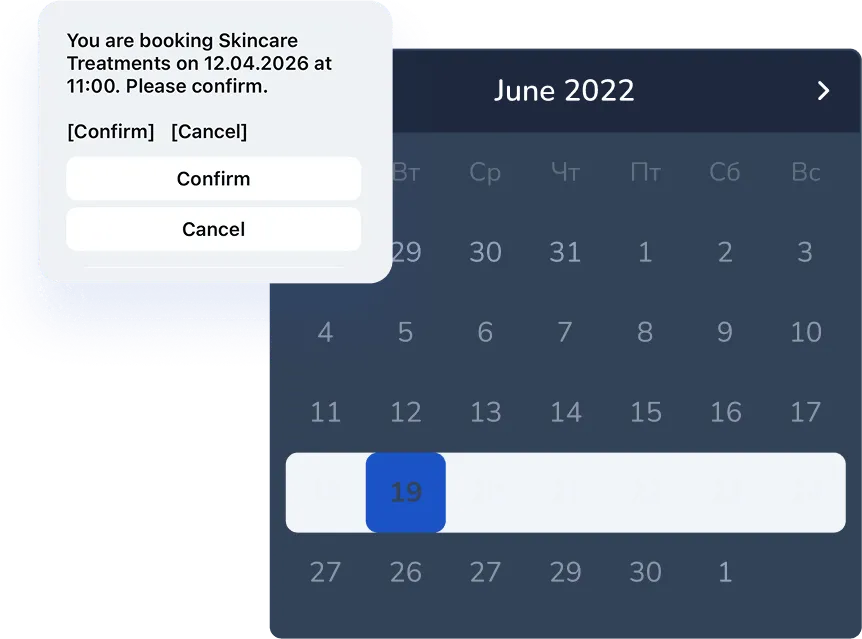
Book consultations in Instagram DMs
Let customers choose their time — no phone calls required.
Automatic subscription check
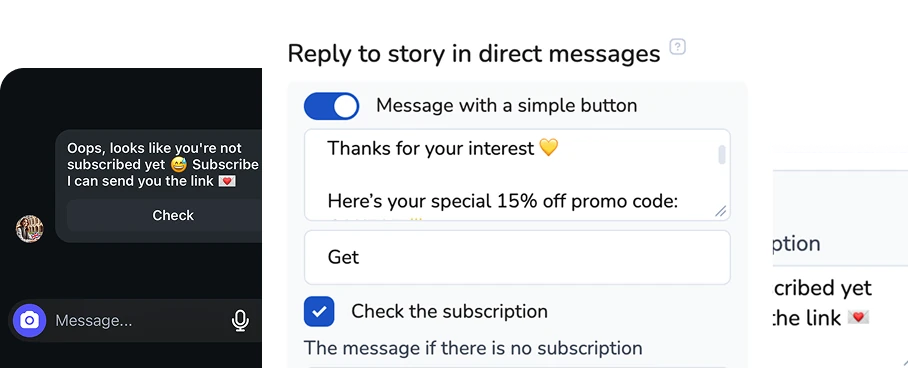
Automatic subscription checks help trigger the right workflows for your followers
Turn your first message into a sale
Perfect for your business


Simplify. Automate. Improve.
Why businesses trust Mavibot
Works with all messengers
Instagram, WhatsApp, Telegram, Facebook Messenger, email, website live chat — and any other channel your audience uses

Tailored approach
Customizable for any business goal without complex integrations or technical skills.
Launch without developers
You can automate Instagram DMs without any coding or technical skills
Multi-channel marketing
Grow your audience on Telegram, Instagram DMs, Discord, TikTok and Facebook using only Mavibot
End-to-end (E2E) analytics
Track sales, leads, and conversion data to optimize marketing and automate business processes
Who Mavibot is for?
We automate businesses of any size – from startups to large companies
Free plan. No credit card.
Step by Step
How to automate Instagram DMs & comment replies?
Connect an Instagram business account
Switch to Business in settings and connect your account to Mavibot.
#1
Add automation
Click the “Add automation” button and choose the type of auto-reply:
•For Direct messages
•For comments
•For reactions in Stories
•For Direct messages
•For comments
•For reactions in Stories
#2
Set up auto-replies
Choose when to send auto-replies:
•To any message
•Or only to specific words (for example: price, cost)
Then write the text of the auto-reply.
•To any message
•Or only to specific words (for example: price, cost)
Then write the text of the auto-reply.
#3
Test auto-replies
Send a test message in Direct or leave a comment under any post — and you're done!
Your automation is now working.
Your automation is now working.
#4
What People Say About Us
Mavibot customer reviews



Business owners trust Mavibot
Anetto
Consulting
Diana
Influencer
Alex
Freelance Chatbot Developer




Business owners trust Mavibot
No hidden fees or additional charges
Transparent pricing that scales with you.
Mavibot Plans comparison
- Pricing
- Free
- Business
- Mavibot AI
- Team members222
- Number of daily messages5010001000
- Live chat
- Builder
- Mavibot CRM
- Website builder
- Analytics
- Courses
- Webinars
- Broadcasts
- Calculator
- Working with API requests
- Working on Google Sheets
- Payments in the chatbot
- Integrations with payment systems (except Prodamus)
- Integrations with online education platforms (Bizon365, Getcourse, Prodamus, etc.)
Free
$ 0
Get started for free — no credit card required
Features
Up to 50 messages per day
LMS platform for up to 10 students
LMS platform for up to 10 students
Build 1 website or online shop
Sales and payments via chatbot
Business
$ 39
/ month
For educators and online schools
Features
Everything from the Free plan
Up to 1,000 messages per day
LMS platform for up to 1,000 students
Online education platform
Webinar platform
Mavibot AI
$ 59
/ month
For any business and companies
Features
Everything from the Business plan
AI assistant for customer communication
AI-powered sales funnel generation
AI communication in 100 languages
Connect AI to any chats and channels
Additional options
+1000 messages
per day
$ 4.90
+1000 emails
per day
$ 9.90
+2 GB
file storage
$ 1.90
+100 students
in a project
$ 9.90
Additional channel
$ 9.90
Additional employee
$ 9.90
One service for all your needs.
Change the way you run
your business today
Automated replies, leads, and funnels. Never miss a single inquiry.
FAQ
Answers to your questions
Can I try Mavibot for free?
Of course! You can test Mavibot for free:
•Three days on the maximum plan — full access to all features so you can explore everything the bot can do.
•Free plan — always available to test basic features and use the bot without time limits.
This way, you can choose the most convenient format to explore Mavibot’s capabilities.
•Three days on the maximum plan — full access to all features so you can explore everything the bot can do.
•Free plan — always available to test basic features and use the bot without time limits.
This way, you can choose the most convenient format to explore Mavibot’s capabilities.
How can I create a bot with subscription checking?
To check a client’s subscription (from comments, DMs, or story reactions), simply enable the “Check subscription” option in automation settings.
Can I connect the bot to a CRM?
With Mavibot, you can create deals in CRM without complex integrations — just enable “Send leads to the first stage of the funnel.” When a customer messages you, a deal with their data will automatically be created in CRM.
How do I connect an AI agent to Instagram?
Connect your Instagram business account to Mavibot. Then set up commands for the AI agent, upload knowledge about your company and services, and choose its role (e.g., sales manager). After that, the AI agent will respond to messages in Direct*.
How do I set up an auto-reply for a keyword on Instagram?
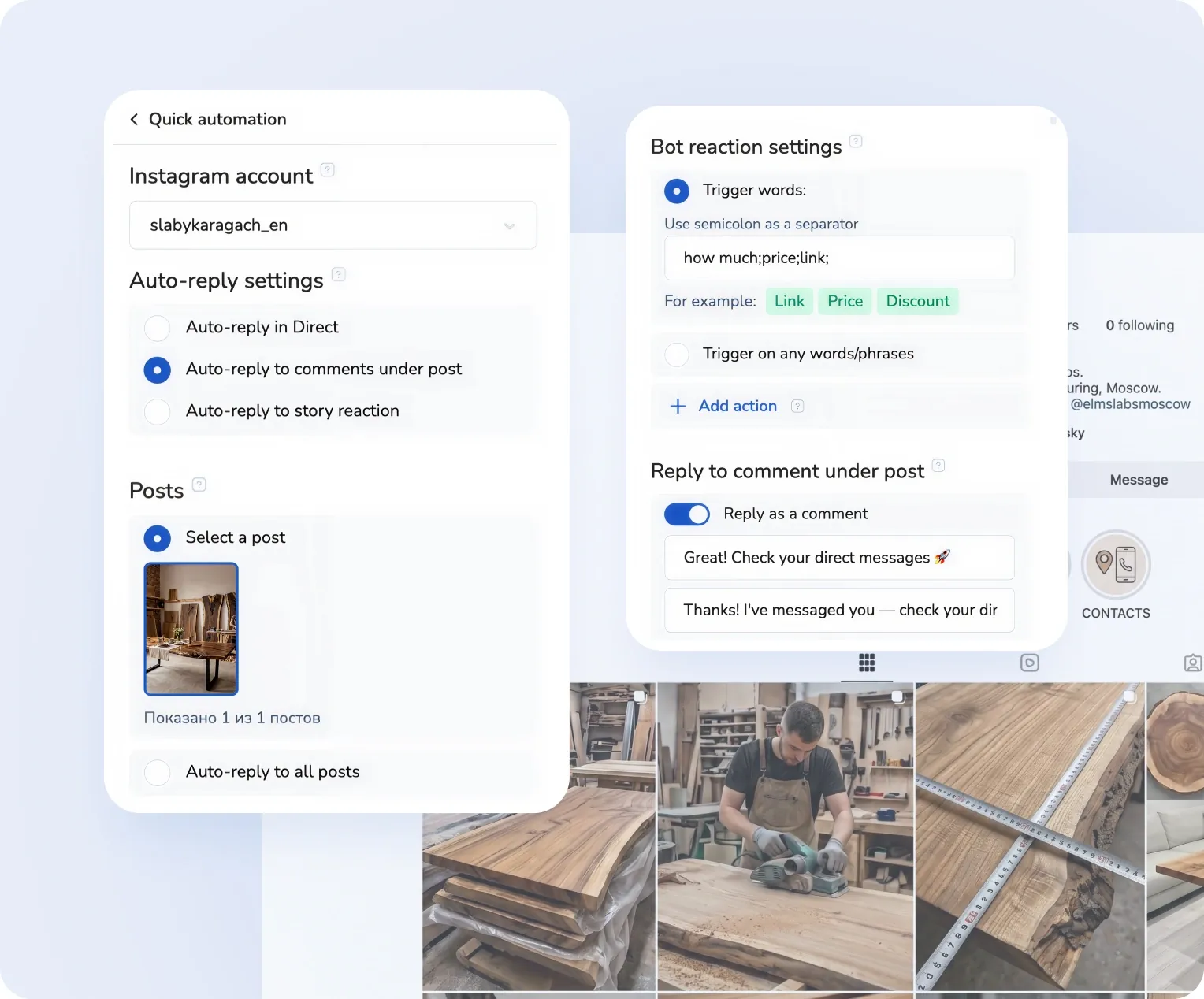
In Mavibot, you can automate keyword-based triggers: when a user writes a specific word in a comment or direct message, the bot instantly launches a predefined scenario. This is commonly used to deliver lead magnets, discounts, and materials through Reels and posts.
Can I automatically reply to Instagram comments?
Yes,Mavibot can react to comments under posts and Reels: the bot can automatically reply in the comments and also send a direct message with a specific text, link, or offer. This helps increase reach and move users into a private conversation.
Can I move clients from Instagram to Telegram through a bot?
Yes, you can add a step in the bot flow with a button or link to a Telegram bot. This allows you to transfer your audience from Instagram to your own channel, independent of platform algorithms, and build long-term communication with subscribers.
How do I collect leads from Instagram through a bot?
In Mavibot, you can set up a flow where a user from a comment or direct message enters a funnel, answers questions, and submits a request. All data is automatically saved and sent to the CRM.
How can I increase sales using an Instagram bot?
Sales increase through automated funnels: fast replies, audience nurturing, targeted offers, and integrated payments. In Mavibot, you can build a full journey from the first interaction to purchase without a manager.
Can I run automated funnels on Instagram through comments?
Yes,Mavibot allows you to trigger funnels from comments: when a user comments on a post or Reel, the bot automatically sends them a direct message with a follow-up scenario.
How do I convert Instagram followers into customers?
In Mavibot, you can build a full interaction chain: comment or message → direct conversation → qualification → offer → payment. This allows you to systematically convert followers into customers without manual handling.
Can an Instagram bot be integrated with a CRM?
Yes,Mavibot integrates with CRM systems and automatically transfers all Instagram leads: contacts, conversations, and deal statuses. This allows you to manage customers in one system without losing inquiries.